





Reporting
Online Dental Practice Reporting Software
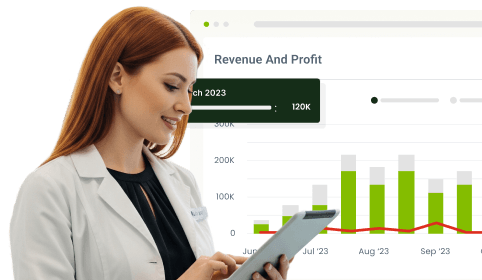
Knowing how your business is doing is almost as crucial as running its day-to-day operations. Understanding your practice's growth, production, and profitability becomes easy when you can monitor success and progress toward goals. And having robust reporting features in your practice management software is highly beneficial, so you don't have to rely on external data analysis or deal with costly third-party add-on software.
With CareStack's Operational Reports, sort and view detailed data for your entire organization, region, or single office. Quick access to reliable data, broken down into easy-to-understand reports that cover every corner of practice performance, from financial health to appointment activity, insurance tracking, and staff productivity. And the abundant options allow you to filter reports by provider, by user, or by any combination, the options are almost endless.
Whether you're tracking the health of a single office or rolling up performance across an entire DSO, CareStack's reporting library gives you the structured, repeatable outputs you need to keep your practice running on facts, not guesses.
For the ultimate dental software, choose the solution that’s scalable for growing dental start-ups or large multi-site practices and still affordable for single-location dental practices. Choose CareStack!
Key Benefits
Why Practices Love CareStack's Reporting
Quick access to reliable data in easy-to-understand reports.
Track data across multiple locations and multiple providers.
Operational reports to track the health and well-being of the office.
Insurance, financial, and production reports are built directly into the PMS.
Integrated controls inside the software to limit visibility by user type to certain reports.
Set yearly production plans and track monthly results against goals.
Main Highlights
Reporting for Modern Dental Practice Networks
Numerous Reporting Categories
- Financial-Based Reports
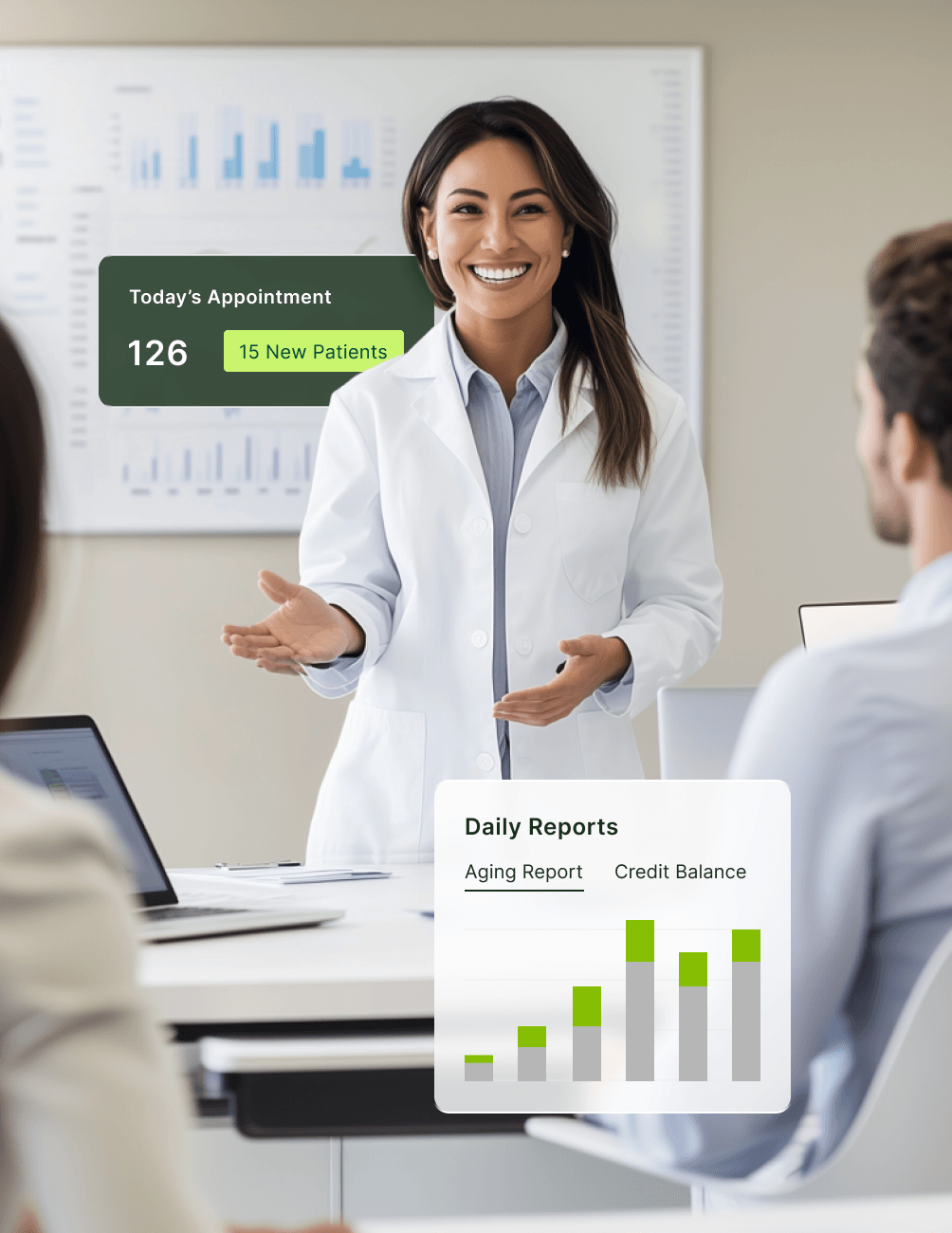
Monitor important items related to your financial health via the Aging and Credit Balances Reports.
- Production-Based Reports
Review performance via Daily Production Numbers (Income Allocation) and End of Day Report.
- Appointment-Based Reports
Easily monitor relevant activities with Appointments by Users and New Patient Reports.
Discover In-Depth Metrics
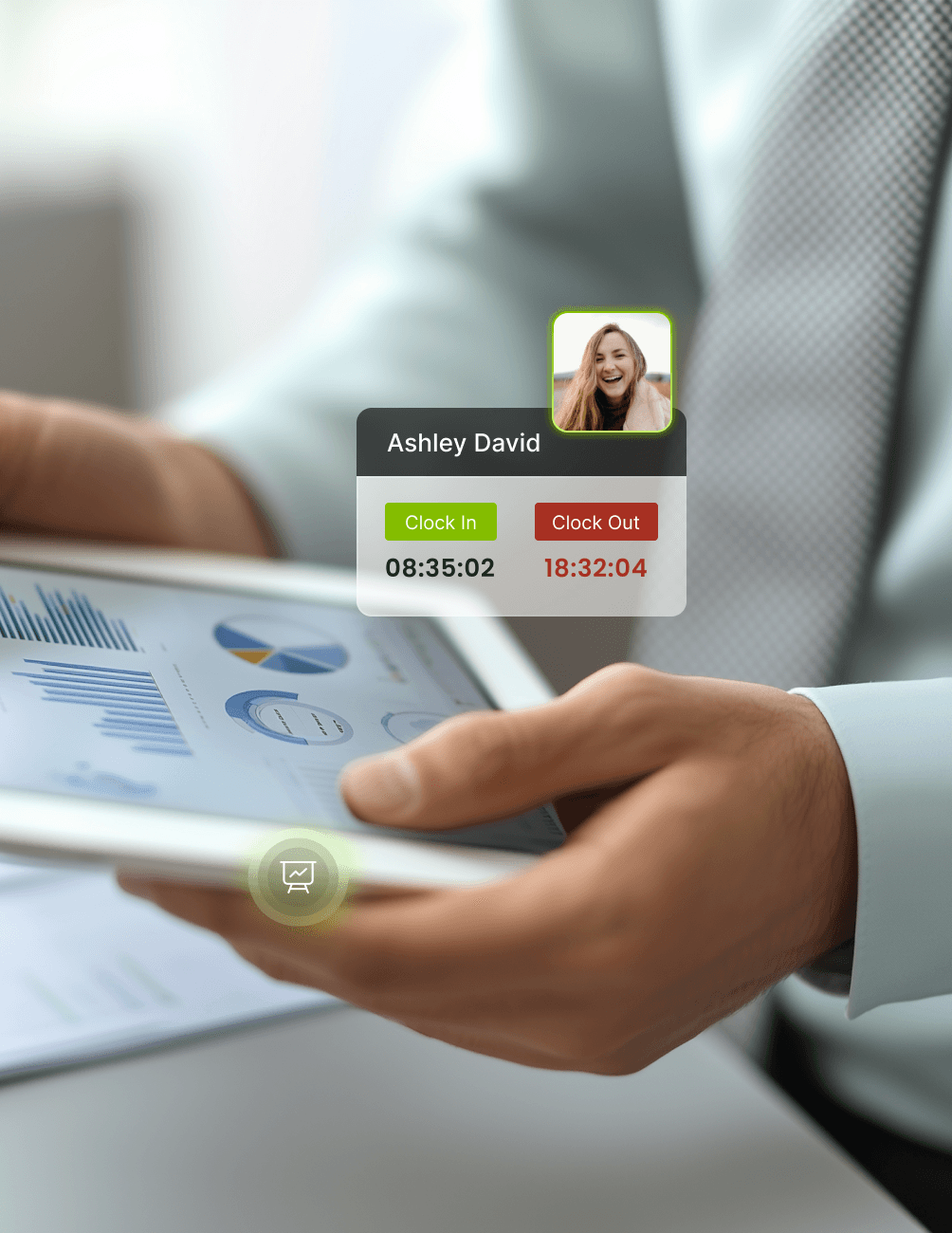
- Clock In/Clock Out Report
Help prevent costly overtime by quickly viewing all hours worked by all team members using the time clock feature.
- Insurance Pending Procedures Report
Avoid missing timely filing deadlines by identifying overlooked items to send to insurance.
- Insurance Plans Report
A fantastic report to quantify how many patients use which specific plans and determine whether it's time to drop a carrier.
Easy-to-Use Goal Setting
- Intuitive Goal Creation
Build a yearly production plan, track monthly results to ensure targets are met, and identify when action is needed.
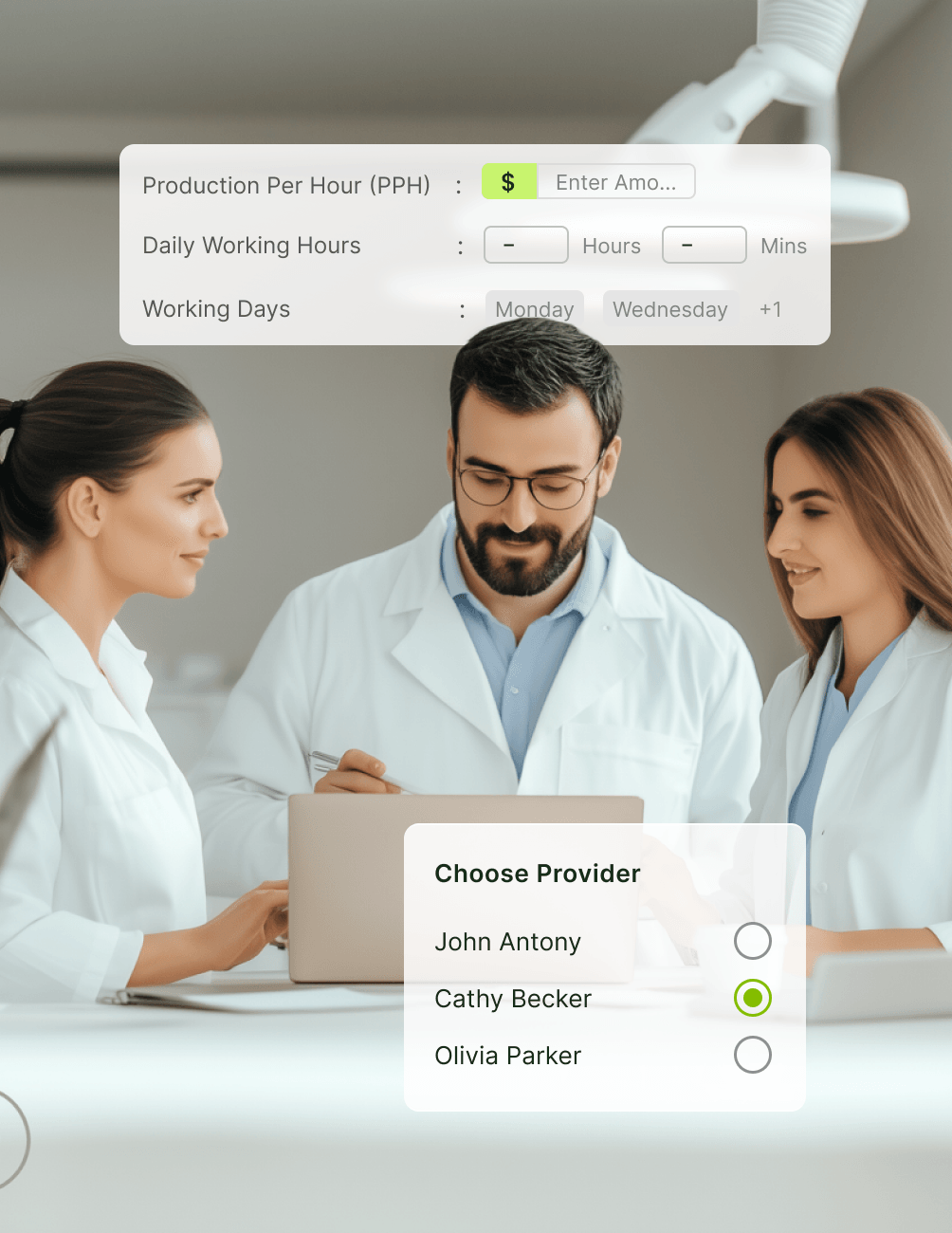
- Goals By Provider or Location
Assign goals to all providers, or make them provider-specific. And for multiple offices, set goals by location.
- Set Working Days or Hours
Adjust working days and hours assigned in the month to accommodate the ideal production activities needed to achieve goals.
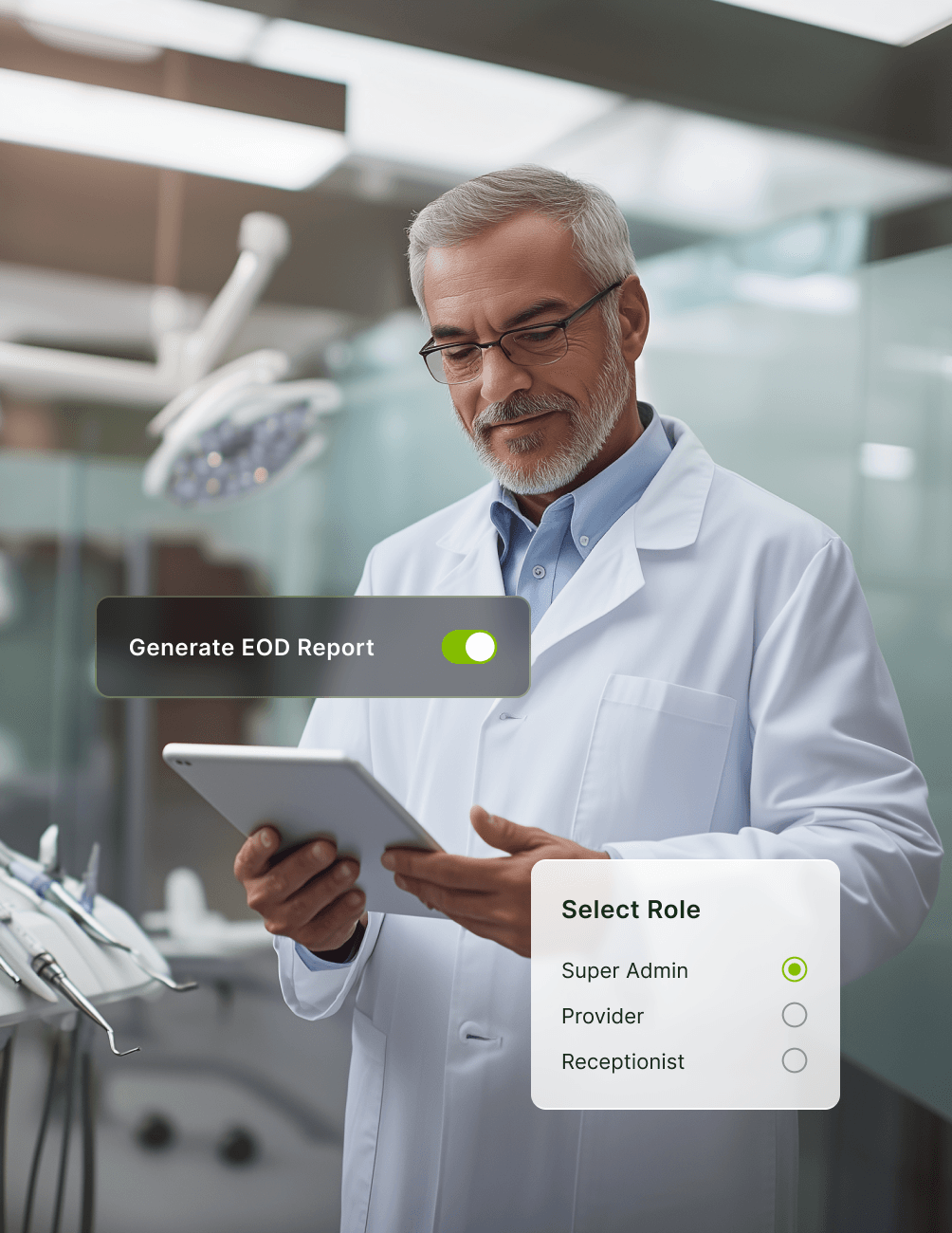
Permissions-Based Reporting Access
- Hide All Reports
When team members don't require access, disable this portion of the software to increase efficiency and reduce time spent when it's not needed.
- Partial Access
Hide reports on an individual basis, removing irrelevant reports from different employees and positions.
- Full Access
Any employee can be assigned Super Admin status, granting access to all reports.
Multi-Location Reporting
- Organization-Wide Views
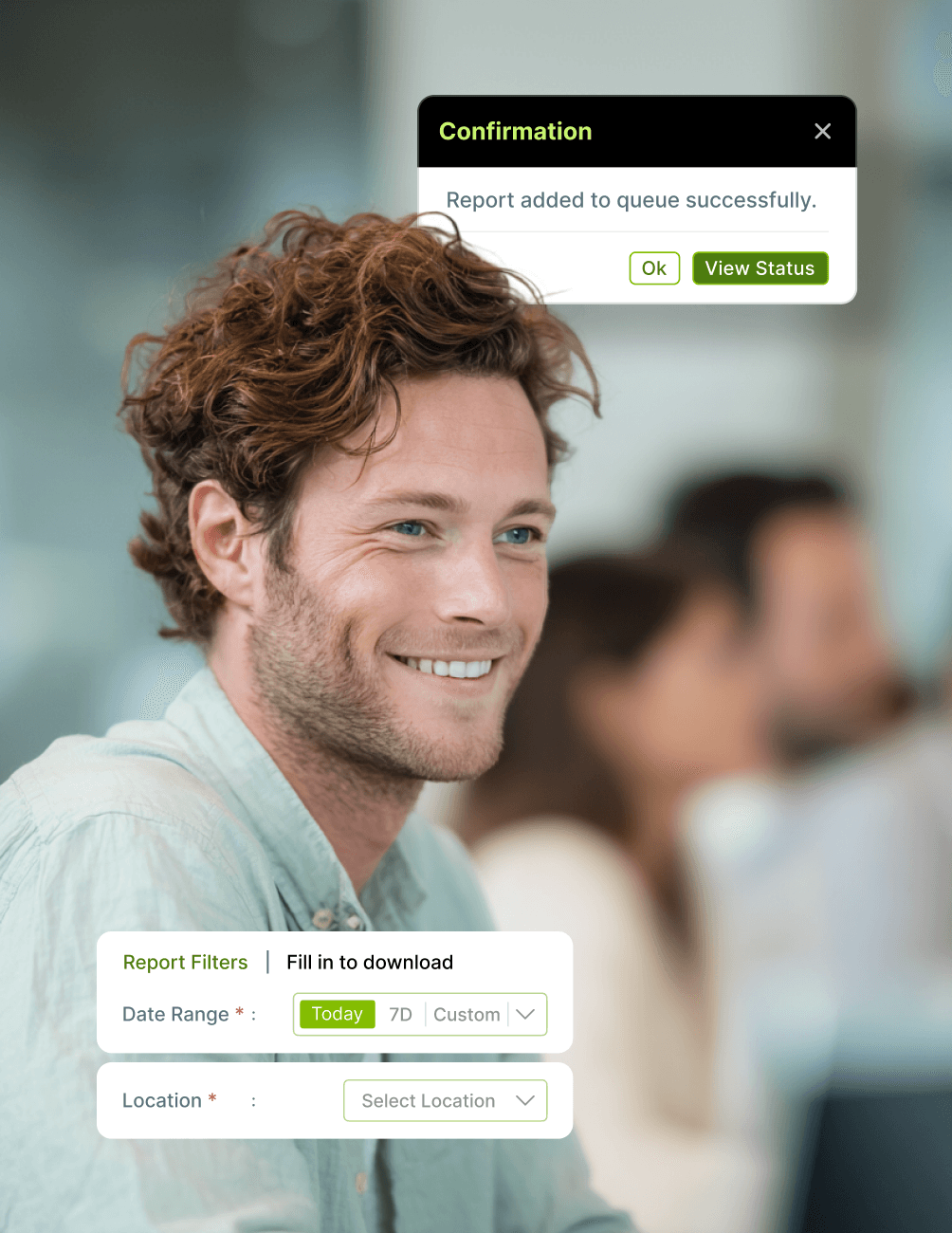
Sort and view detailed data for your entire organization, region, or single office.
- Provider-Level Filtering
Filter reports by provider, by individual user, or by any combination that helps you understand performance.
- Consistent Across Sites
Apply the same reporting structure across every office in your group, with roll-up views that aggregate performance by region or across the whole DSO.
FAQ
Why CareStack Is the Best Dental Practice Management Software
CareStack Reporting is the built-in operational reporting library that helps dental practices monitor financial health, production performance, appointment activity, insurance tracking, staff productivity, and progress toward goals. Every report is generated from live PMS data, with no need for outside data analysis or third-party add-on software.
CareStack Reporting covers multiple categories, including Financial-Based Reports (Aging, Credit Balances), Production-Based Reports (Daily Production Numbers, End of Day Report), Appointment-Based Reports (Appointments by Users, New Patient Reports), Insurance Reports (Pending Procedures, Insurance Plans), and Operational Reports (Clock In/Clock Out, time tracking).
Yes. CareStack lets you filter reports by provider, individual user, location, or any combination. For multi-location practices, you can sort and view detailed data for your entire organization, a specific region, or a single office.
CareStack lets you build a yearly production plan and track monthly results to ensure targets are met. Goals can be assigned to all providers or made provider-specific, and you can set goals by location for multi-office practices. You can also adjust working days and hours per month to accommodate the production activities needed to achieve targets.
Yes. CareStack provides permissions-based reporting access. You can hide all reports for team members who don't require access, hide reports on an individual basis to remove irrelevant ones from specific positions, or grant Super Admin status to provide full access to all reports.
The Insurance Plans Report quantifies how many patients utilize each specific plan, helping you analyze carrier performance and make informed decisions about which plans to keep and which to drop based on patient volume and profitability.
Yes. CareStack Reporting is designed for single-office practices, multi-location groups, and large DSOs alike. Multi-location features include organization-wide rollup views, region-level segmentation, single-office filtering, and consistent reporting structure across every site in your group.
support@carestack.com

Trusted by 3000+ Dental Practices
CareStack’s cloud dental software provides efficient practice management, world-class support, and modern tools and technology.










RELATED FEATURES
Everything You Need. All in One Place.
Why the Smartest Dentists are Switching to CareStack
CareStack's software is cost-effective and efficient, helping organizations of all sizes streamline operations and reduce costs while also helping to provide outstanding care.
CEO, Plum Dental Group