




Custom Reporting
Online Custom Dental Reporting Software
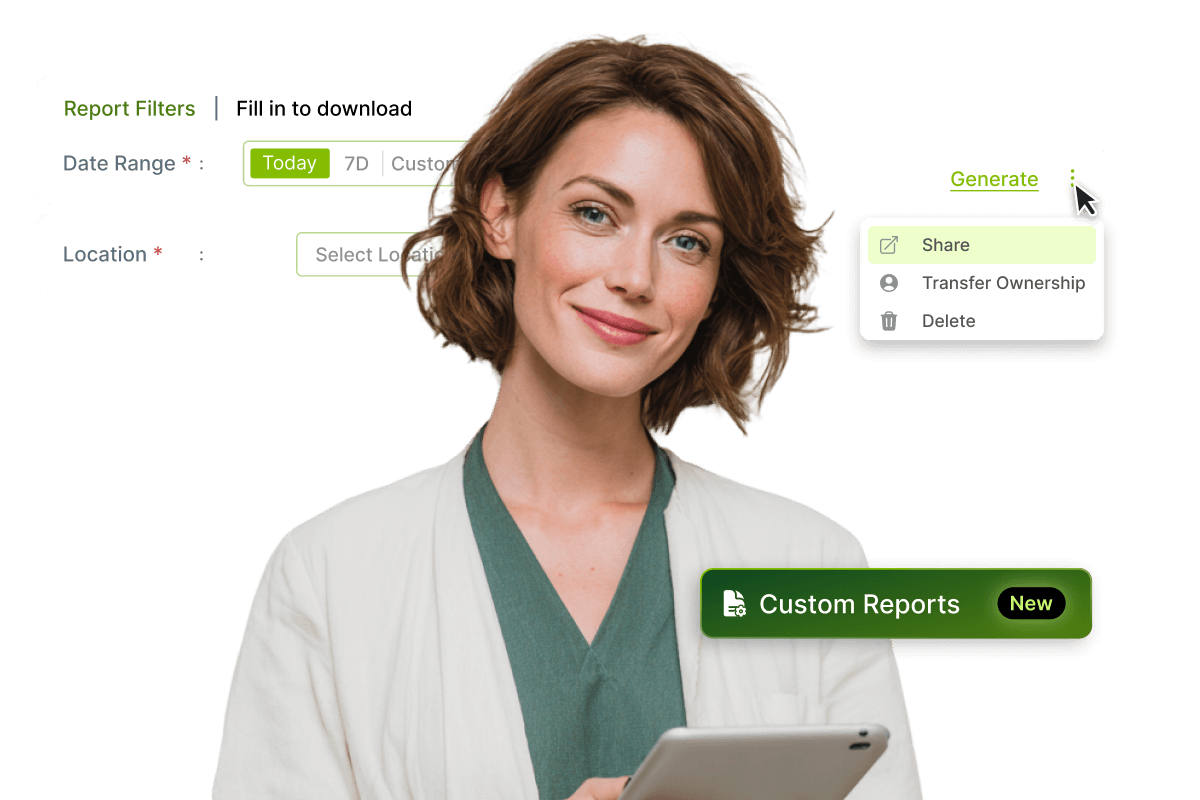
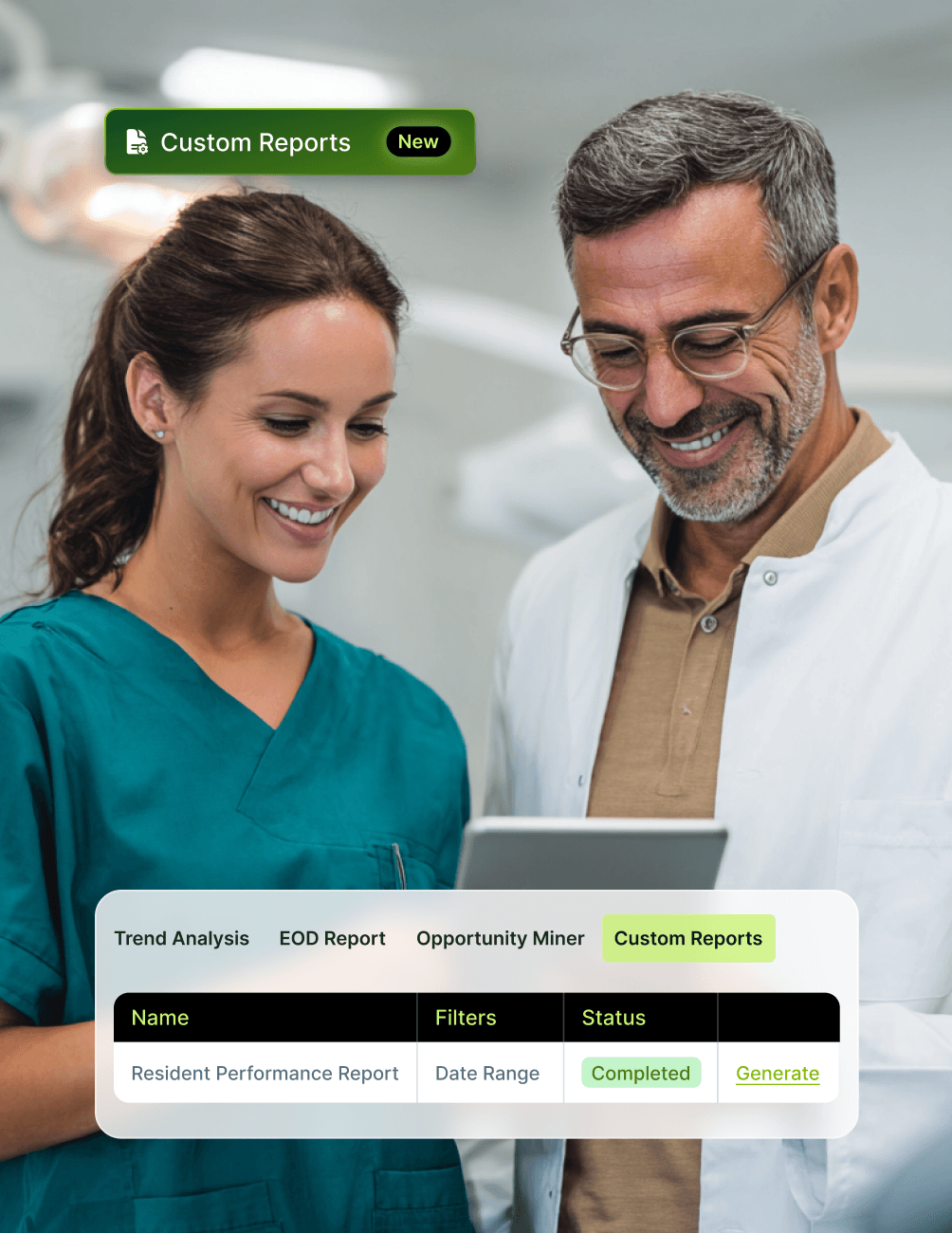
Most dental practices can run on standard reports. But when your operations don't fit a template, when your group has unique financial groupings, multi-location structures, NHS and private hybrid logic, or reporting needs that no off-the-shelf report quite covers, you need something more flexible. CareStack Custom Reporting solves exactly that. It's a request-based reporting extension that lets practices commission bespoke reports tailored to their specific operational reality, built from validated PMS data, and delivered ready to run inside CareStack.
Custom Reporting complements the rest of CareStack's reporting suite. Operational Reports cover the predefined library that every practice needs. Practice Analytics powers exploratory dashboards with drill-down KPIs. Scorecards standardise reusable metric definitions. Custom Reporting steps in when none of those quite fit, giving you a controlled, support-assisted pathway to create the exact report your practice actually needs.
The process is structured and collaborative. You identify a reporting requirement that isn't met by existing reports, raise the request with the CareStack support team, and we work with you to validate whether the requirement can be met using your PMS data. Once confirmed, our team defines the report structure, configures the logic, and delivers a report that lives inside CareStack, ready to be run, filtered, and reused as often as you need.
For the ultimate dental software, choose the solution that’s scalable for growing dental start-ups or large multi-site practices and still affordable for single-location dental practices. Choose CareStack!
Key Benefits
Why Practices Love CareStack's Custom Reporting
Commission bespoke reports tailored to your practice's exact operational, financial, NHS, or private reporting needs.
Reports are built around validated PMS data, ensuring outputs are always accurate and operationally relevant.
Support-led delivery model, with the CareStack team handling feasibility validation, design, and configuration.
Once delivered, custom reports can be run repeatedly with adjustable filters, requiring no reconfiguration.
Reporting logic remains consistent across every execution, supporting repeatable, reliable reporting cadences.
Complements Operational Reports, Practice Analytics, and Scorecards as part of CareStack's full reporting suite.
Main Highlights
Custom Reporting for Modern Dental Practice Networks

Reporting on Your Terms
- Non-Standard Data Groupings
Build reports that group your data in ways the standard report library doesn't, supporting unique practice structures.
- Bespoke Financial Breakdowns
Configure financial reporting around your specific revenue streams, cost centres, or partnership arrangements.
- Customised Operational Views
Create views tailored to your practice's daily operations, whether that's NHS workflow tracking, private treatment performance, or multi-location coordination.
- Practice-Specific Reporting Structures
Design reports around your group's reporting hierarchy, whether by location, region, clinical team, or business unit.
Request-Based Report Creation
- User-Driven Requests
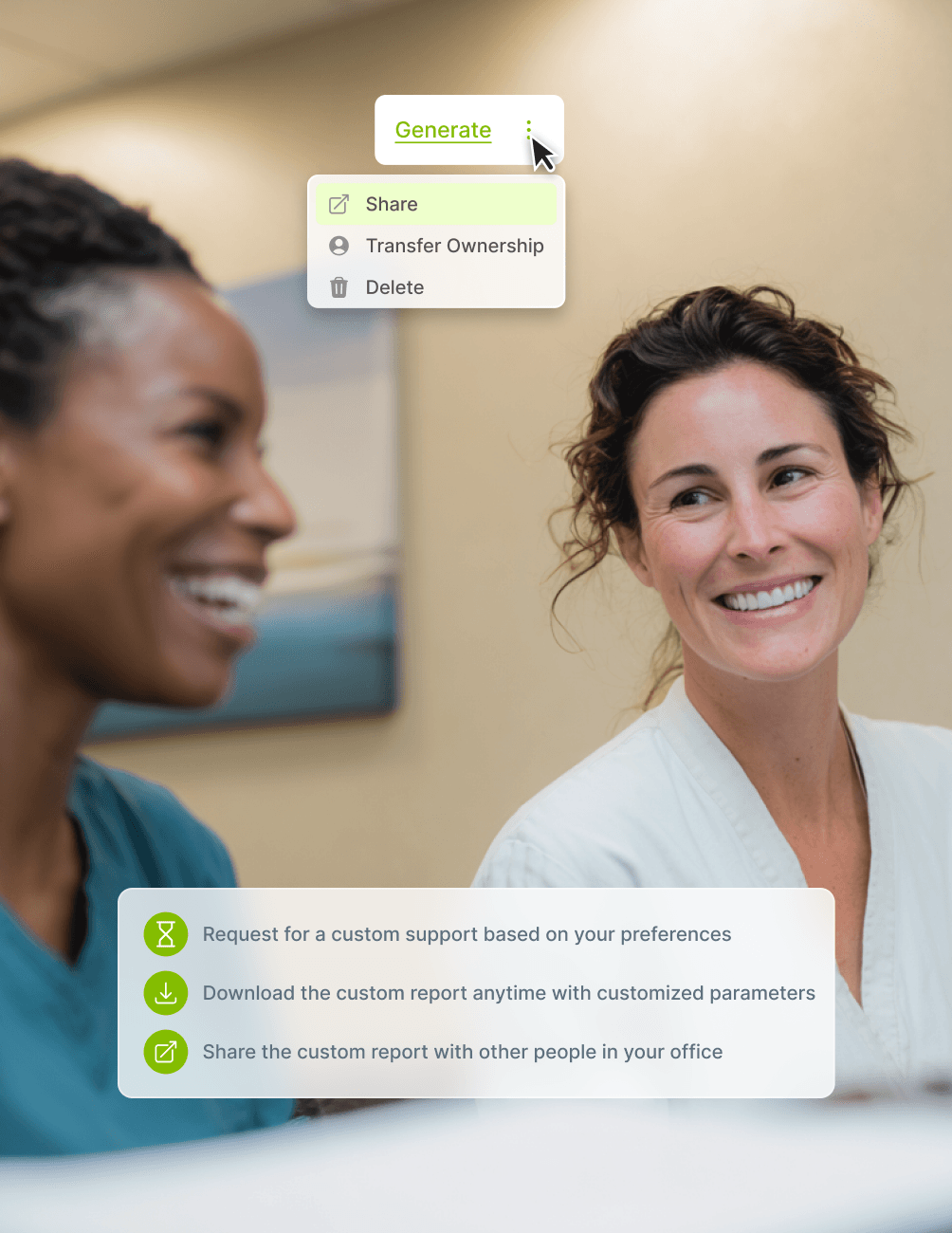
Raise a request whenever you spot a reporting need that Operational Reports, Practice Analytics, or Scorecards don't cover.
- Support-Led Brief Capture
Share the requirement with the CareStack support team, including as much context as you can provide on the data and structure you need.
- PMS Data Validation
Every requirement is validated against available PMS data, ensuring custom reports are always built on accurate, system-grounded information.
- Collaborative Report Design
The CareStack team partners with your practice to define the report structure, filter logic, and output format together.
- PMS-Native Delivery
Completed reports are delivered directly inside CareStack, ready to run on demand without leaving the platform.
Configurable Report Outputs
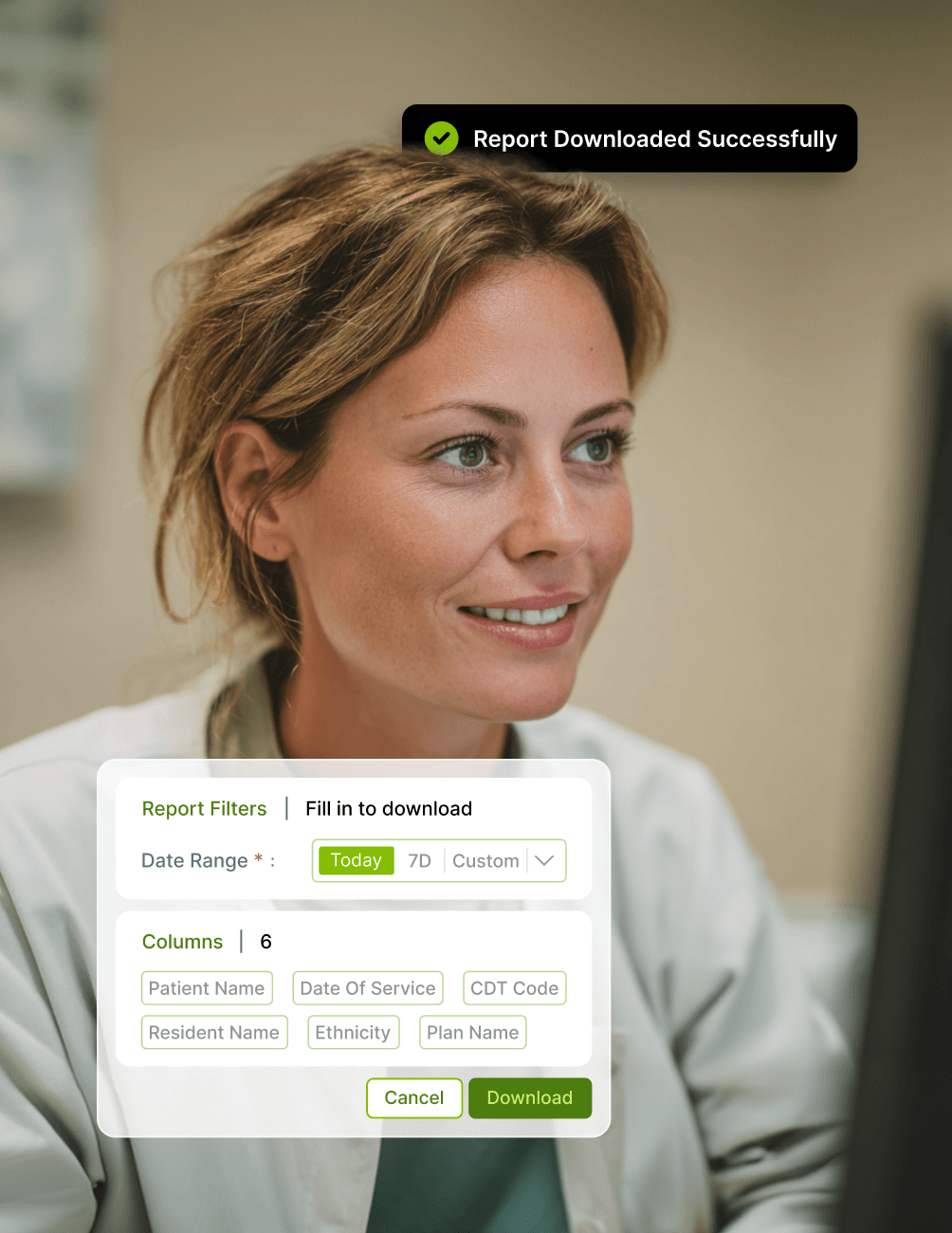
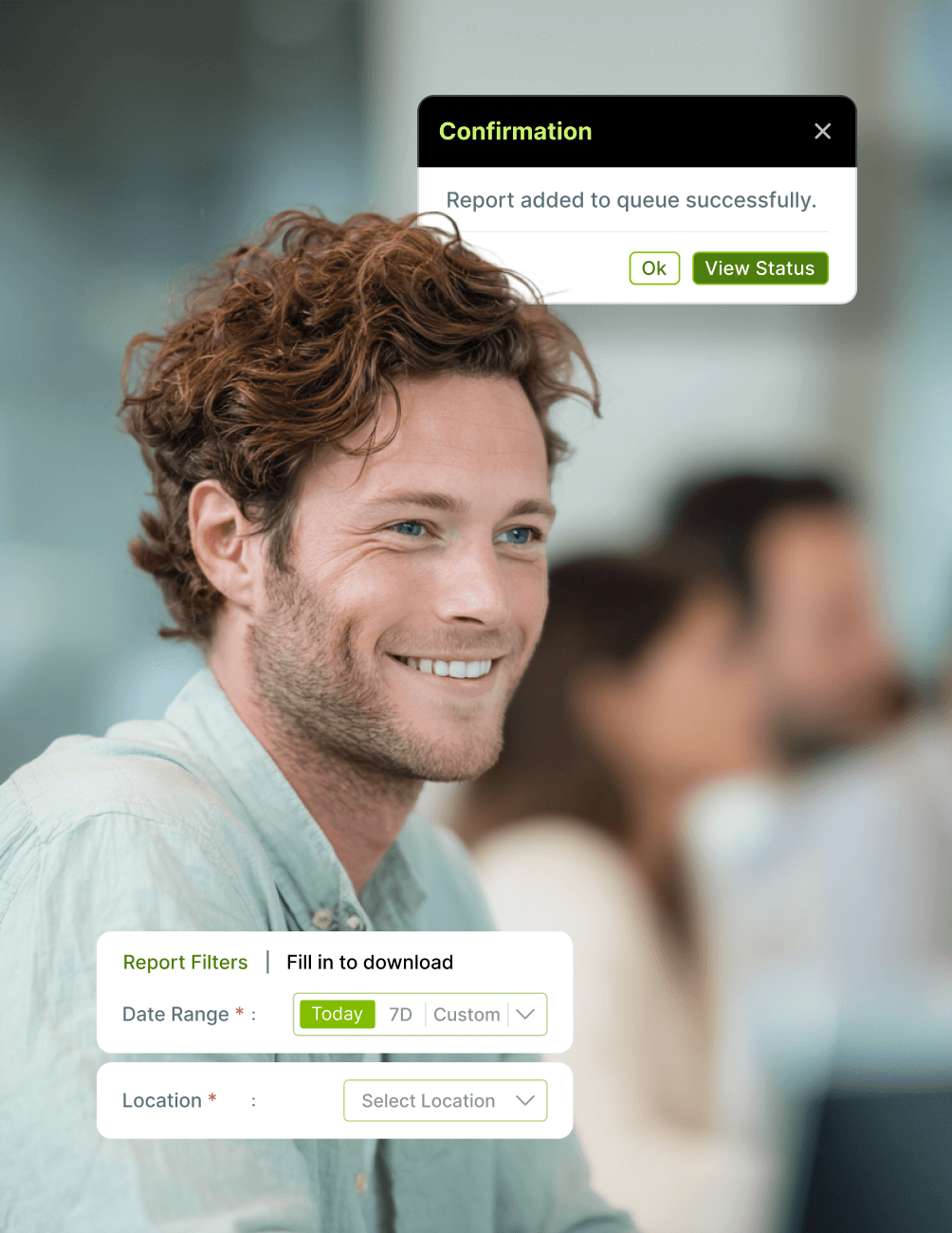
- Defined Filter Criteria
Custom reports come with preconfigured filter criteria, ensuring outputs always target the right data.
- Structured Output Formats
Reports are designed with structured formats that match how your team needs to read and share the data.
- Time-Based Parameters
Apply time-based parameters such as date ranges and reporting periods, with the flexibility to adjust per run.
- Location and Clinician Segmentation
Segment custom reports by location and clinician, giving your team granular control over how performance is reviewed.
Reusability and Continuity
- Run Reports Repeatedly
Once delivered, custom reports can be run as often as you need, without having to reconfigure the underlying logic.
- Adjustable Filter Values
Adjust filter values per run to test different scenarios or time periods without altering the core report definition.
- Consistent Logic Across Executions
Reporting logic remains identical across every execution, ensuring your team compares like-for-like data over time.
Support-Led Delivery Model
- Requirement Definition
Work with the CareStack team to define the exact reporting requirement, ensuring the brief is clear from day one.
- Feasibility Validation
The team validates whether your requirement can be met using available PMS data before any build work begins.
- Report Design Alignment
Collaborate on the report design to ensure the output structure matches how your team reads and acts on data.
- System-Based Configuration
The report is built and configured inside CareStack, ensuring outputs remain consistent with PMS capabilities.
FAQ
Why CareStack Is the Best Dental Practice Management Software
CareStack Custom Reporting is a support-assisted reporting extension feature that enables UK dental practices to request and generate bespoke reports when standard Operational Reports, Practice Analytics, or Scorecards don't meet their reporting needs. Custom Reports are designed around validated PMS data and delivered ready to run inside CareStack.
Use Custom Reporting when your practice has non-standard data groupings, bespoke financial breakdowns, customised operational views, or practice-specific reporting structures not covered by the existing report library. Operational Reports handle standard needs, Practice Analytics handles exploratory analysis, and Scorecards handle reusable KPI definitions. Custom Reporting fills the gap when none of those quite fit.
The process follows five structured steps: identify the reporting requirement that isn't met by existing reports, submit a request via CareStack support, validate whether the requirement can be met using PMS data, define the report structure and logic, and deliver the report for use within the system. The CareStack support team works collaboratively with your practice throughout the process.
Yes. Once a Custom Report has been delivered, it can be run repeatedly without any reconfiguration. You can adjust filter values per run, but the core reporting logic remains consistent across every execution, ensuring your team always compares like-for-like data and supports repeatable reporting cadences.
Custom Reports can include defined filter criteria, structured output formats, time-based parameters, and location or clinician segmentation. Reports are designed around validated PMS data, ensuring outputs are always accurate and aligned with your operational reality. Your CareStack support team works with you to define the exact structure during the design phase.
Yes. CareStack Custom Reporting is particularly valuable for multi-location dental practices and DSOs, where reporting requirements often involve bespoke financial groupings, regional segmentation, NHS and private hybrid logic, and practice-specific structures that standard reports can't fully capture.
Operational Reports provide CareStack's predefined report library covering standard practice needs. Practice Analytics provides exploratory dashboards with drill-down KPIs. Scorecards provide a reusable KPI definition layer. Custom Reporting sits alongside all three as a request-based extension mechanism, used specifically when reporting needs go beyond what those standard tools can deliver.
support@carestack.com

Trusted by 300+ Dental Practices
CareStack’s cloud dental software provides efficient practice management, world-class support, and modern tools and technology.


























RELATED FEATURES
Everything You Need. All in One Place.
Front Office Dashboards
Collect outstanding balances faster with secure SMS payment links.
Scorecards
Build reusable performance scorecards with standardised metrics across the practice.
Clinician Payroll
Run clinician payroll directly inside CareStack with built-in revenue, lab, and guarantee calculations.