




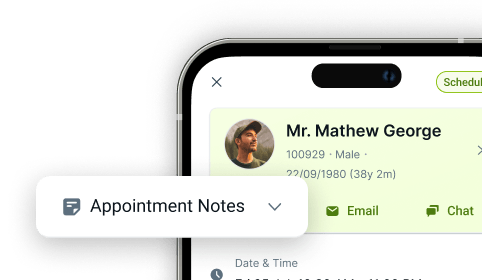
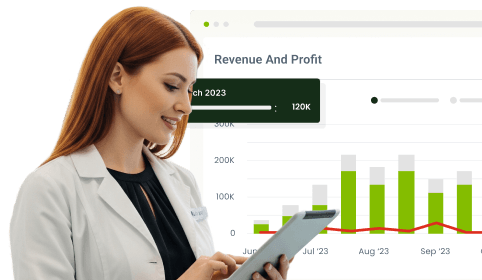
Front Office Dashboards
Smart Dental Front Office Software
Running a busy dental practice means juggling appointments, patient flow, team coordination, and performance reporting, all at once, all day long. When those views live in separate tools, your front office spends more time switching systems than serving patients. CareStack Front Office Dashboards bring scheduling, daily coordination, task tracking, and live performance visibility together inside a single PMS workspace, powered by real-time data and built for how UK dental practices actually operate.
From the moment your team logs in, every dashboard speaks the same language. Planner gives you a live, always-current view of the diary. Day List structures the day's patient flow into a clear sequence. Huddle aligns your whole team around what matters before the first patient walks in. To-Do Lists keep tasks moving without leaving the PMS. And, Performance and Goals dashboards give you live visibility of how the practice is actually doing, not a report you'll read tomorrow morning.
The result is a front office that runs on live data rather than guesswork. Schedule changes appear instantly. Patient flow stays visible all day. Tasks live alongside appointments. Performance is reviewed in real time rather than retrospectively. And every dashboard pulls from the same single source of PMS truth, so what you see is what's actually happening across all clinicians, locations, and appointments.
For the ultimate dental software, choose the solution that’s scalable for growing dental start-ups or large multi-site practices and still affordable for single-location dental practices. Choose CareStack!
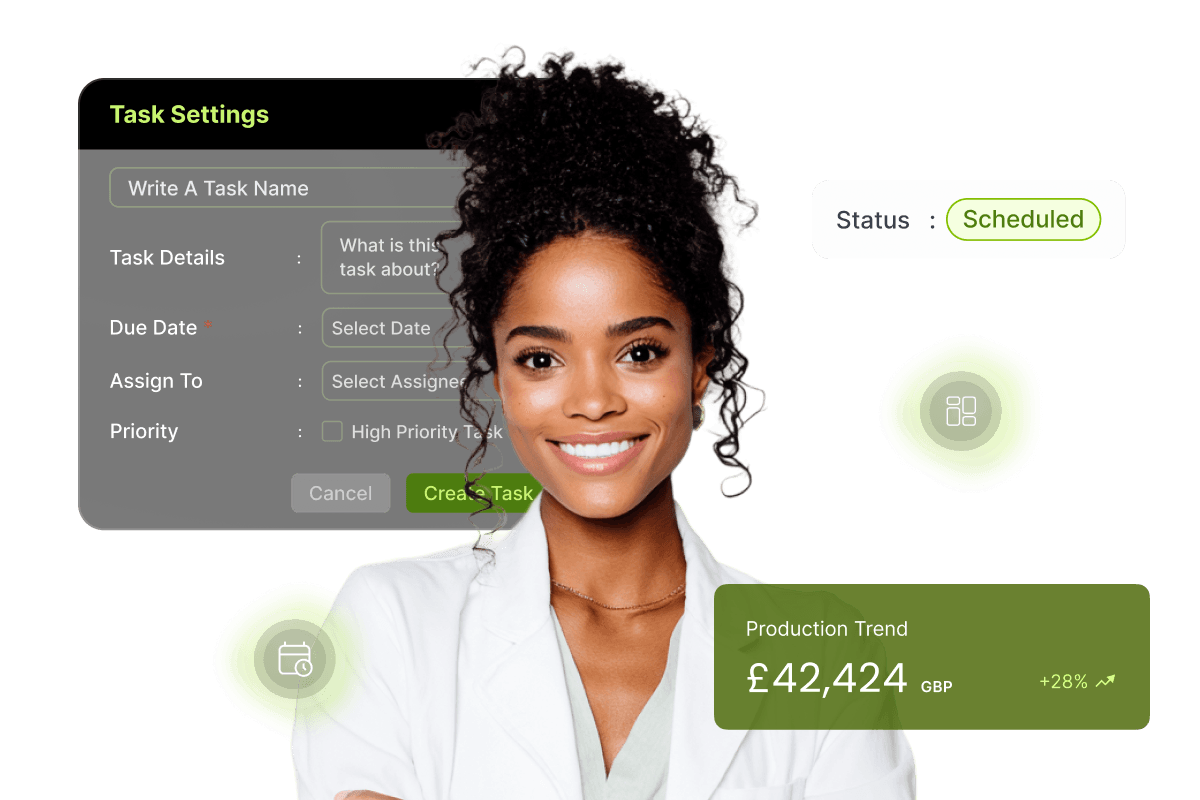
Key Benefits
Why Practices Love CareStack's Front Office Dashboards
Live appointment scheduling, daily patient flow, and performance visibility in one PMS workspace.
Six dedicated dashboards (Planner, Day List, Huddle, To-Do Lists, Performance, and Goals) cover every front office activity.
Real-time updates as appointments, tasks, and patient activity change throughout the day.
Performance visibility by clinician, location, and time period, with drill-down into underlying PMS records.
Track team tasks within the same environment as scheduling, eliminating tool switching for your front office team.
Set and monitor practice goals against live activity, with no waiting for end-of-day reporting.
Main Highlights
Dashboards for Modern Dental Practice Networks
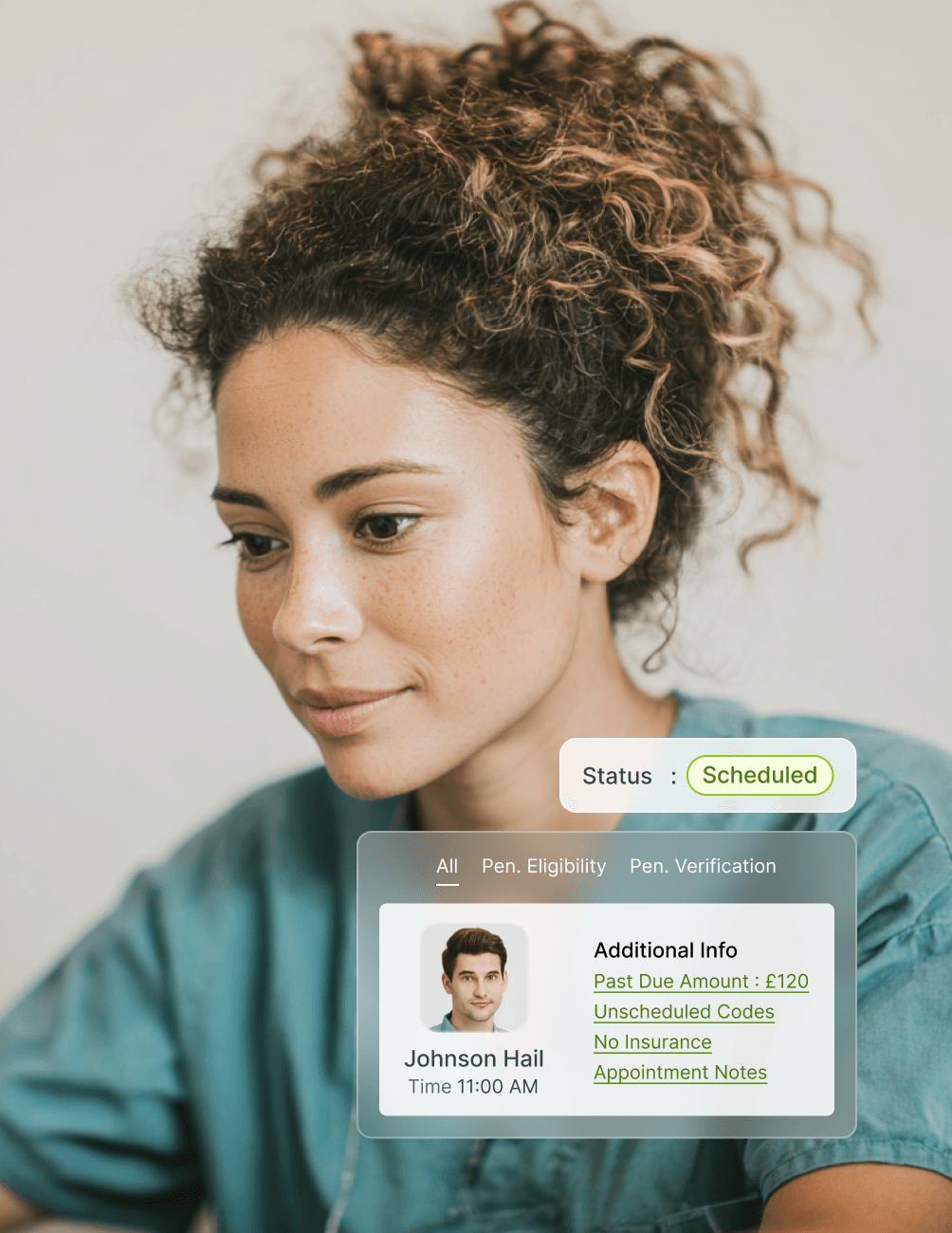
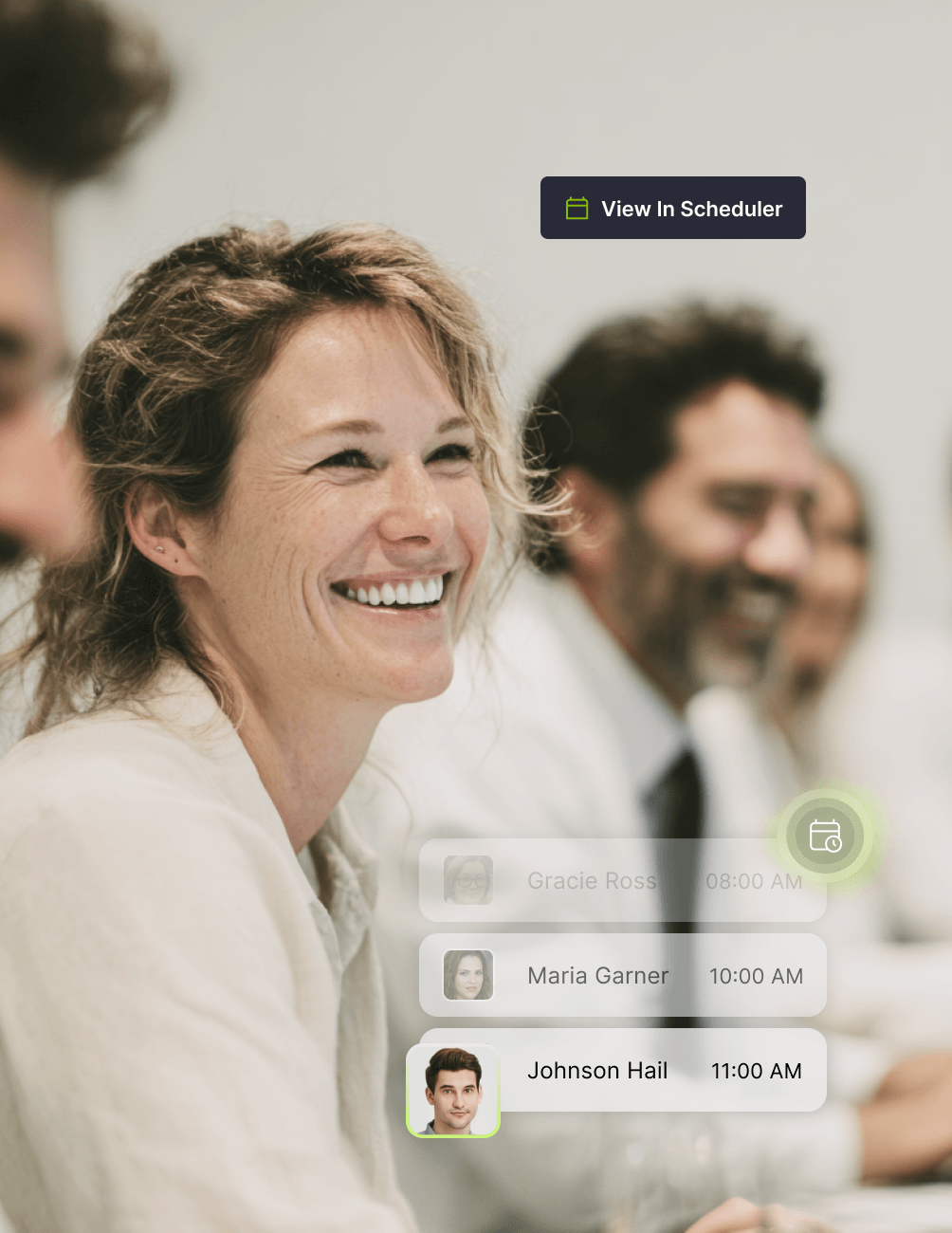
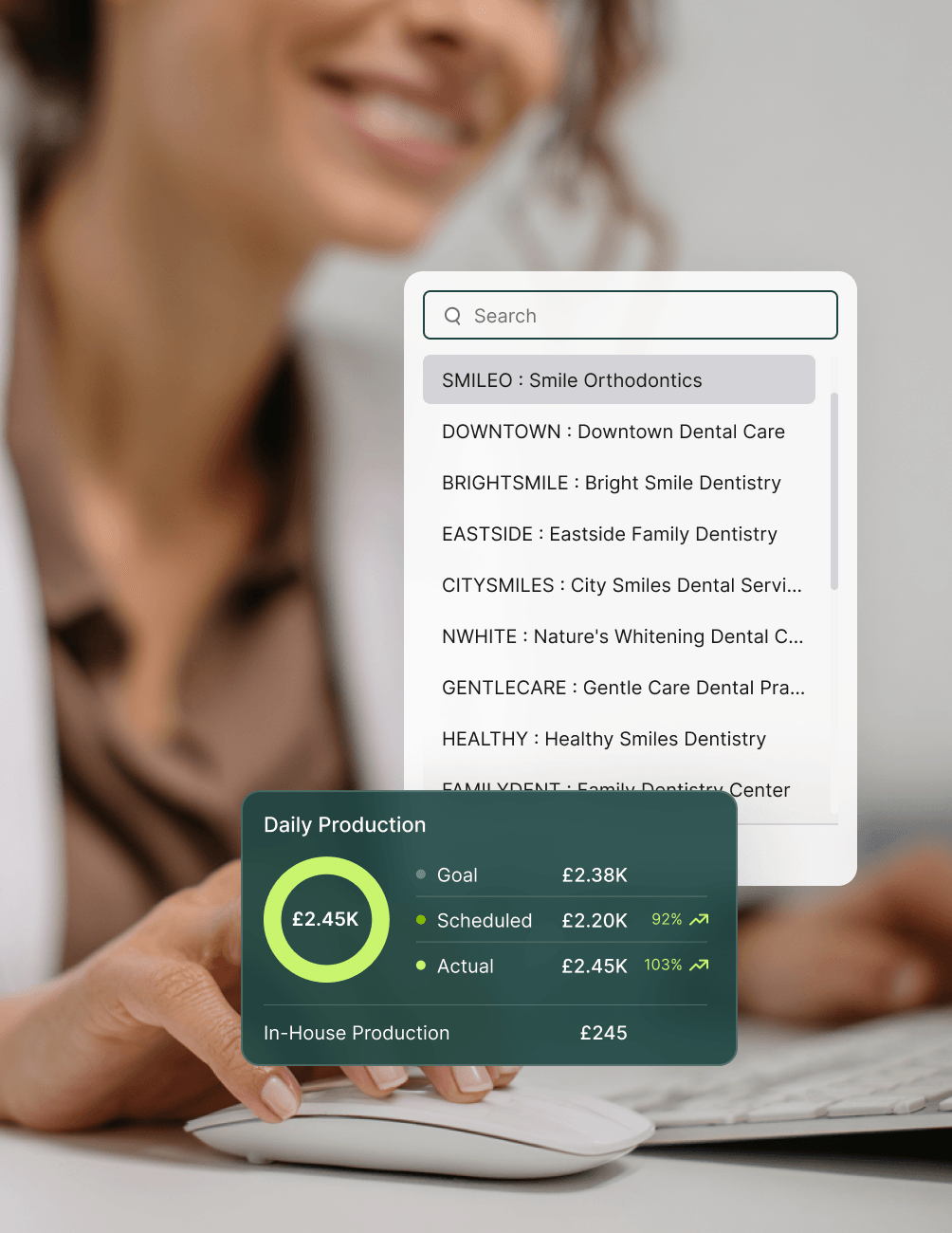
Planner: Live Appointment Scheduling
- Real-Time Diary View
View the live diary directly from CareStack, with every booking, change, and cancellation reflected the moment they happen.
- One-Click Access to Patient Records
Open the patient record straight from any scheduled appointment, with no extra clicks or system switches.
- Always-Current Scheduling
Work from a diary that's permanently in sync with live PMS data, ensuring your team never acts on stale information.
Day List: Structured Daily Patient Flow
- Sequential Daily View
See the day's scheduled patients in a clear, structured sequence built directly from the live diary.
- Patient Flow at a Glance
Understand patient flow through scheduled appointments without switching to a separate reporting tool.
- List-Based Day Management
Manage the day as a structured workflow rather than a series of isolated appointments, helping your team stay ahead.
Huddle: Daily Team Alignment
- Consolidated Daily Overview
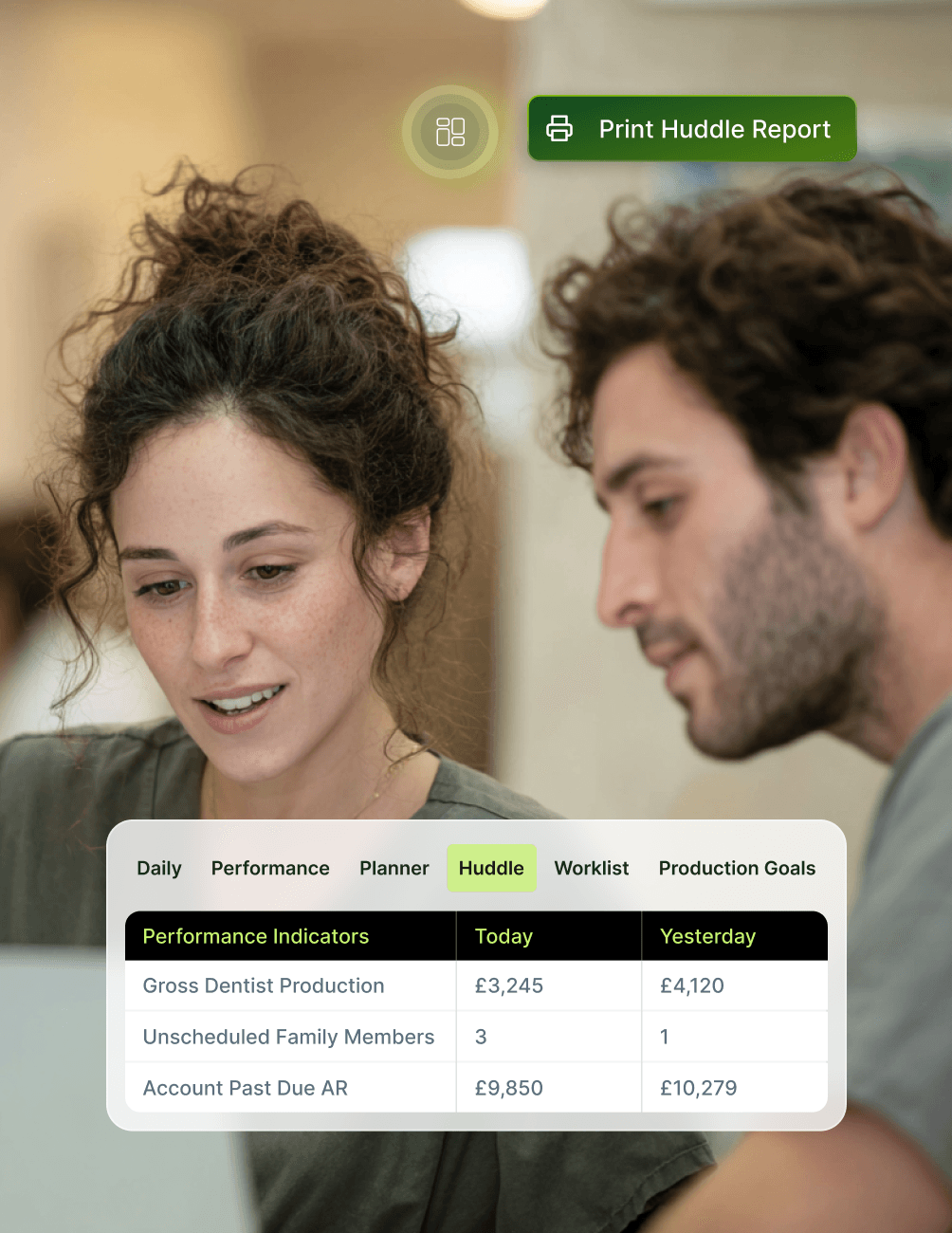
A single screen brings together the day's appointments, scheduled patient activity, and aggregated practice operations.
- Built for Morning Huddles
Designed to align your whole team before the first patient arrives, with everything they need to know on one screen.
- PMS-Backed Insight
Every figure on the Huddle dashboard is drawn from live PMS data, so what your team discusses is what's actually scheduled.
To-Do Lists: Task Execution Inside the PMS
- Task Tracking in CareStack
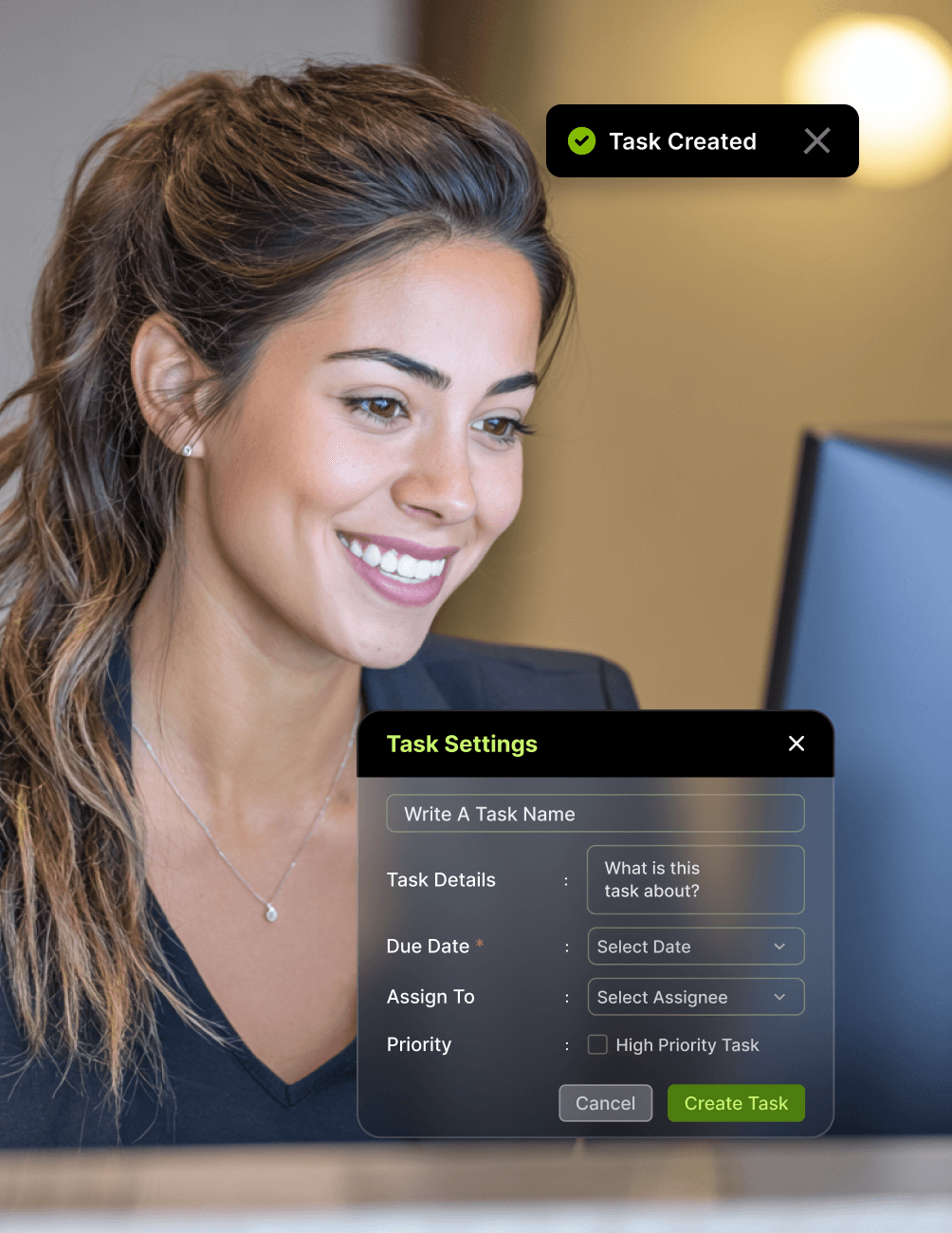
Create, assign, and track operational tasks directly inside CareStack, without using separate task management tools.
- Linked to Workflow
Link tasks to operational workflows so nothing falls between the cracks during a busy day.
- Same Environment as Scheduling
Keep tasks alongside the diary, so your team can plan, schedule, and execute from one place.
Performance: PMS-Based Activity Visibility
- Revenue Metrics
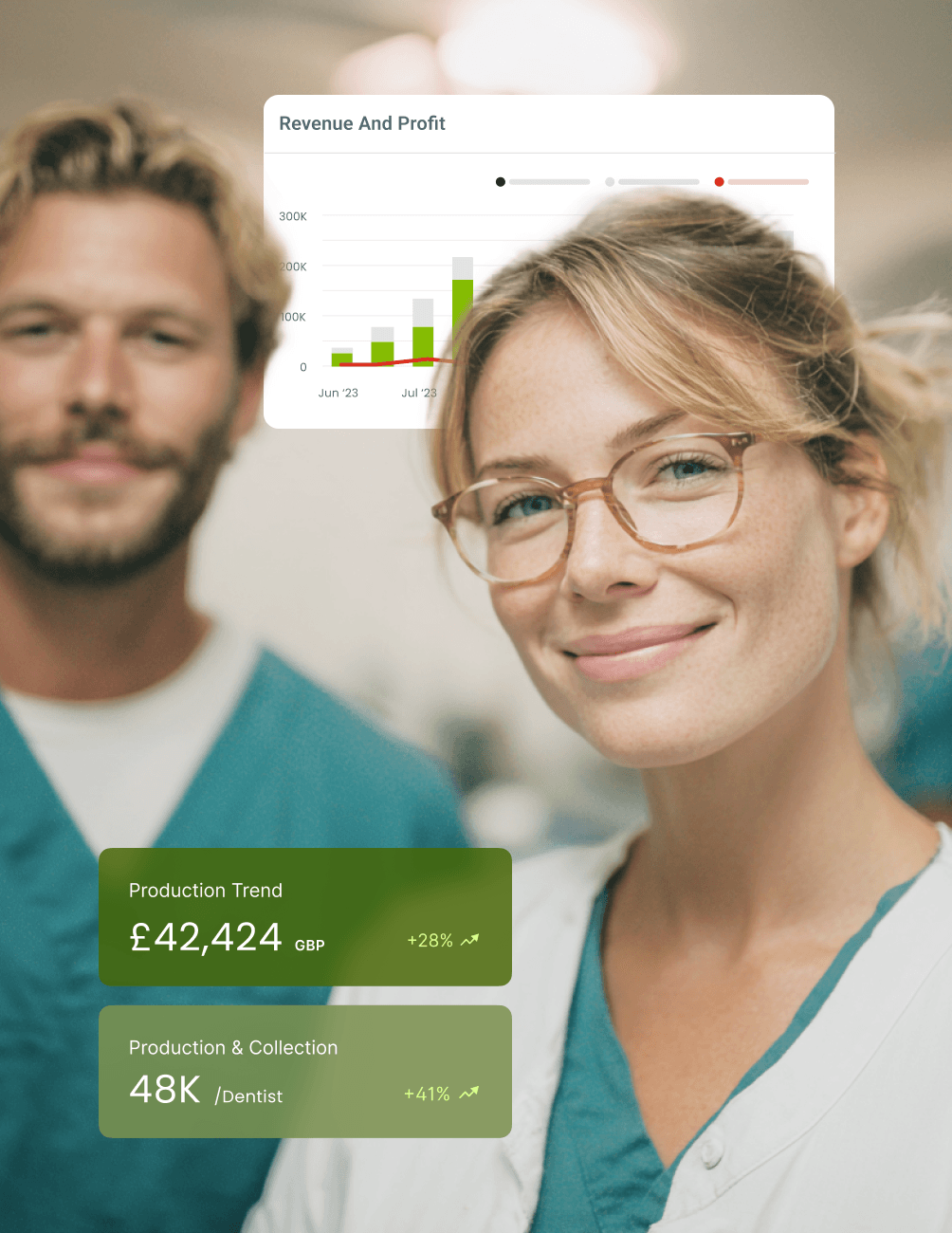
Track revenue activity directly from PMS data, with full breakdowns by clinician and location.
- Collections Metrics
Monitor collections (fees received) against expected payments, with real-time visibility throughout the day.
- Appointment Activity Metrics
See appointment activity across the day, week, or month, with structured comparison views.
- Clinician and Location Breakdowns
Filter performance by individual clinicians and by location, giving you the level of detail your management team actually needs.
- Time-Based Comparisons
Compare today against yesterday, this week against last, or month-on-month, all from a single dashboard.
- Drill-Down to Source Records
Trace every performance figure back to the underlying PMS record, ensuring full audit transparency.
Goals: Structured Target Tracking
- Set Defined Targets
Define performance targets at the practice, clinician, or location level inside CareStack.
- Live Progress Tracking
Track progress against goals using live PMS activity data, with no manual reconciliation required.
- Period-Based Reviews
Review goal performance across daily, weekly, monthly, or custom time periods to spot trends early.
FAQ
Why CareStack Is the Best Dental Practice Management Software
CareStack Front Office Dashboards are a suite of six PMS-native dashboards (Planner, Day List, Huddle, To-Do Lists, Performance, and Goals) that bring live appointment scheduling, daily coordination, task tracking, and performance visibility into a single workspace inside CareStack. Front Office Dashboards use live PMS data to support day-to-day front office operations in UK dental practices.
The Planner dashboard provides a live visual view of the diary, with every booking, change, and cancellation reflected the moment they happen, plus one-click access to patient records. The Day List dashboard shows the same scheduled activity as a structured list-based view, helping teams interpret the day as a sequence of patient touchpoints rather than isolated appointments.
The Huddle dashboard provides a consolidated view of daily practice activity, including the day’s appointment overview, a summary of scheduled patient activity, and an aggregated view of practice operations. It's designed to support daily team alignment and is typically used in morning huddle meetings before the first patient arrives, with every figure drawn from live PMS data.
The Performance dashboard provides structured visibility of practice activity using live PMS data. It includes revenue metrics, collections metrics, appointment activity metrics, clinician-level breakdowns, location-level breakdowns, time-based comparisons, and drill-down into underlying records, allowing teams to review practice activity in real time rather than waiting for end-of-day reporting.
The Goals dashboard lets you define performance targets at the practice, clinician, or location level and track progress against those targets in real time using live PMS activity data. To-Do Lists allow operational tasks to be created, assigned, and tracked directly within CareStack, keeping team coordination in the same PMS environment as scheduling, and eliminating the need for separate task management tools.
Yes to both. Front Office Dashboards apply a consistent dashboard structure across every site in your group, with location filters and centralised reporting that rolls up performance at the practice, regional, or group level. Every figure shown is drawn from live PMS data, so appointment changes, task updates, and performance metrics all reflect the current operational state of your practice, not an exported snapshot from earlier in the day.
support@carestack.com

Trusted by 300+ Dental Practices
CareStack’s cloud dental software provides efficient practice management, world-class support, and modern tools and technology.




























RELATED FEATURES
Everything You Need. All in One Place.
Custom Reporting
Commission bespoke reports tailored to your practice's exact operational needs.
Operational Reports
Access a structured library of pre-built reports for everyday practice management.
Clinician Payroll
Run clinician payroll directly inside CareStack with built-in revenue, lab, and guarantee calculations.