




Multi-Email Dashboard
Online Multi-Email Software
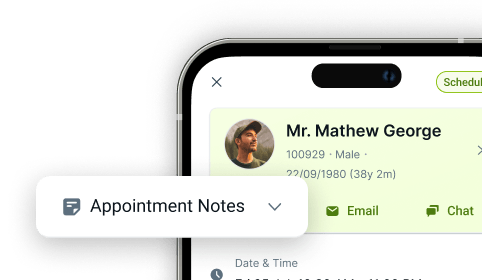
Patient email shouldn't live in one inbox while clinical and appointment data lives in another. CareStack's Multi-Email Dashboard brings structured patient emails directly into the PMS, with full integration into Google and Microsoft mailboxes, so your team can send, track, and reply to every patient email without ever leaving CareStack.
Every email is linked to the patient record, every reply is captured automatically, and the full email history is preserved against the patient's file. From automated recall campaigns to one-off treatment follow-ups, your team works from a single, structured workflow with no manual mailing, no inbox switching, and no lost context.
For the ultimate dental software, choose the solution that’s scalable for growing dental start-ups or large multi-site practices and still affordable for single-location dental practices. Choose CareStack!
Key Benefits
Why Practices Love CareStack's Multi-Email Dashboard
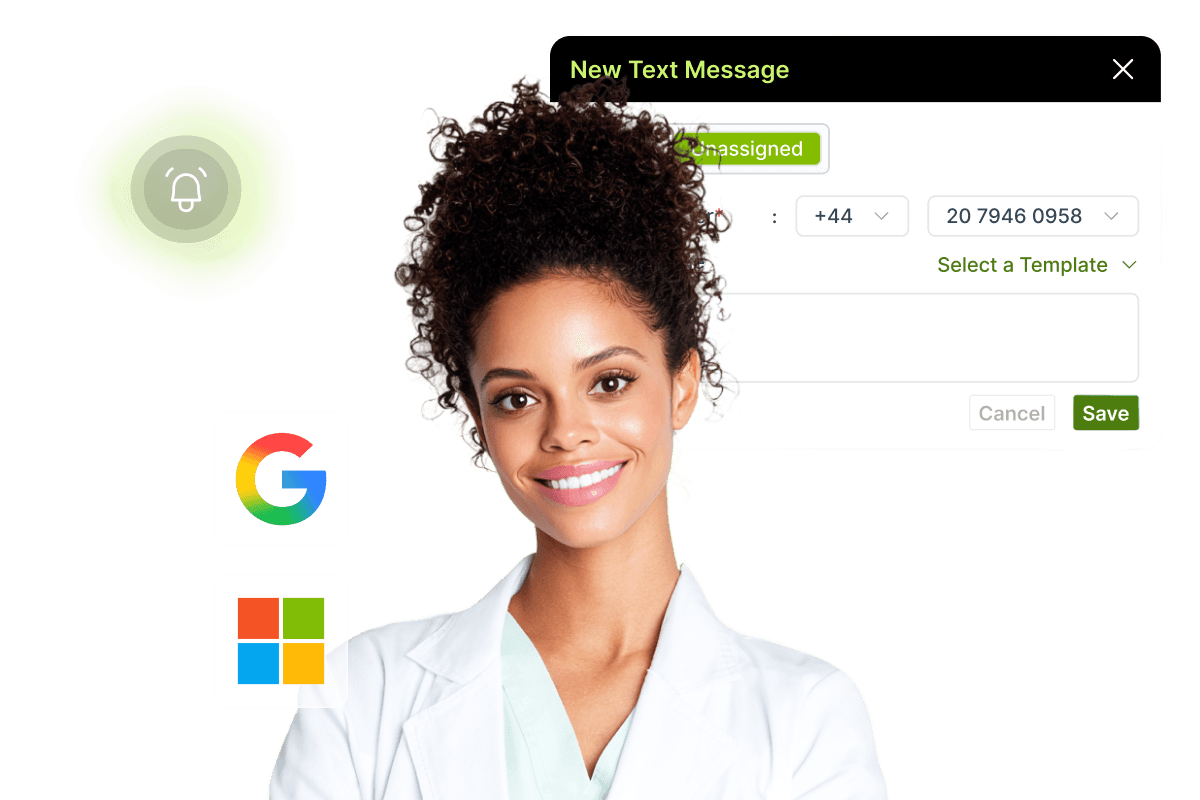
Google and Microsoft mailbox integration brings practice email directly into the PMS.
Patient emails appear inside CareStack, linked to the right patient record.
Replies are tracked and saved automatically, with no manual logging.
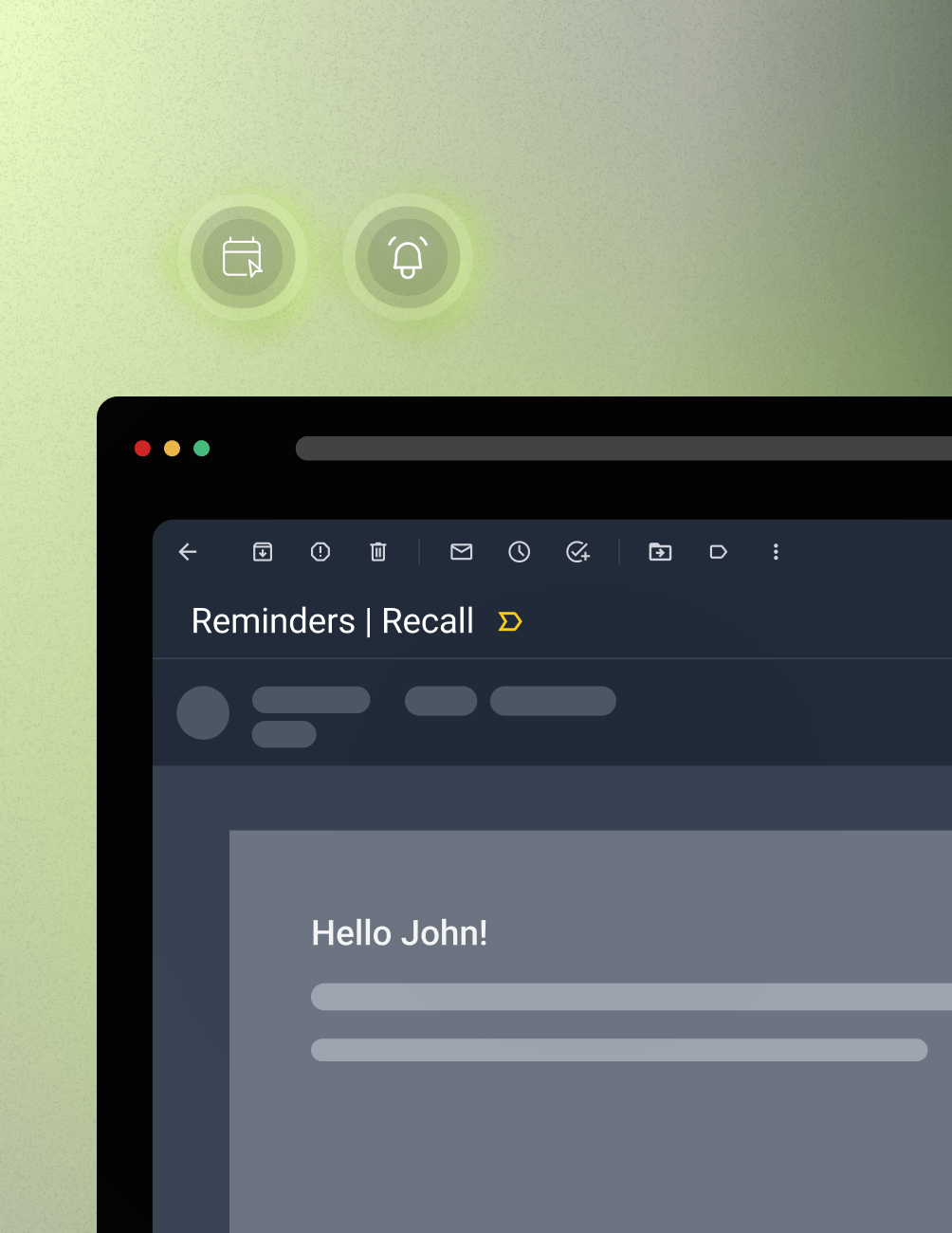
Automated recall and reminder campaigns triggered straight from CareStack.
Email templates ensure consistent communication across the team.
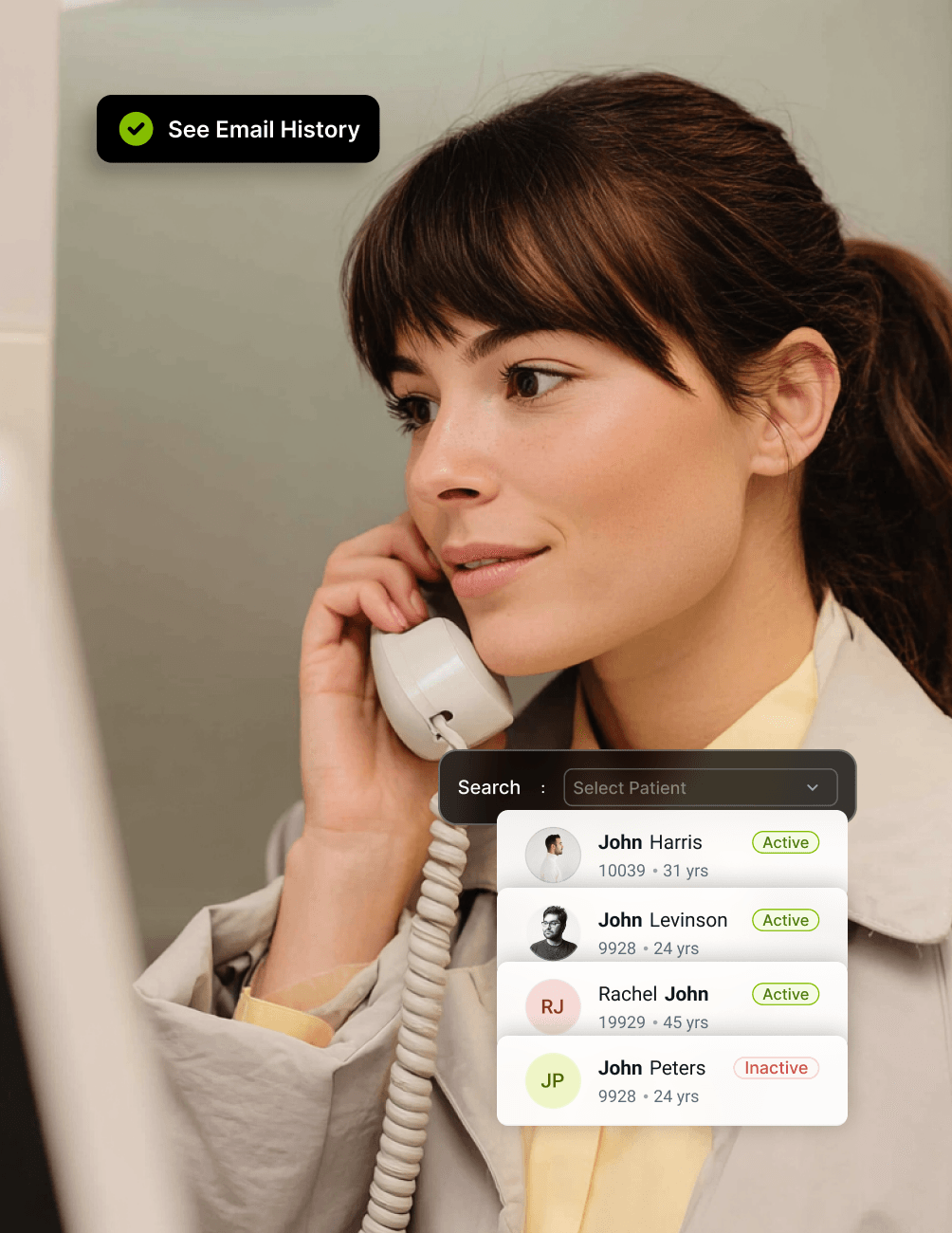
Full email history for every patient, accessible in seconds.
Main Highlights
Text Messaging for Modern Dental Practice Networks
Mailbox Integration
- Google and Microsoft Support
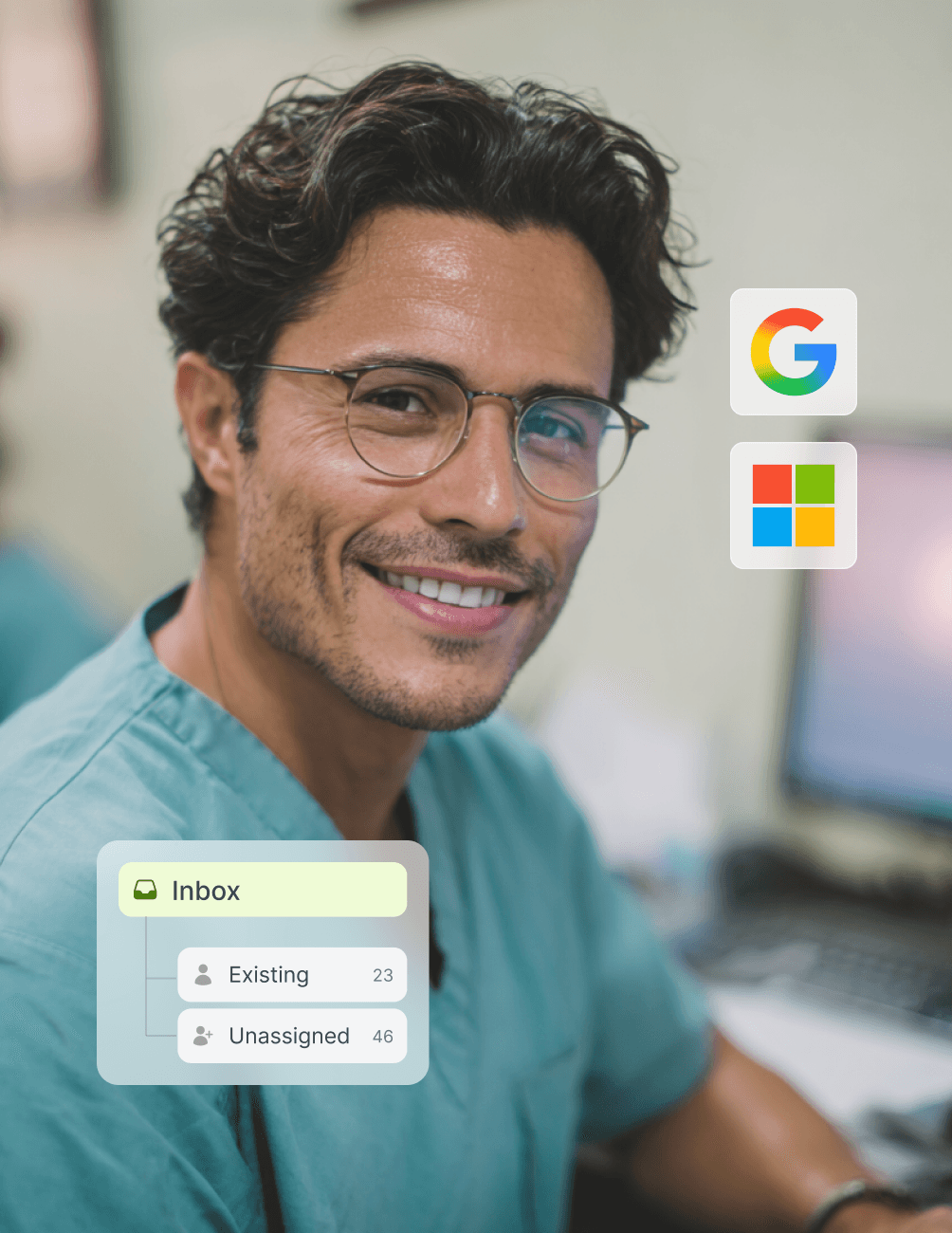
Connect Google Workspace or Microsoft 365 mailboxes directly to CareStack for unified email management.
- Emails Inside CareStack
Patient emails appear within the PMS alongside the patient record, so there's no need to switch between inboxes.
- Two-Way Sync
Send and receive emails seamlessly between your mailbox and CareStack, with built-in full reply tracking.
Automated Patient Email Campaigns
- Recall Campaigns
Trigger automated recall emails based on PMS data to reach the right patients at the right time.
- Reminder Campaigns
Schedule and automatically send appointment reminders, treatment follow-ups, and engagement messages.
- Personalised at Scale
Send tailored messages to large patient groups without losing the personal touch.
Templates and Consistency
- Reusable Email Templates
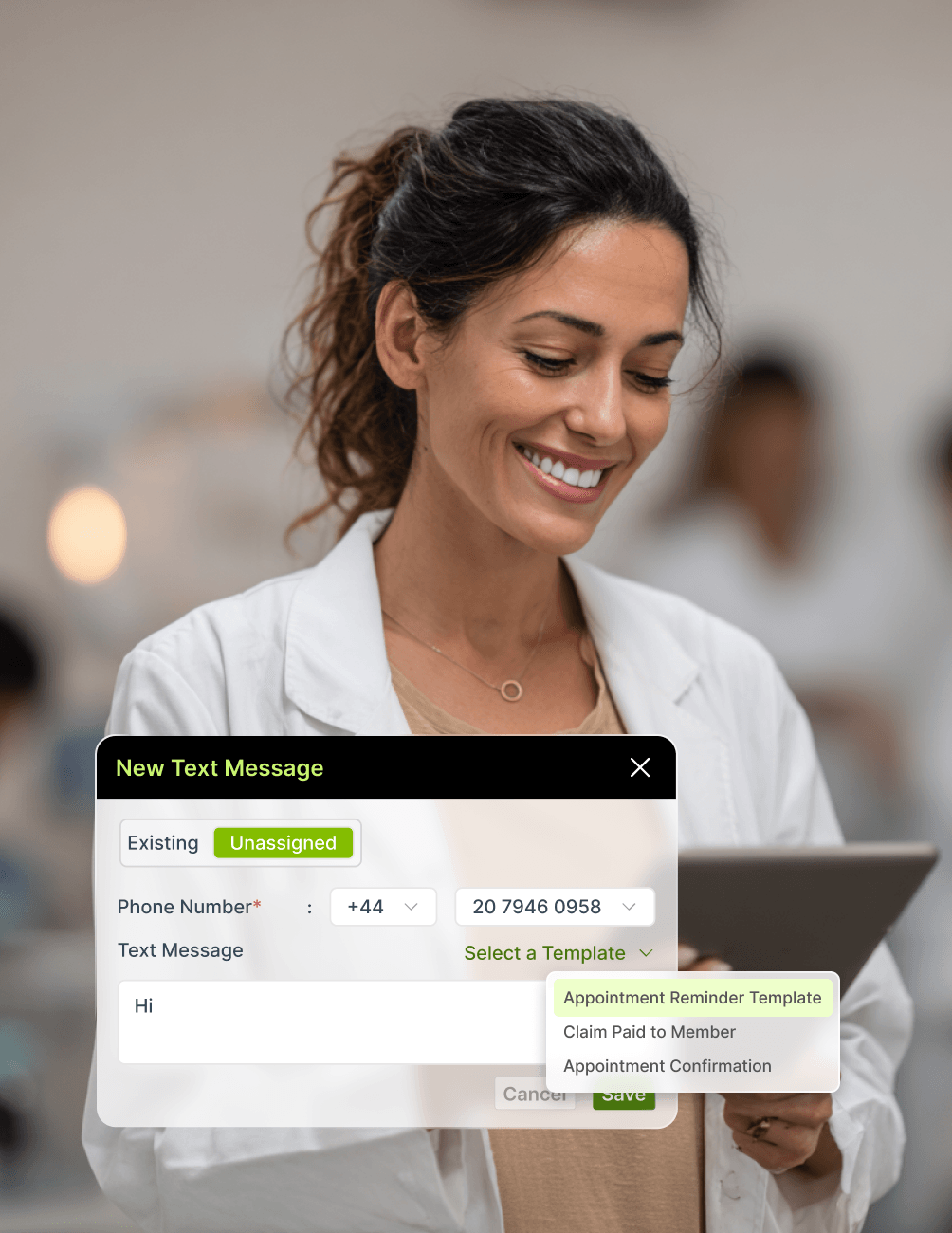
Create and reuse email templates to keep practice communication consistent across the team.
- Brand-Aligned Messaging
Apply your practice's branding and tone to every email to ensure a professional patient experience.
- Reduce Manual Drafting
Eliminate repetitive email writing by reusing structured templates for common scenarios.
Full Patient Email History
- Linked to the Patient Record
Every email sent or received is automatically saved to the patient's CareStack file.
- Searchable History
Find any past patient email in seconds, with full context preserved across the patient journey.
- Seamless Handoffs
Any team member picking up the conversation sees the full history, with no need to ask the patient to repeat themselves.
FAQ
Why CareStack Is the Best Dental Practice Management Software
A built-in email feature that integrates Google and Microsoft mailboxes with the PMS, letting your team send, receive, and track patient emails directly inside CareStack.
Google Workspace and Microsoft 365 mailboxes, with two-way sync between your inbox and CareStack.
Yes. Every reply is captured automatically and linked to the patient record, with no manual logging required.
Yes. CareStack supports automated recall, reminder, and engagement campaigns triggered directly from PMS data.
Yes. Reusable templates help your team send consistent, brand-aligned emails for every common scenario.
Yes. Every email is automatically linked to the patient's CareStack file, building a complete, searchable email history over time.
support@carestack.com

Trusted by 300+ Dental Practices
CareStack’s cloud dental software provides efficient practice management, world-class support, and modern tools and technology.


















RELATED FEATURES
Everything You Need. All in One Place.