




Operational Reports
Online Dental Practice Reporting Software
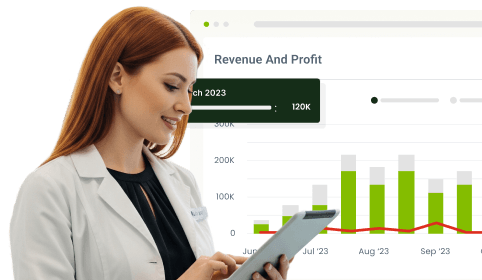
Every UK dental practice runs on reports: appointment utilisation, revenue performance, payment collections, NHS activity, and daily operational summaries. The problem is that when these reports live in separate places, are generated independently, and use inconsistent formats, your team spends more time pulling and aligning data than actually using it. CareStack Operational Reports solves that with a predefined, structured library of reports built directly into the PMS, designed to give every team consistent, repeatable, and ready-to-use operational and financial visibility from day one.
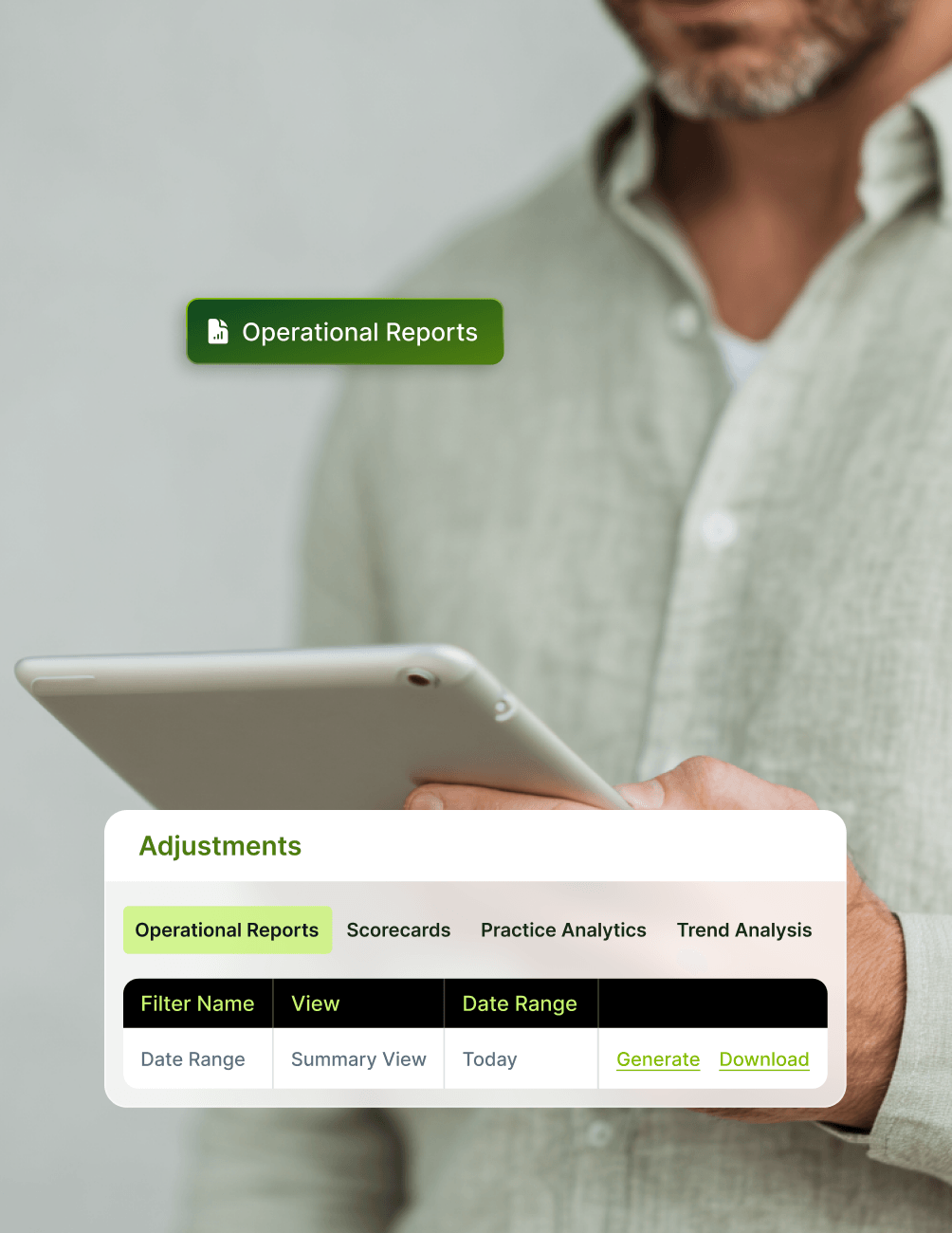
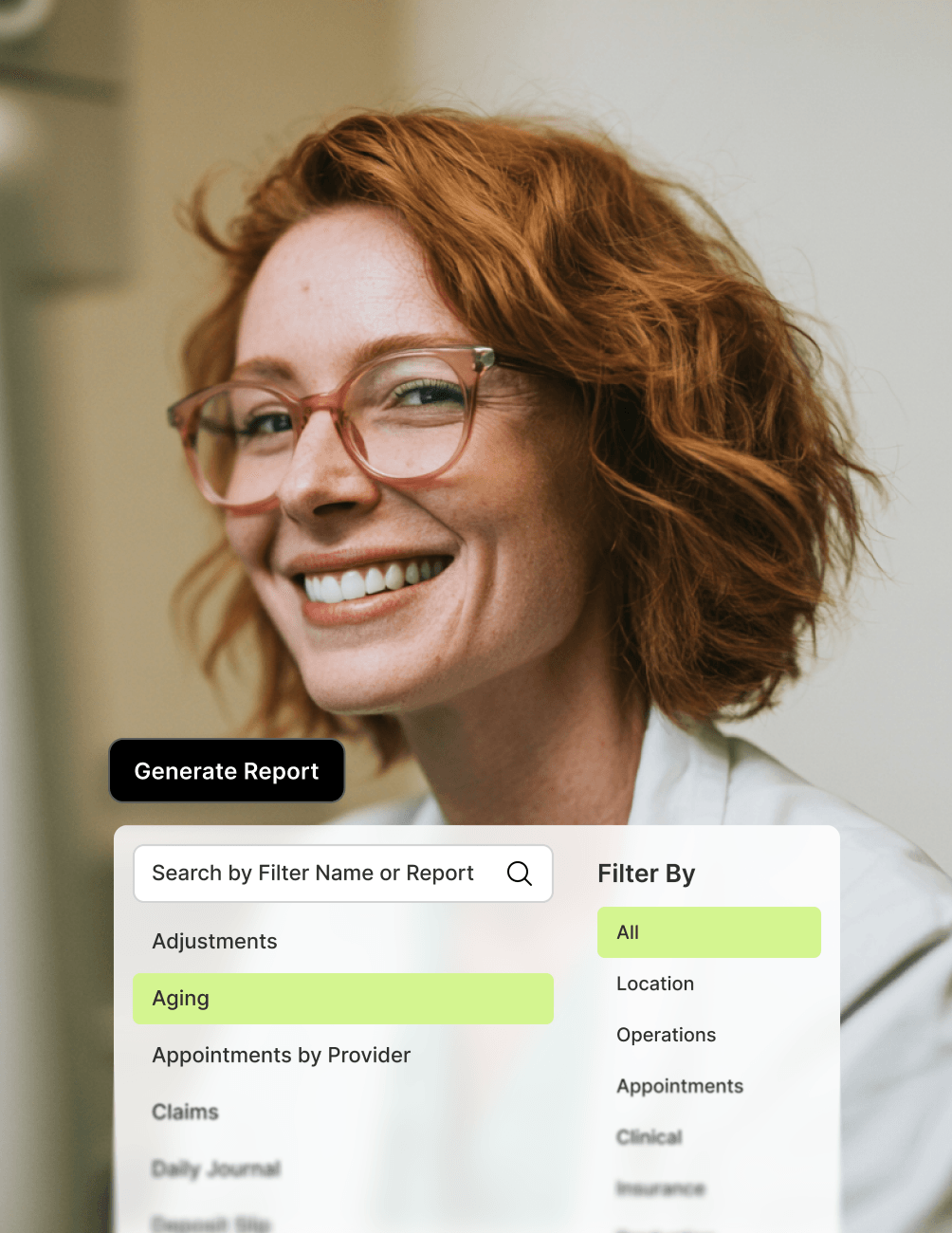
The library covers everything a modern dental practice needs to track, including appointment and scheduling analysis, revenue and clinician output, payment reconciliation, NHS contract activity, and operational support reporting. Every report follows the same consistent generation pattern: select the report, apply your filters, choose your view type where applicable, and generate a structured output drawn live from PMS data. No exports, no spreadsheet alignment, no chasing different formats from different sources.
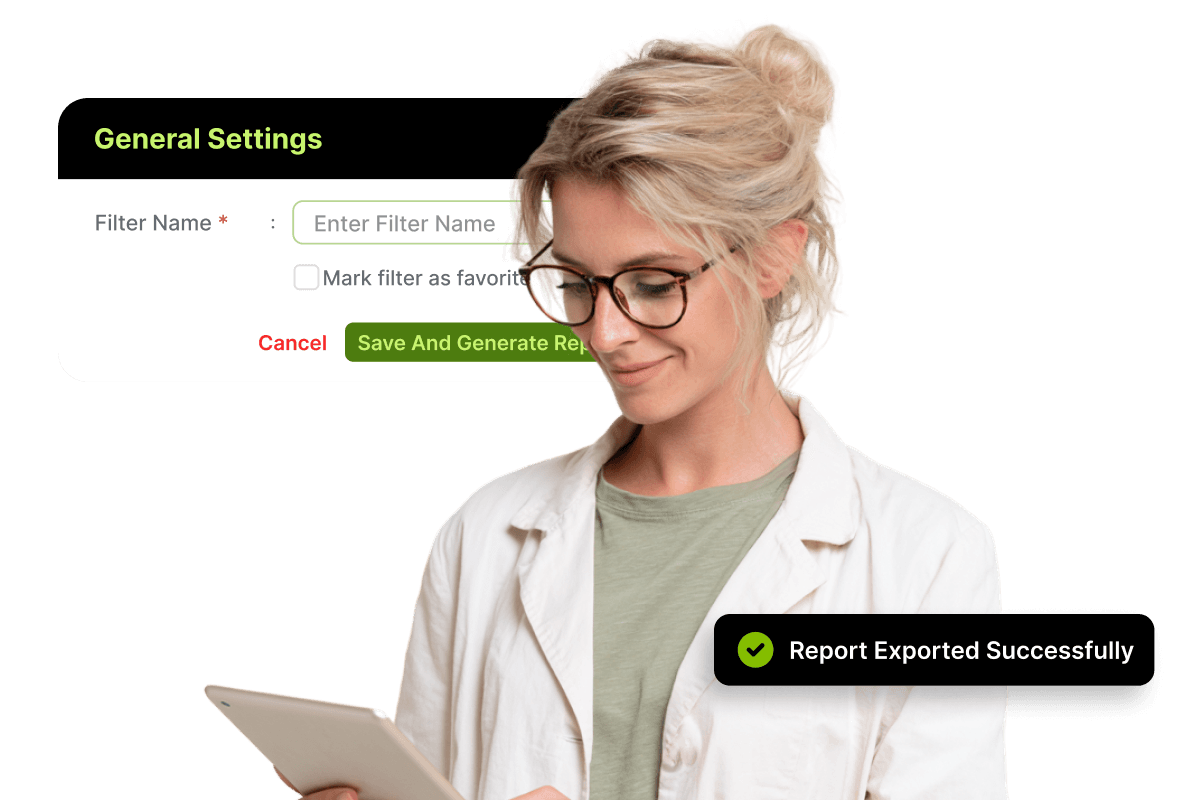
Save your most-used filter configurations and operational reports, and they become genuinely reusable. Your team stops rebuilding the same report every week, your reporting definitions stay consistent across people and locations, and your practice operates from one shared, structured view of how performance actually looks. The result is faster reporting cycles, cleaner financial visibility, and a team that spends time acting on data rather than chasing it.
For the ultimate dental software, choose the solution that’s scalable for growing dental start-ups or large multi-site practices and still affordable for single-location dental practices. Choose CareStack!
Key Benefits
Why Practices Love CareStack's Operational Reports
A predefined library of structured reports covering appointments, revenue, payments, NHS activity, and operations.
Consistent generation model across every report, with the same filter logic and structured output flow.
Save filter configurations once and reuse them indefinitely to standardise reporting across teams and locations.
Filter every report by time period, clinician, and location, with report-specific parameters where relevant.
Export structured data for external use in board reports, accountant reviews, or partner meetings.
Reduce repeated manual configuration and the inconsistencies caused by fragmented reporting tools.
Main Highlights
Operational Reports for Modern Dental Practice Networks


Predefined Report Library
- Appointment Reports
Track utilisation, scheduling analysis, and appointment activity across the practice, with structured outputs that surface gaps and opportunities.
- Revenue Reports
Analyse clinician and procedure output, with detailed breakdowns by treatment type, clinician, and location.
- Collection Reports
Track payments, reconciliation, and deposits with structured outputs designed for finance and management review.
- NHS Reports
Manage NHS activity reporting where applicable, with structured outputs aligned to contract performance and claim activity.
- Operational Support Reports
Cover workflow and activity tracking across the practice, supporting day-to-day operational decisions.
Consistent Report Generation Model
- Select the Report
Choose from the structured library, with every report categorised for fast access.
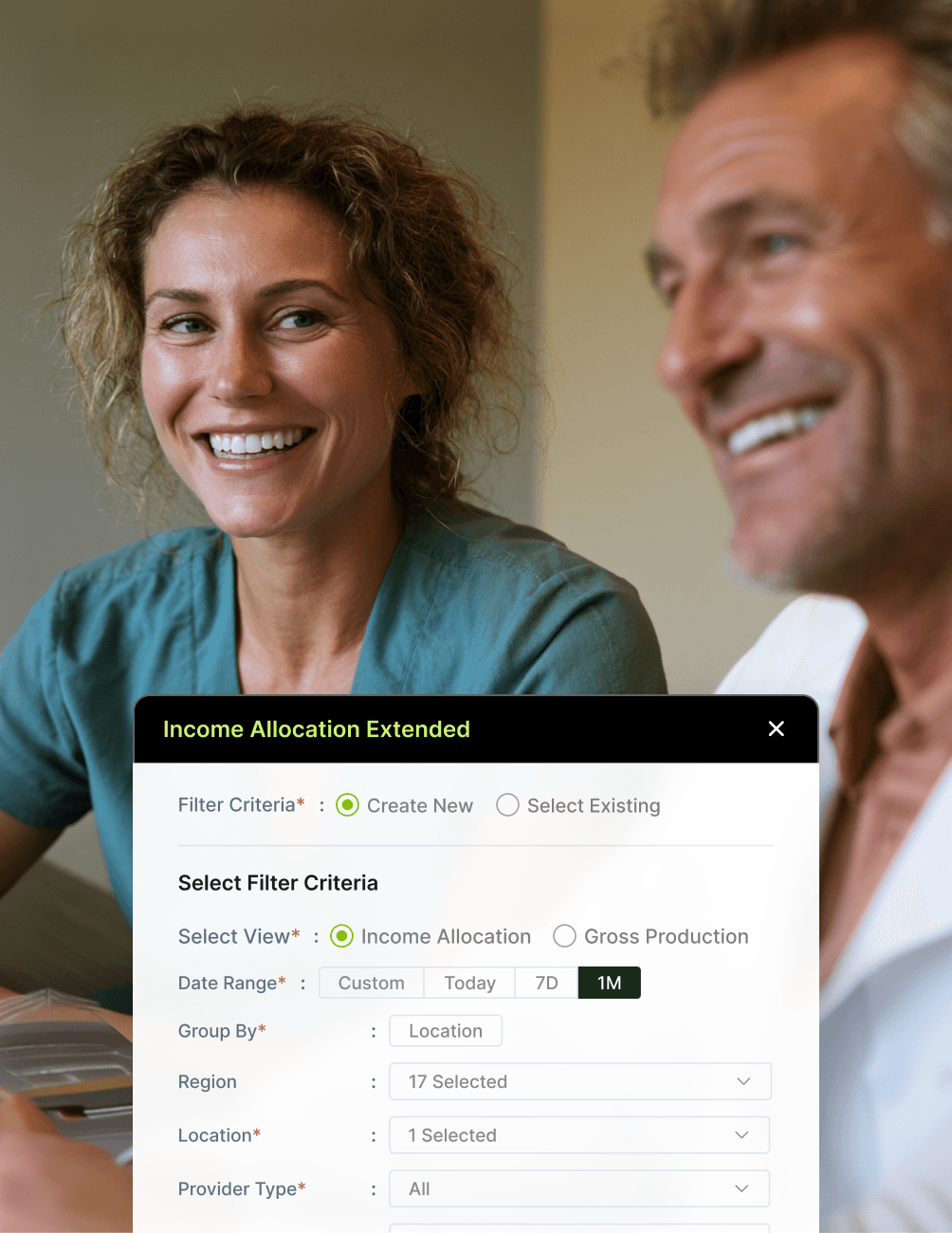
- Apply Filters
Apply filters for date, clinician, and location, using consistent filter logic across every report type.
- Choose the View Type
Select the view type where applicable, tailoring the output to how your team needs to read the data.
- Generate Structured Output
Generate a structured output drawn live from PMS data, ready to review, share, or export.
Filtered Analysis Across Report Types
- Time Period Filtering
Filter by daily, weekly, monthly, or custom date ranges, with consistent logic across every report in the library.
- Clinician-Level Filtering
Filter by individual clinicians to compare performance, support payroll calculation, or surface coaching opportunities.
- Location-Level Filtering
Filter by location for multi-site practices, with rollup views that aggregate performance across the group.
- Report-Specific Parameters
Apply parameters specific to each report type to give you the granularity you need without compromising consistency.
Saved Filters for Repeat Reporting
- Reuse Report Setups
Save filter configurations once and reuse them whenever you need updated data, eliminating repeated manual setup.
- Standardised Reporting Definitions
Lock in reporting definitions across your team, ensuring everyone works from the same filter logic every time.
- Reduce Configuration Effort
Remove the time wasted rebuilding the same filters every reporting cycle, freeing your team to focus on insight rather than setup.
- Maintain Cycle Consistency
Keep reporting consistent across weekly, monthly, quarterly, and annual cycles, using the same filter logic applied every time.
Structured Data Export
- Export for External Use
Export reports for use in board reports, accountant reviews, partner meetings, or external compliance reporting.
- PMS-Grounded Outputs
Every export reflects live PMS data at the time of generation, ensuring accuracy and audit transparency.
- Format Consistency
Maintain consistent output formats across reports to support clean integration into your wider reporting cadences.
FAQ
Why CareStack Is the Best Dental Practice Management Software
CareStack Operational Reports are a predefined library of structured reports built directly into the PMS, covering appointment activity, revenue performance, payment collections, NHS reporting, and operational support. Operational Reports provide UK dental practices with consistent, repeatable reporting outputs drawn from live PMS data, with standardised filter logic and structured outputs designed for cross-team use.
The Operational Reports library covers five core categories: Appointment Reports (including utilisation and scheduling analysis), Revenue Reports (including clinician and procedure output), Collection Reports (including payments, reconciliation, and deposits), NHS Reports (where applicable to your practice), and Operational Support Reports (covering workflow and activity tracking).
Every report follows the same consistent generation pattern: select the report you need from the library, apply your filters (such as date range, clinician, and location), choose your view type where applicable, and generate the structured output. This consistent model ensures every report behaves the same way, making it easy for any team member to run any report without retraining.
Yes. CareStack Operational Reports lets you save filter configurations so you can reuse report setups indefinitely. Saved filters standardise reporting definitions across your team, reduce repeated configuration effort, and keep reporting consistent across weekly, monthly, quarterly, and annual reporting cycles.
Yes. Every Operational Report supports filtering by time period, clinician, and location, with additional report-specific parameters where relevant. Filters ensure consistent reporting output across different report types, allowing like-for-like comparisons between time periods, between clinicians, and across multi-site practices.
Yes. CareStack Operational Reports are designed for both single-location practices and multi-site dental groups, with location-level filtering and rollup views that aggregate performance across the entire group. This makes the library equally valuable for growing dental start-ups, mid-sized groups, and large DSOs.
support@carestack.com

Trusted by 300+ Dental Practices
CareStack’s cloud dental software provides efficient practice management, world-class support, and modern tools and technology.































RELATED FEATURES
Everything You Need. All in One Place.