GOOGLE ANALYTICS
CareStack Google Analytics Integration
With CareStack's Google Analytics Integration, you can track exactly how patients find and book appointments through your online appointment portal, then feed that data straight into Google Ads to optimise every pound of your marketing spend. It's the complete marketing loop, built right into your dental software.
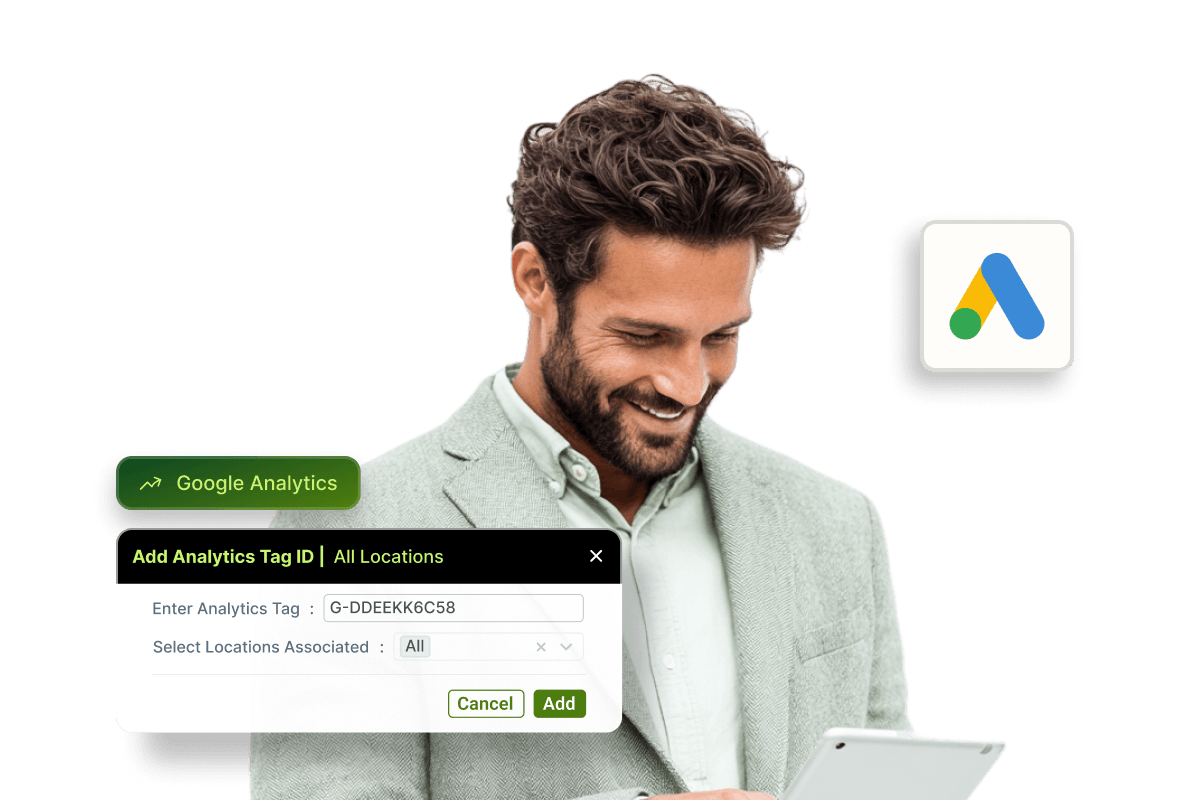
Connect your online appointment portal to Google Analytics in just a few steps using your Measurement ID, and every patient interaction (from viewing appointment reasons to confirming a booking) is captured as a trackable event. Pair it with Google Ads, and you can move beyond click data to optimise campaigns based on actual confirmed appointments.
Because CareStack supports both global and location-level configurations, multi-site dental groups can track conversions across the entire network or drill down to the individual practice, whichever fits your marketing strategy best.
For the ultimate dental software with seamless Google connectivity, choose the solution that's scalable for growing dental start-ups or large multi-site practices and still affordable for single-location dental practices. Choose CareStack!
Key Benefits
Why Practices Love CareStack's Google Analytics Integration
Track exactly how patients find and book appointments online.
Feed booking events directly into Google Ads for smarter campaign optimisation.
Get more value per marketing dollar by optimising on real bookings, not just clicks.
Supports both global and location-level tracking for multi-site practices.
Uses UTM parameters and GCLID (Google Click Identifier) for precise traffic source attribution.
Works seamlessly alongside CareStack's existing online scheduling controls.
Main Highlights
Google Analytics Integration for Modern Dental Practice Networks
Easy Setup & Configuration
- Single Measurement ID
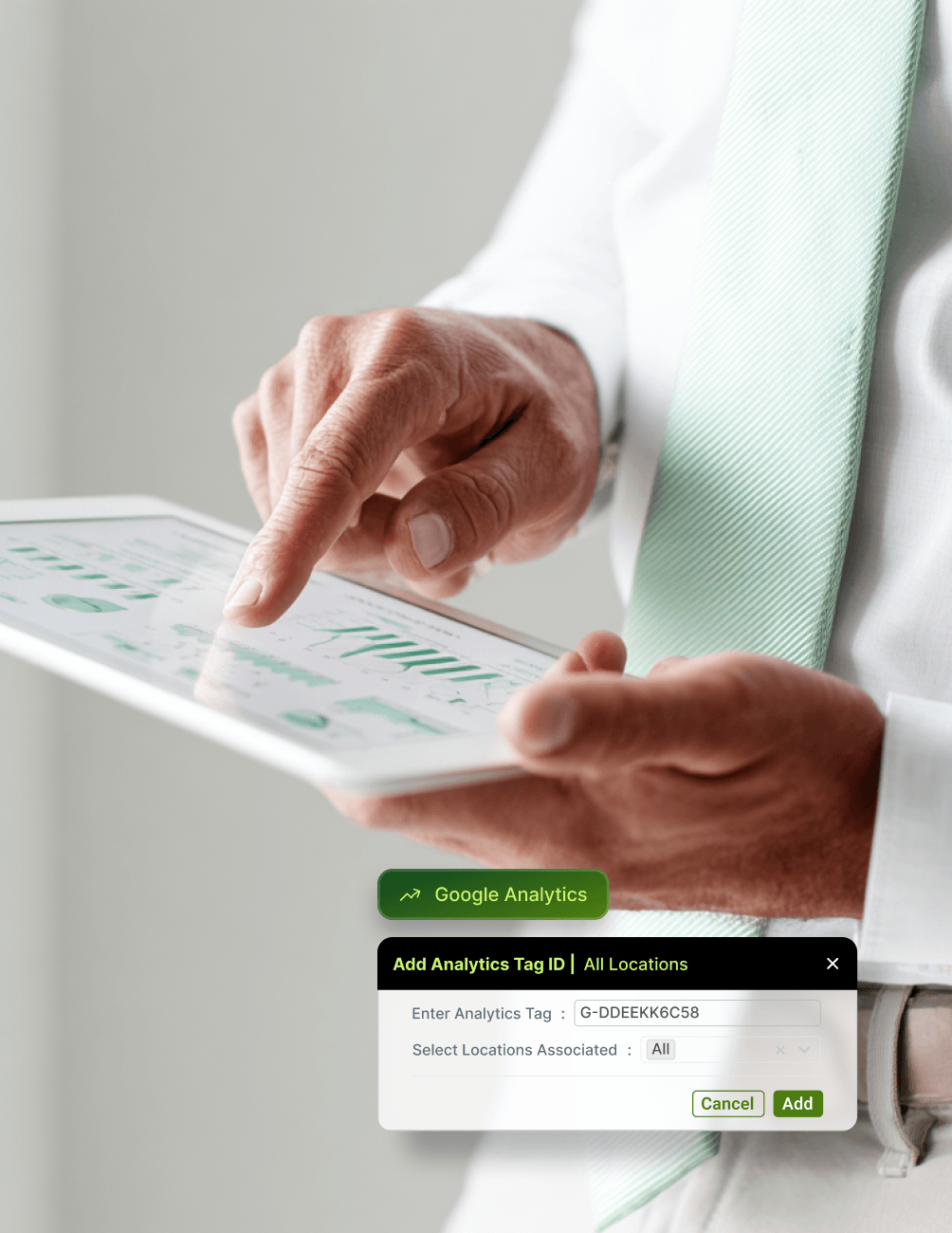
Connect Google Analytics to your online appointment portal using a single Measurement ID (G-XXXXXXXXXX).
- No-Dev Setup
Configure tracking directly within CareStack without requiring developer assistance for basic implementation.
- Global Tracking
Track appointment activity across all practice locations within a single Google Analytics account.
- Per-Location Tags
Assign location-specific Custom Tag IDs when individual practices use separate Google Ads accounts.
- Flexible Configuration
Choose a tracking setup that aligns with your marketing team's structure and reporting needs.
Complete Event Tracking
- Full-Funnel Tracking
Track every stage of the patient booking journey as a Google Analytics event.
- Page-Level Events
Capture visits to the Home, Reasons, Locations, Slots, Patient Details, and Payment pages.
- Request Tracking
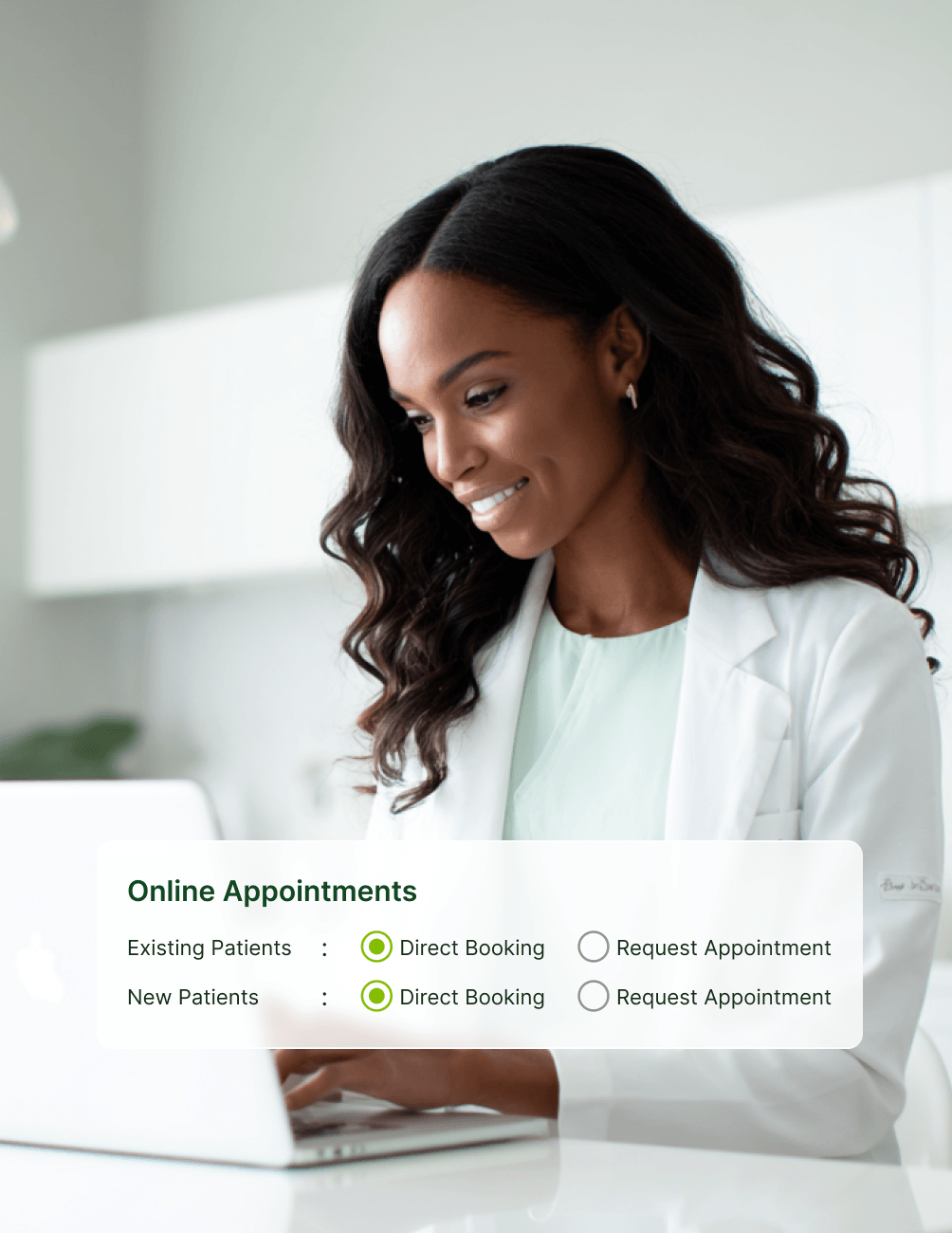
Monitor Appointment Message View and Appointment Message events for request-based scheduling workflows.
- Conversion Events
Trigger Direct Booking and Appointment Request events whenever a booking is successfully completed.
- Key Conversions
Mark booking events as key conversions to provide Google Ads with meaningful outcome data.
UTM & Traffic Source Attribution
- Auto-Capture
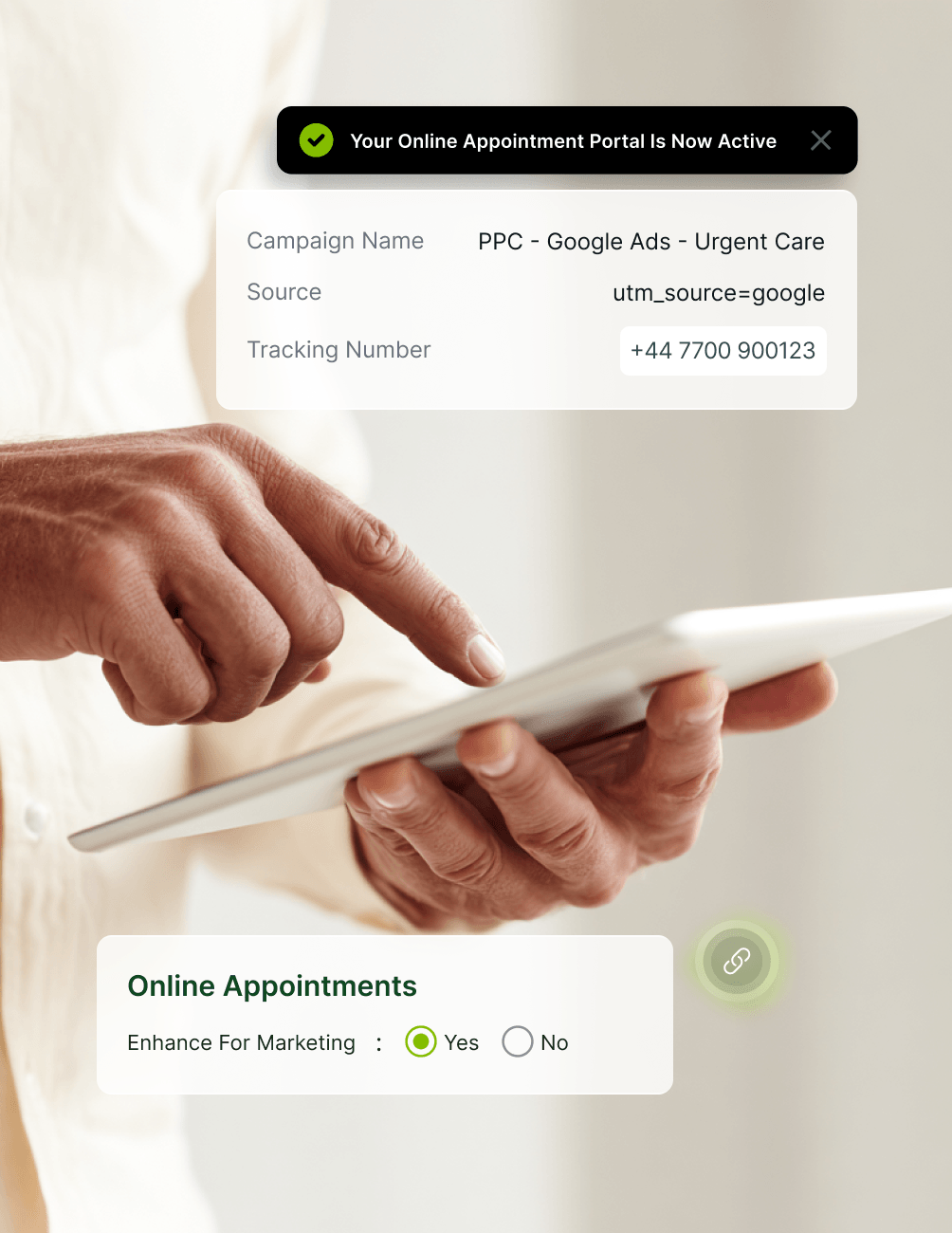
Automatically capture UTM Source, UTM Medium, UTM Campaign, and GCLID parameters.
- Source Visibility
Identify which campaigns, channels, and traffic sources generate actual appointment bookings.
- GCLID Attribution
Connect completed bookings back to specific Google Ads clicks using GCLID tracking.
- Sample Script
Use the provided sample script to pass UTM parameters from your website to the booking portal.
- Developer-Friendly
Work with your web development team to customize attribution tracking for your site's structure.
Google Ads Optimisation Loop
- Direct Import
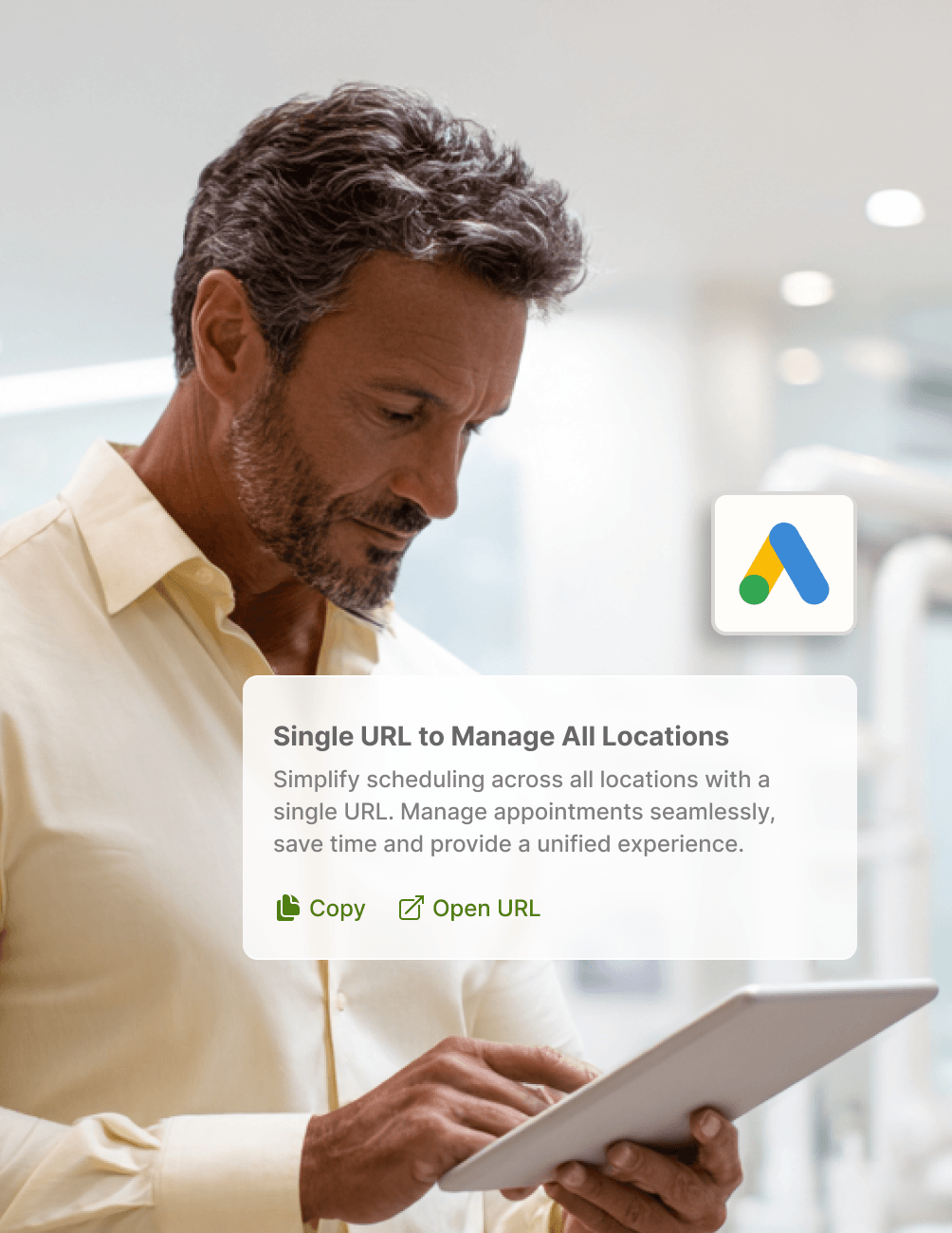
Link Google Ads and Google Analytics to import booking conversion data automatically.
- Real-Outcome Optimisation
Optimize campaigns based on actual appointment bookings instead of clicks or impressions alone.
- Smarter Budgeting
Allocate advertising budgets more effectively using real booking and ROI data.
- Improved ROAS
Increase return on ad spend across both new patient acquisition and patient retention campaigns.
- Closed Loop
Connect marketing investment directly to patient growth through measurable booking outcomes.
FAQ
Why CareStack Is the Best Dental Practice Management Software
Google Analytics Integration is a CareStack feature that connects your online appointment portal with Google Analytics, allowing you to track the entire patient booking journey—from browsing appointment options to completing a booking—and use that data to optimize marketing performance through Google Ads.
Yes. CareStack supports both global tracking across all locations within a single Google Analytics account and location-level Custom Tag IDs for practices that manage separate Google Ads accounts. This flexibility allows you to structure reporting according to your marketing setup.
CareStack tracks the full appointment-booking funnel, including Home Page, Reasons Page, Locations Page, Slots Page, Patient Details Page, Payment Page, Appointment Message View, and Appointment Message events. The funnel concludes with Direct Booking or Appointment Request conversion events.
Basic Google Analytics integration can be configured directly within CareStack without developer involvement. However, CareStack recommends working with your website developer to properly implement and customize UTM parameter and GCLID tracking using the provided script, ensuring accurate attribution across your website and booking portal.
Booking events can be marked as key conversions within Google Analytics and imported into Google Ads. This allows Google Ads to optimize campaigns based on actual appointment bookings rather than clicks or impressions alone, improving budget efficiency and helping drive more patient acquisition.
If both global tracking and a location-level Google Tag ID are configured, events from that specific location are recorded in the location-level Google Analytics property rather than the global property. This enables location-specific reporting and campaign analysis when required.
support@carestack.com

Trusted by 300+ Dental Practices
CareStack’s cloud dental software provides efficient practice management, world-class support, and modern tools and technology.