CS Mobile App
Online Dental Practice Mobile Software
With CareStack's Mobile App, clinicians stay connected and informed anytime, anywhere. Whether you're checking your day's diary between procedures, looking up patient details on the go, creating a prescription right after an exam, or messaging a patient back from outside the practice, everything you need is right in your pocket, fully integrated with the CareStack platform your practice already runs on.
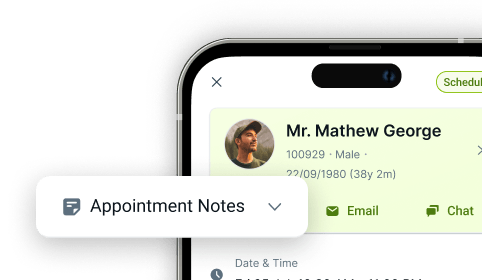
View your daily appointments at a glance, switch effortlessly between list and calendar views, block surgery slots to manage availability, and access complete patient information, including medical alerts, treatment history, prescriptions and contact details. Need to reach a patient? Call, email, or chat directly from the app, with Iris integration for unified patient conversations and optional VoiceStack support for click-to-call.
Built for the way modern dentists actually work, the Mobile App gives providers real-time visibility into their diary, patients, prescribing workflows, and their communications, without being tied to the front-desk computer.
For the ultimate dental software, choose the solution that’s scalable for growing dental start-ups or large multi-site practices and still affordable for single-location dental practices. Choose CareStack!
Key Benefits
Why Practices Love CareStack's Mobile App
View your daily diary and appointments from anywhere.
Manage availability with on-the-go slot blocking.
Access complete patient information instantly from your mobile device.
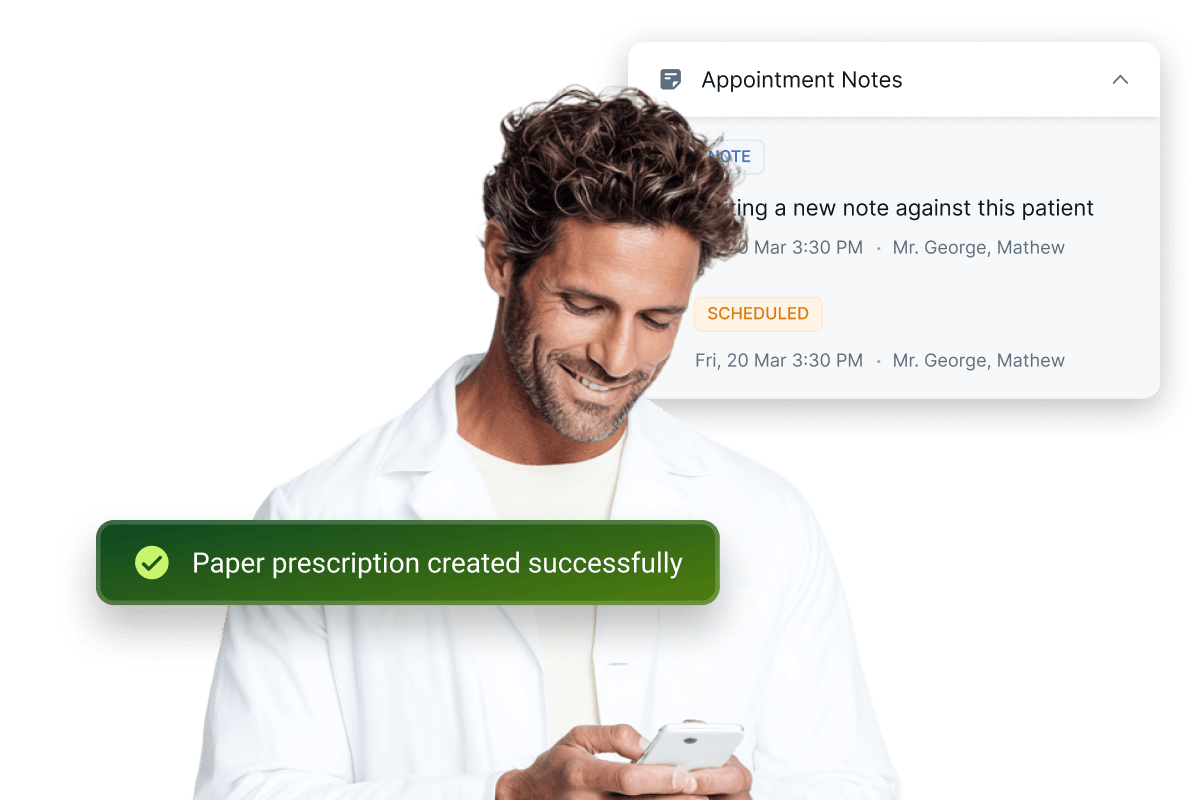
Create, manage, and download both Paper and E-Prescriptions on the go.
Call, email, or chat with patients directly from the app.
Stay connected through IRIS, CareStack's integrated communication hub.
Works seamlessly alongside CareStack's existing scheduling and clinical workflows.
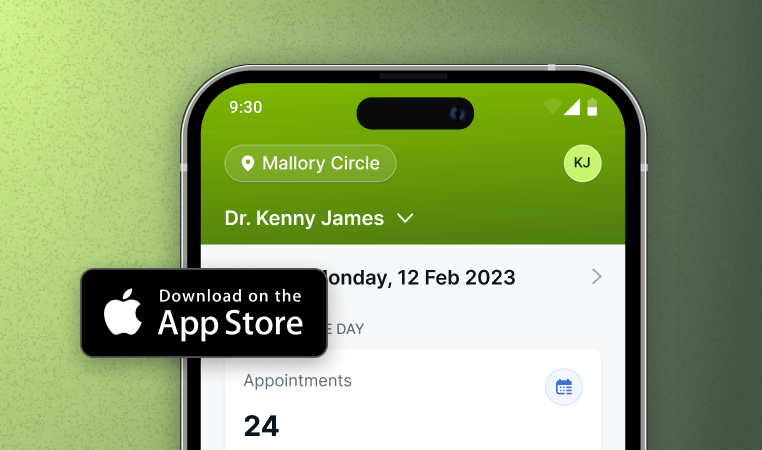
CareStack for iOS
Manage your dental practice from anywhere with the CareStack iOS app.
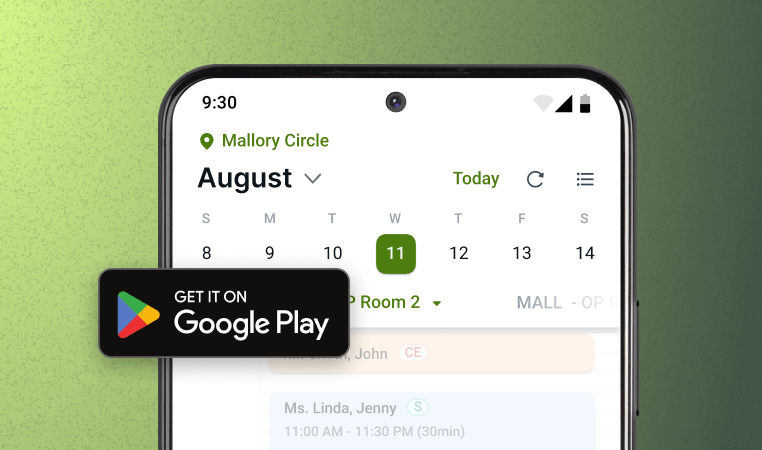
CareStack for Android
Stay connected to schedules, patients, and performance on the go.
Main Highlights
CareStack Mobile App for Modern Dental Practice Networks
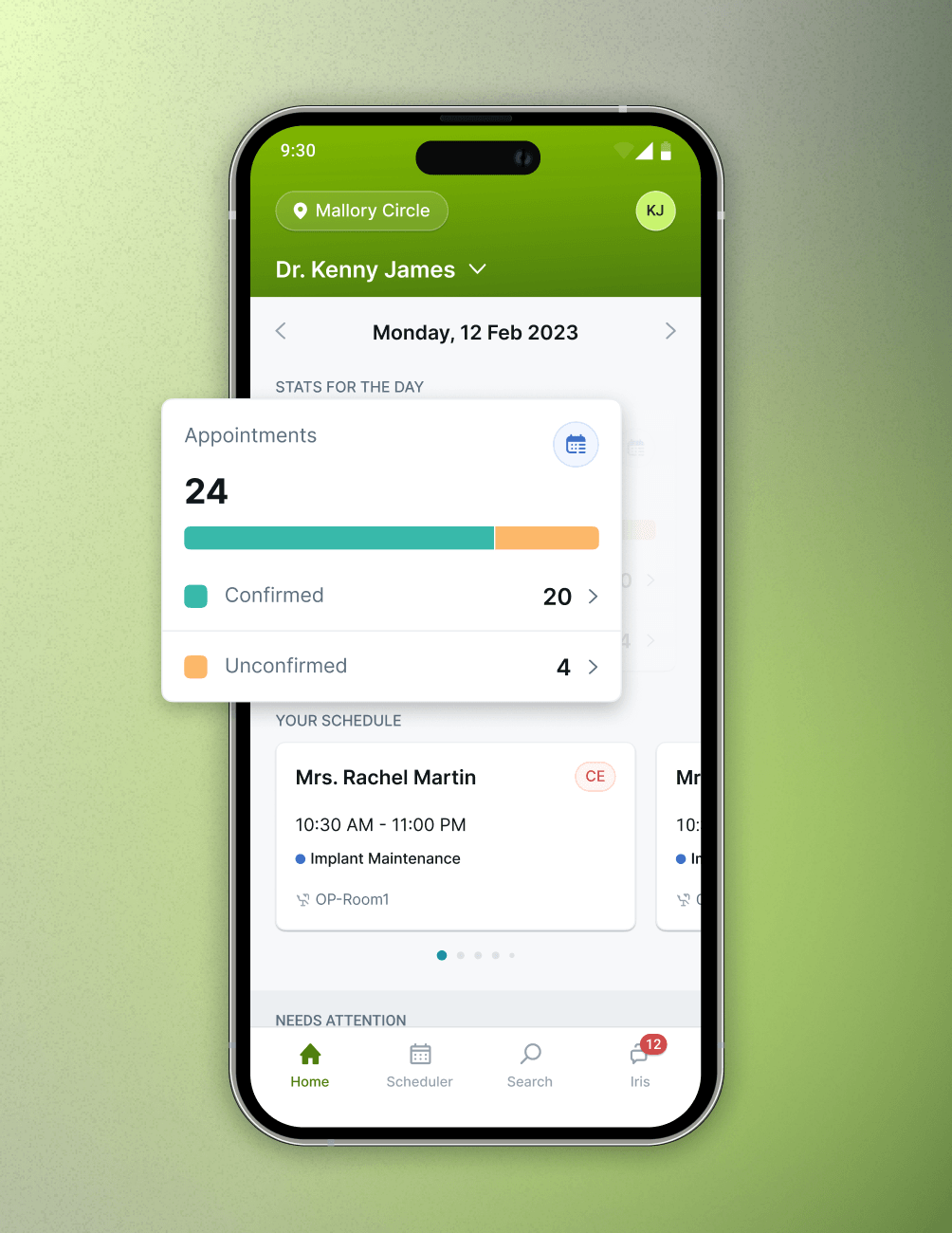
Daily Diary at a Glance
- Home Screen View
View the day's appointments right from the Home screen.
- Quick Counts
See Confirmed, Unconfirmed, and Total appointment counts at a glance.
- Tap to Drill In
Tap any count or appointment to drill into details.
Diary & Slot Blocking
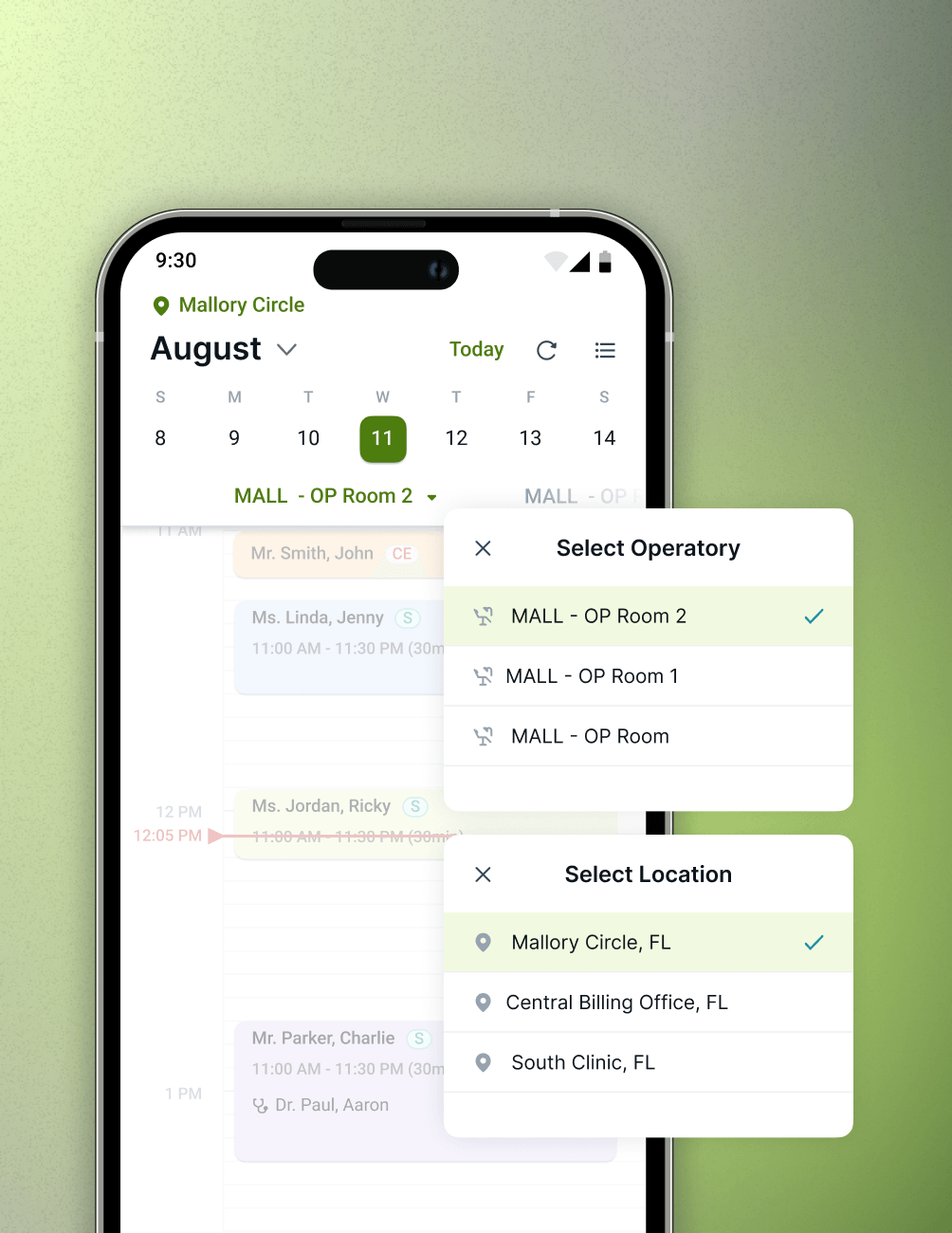
- List or Calendar
Toggle between Appointment List and Calendar Views.
- Smart Filters
Filter by status, location, or clinician to focus on what matters.
- Slot Blocking
Block surgery slots and switch surgeries from the diary.
Appointment & Treatment Details
- Unified View
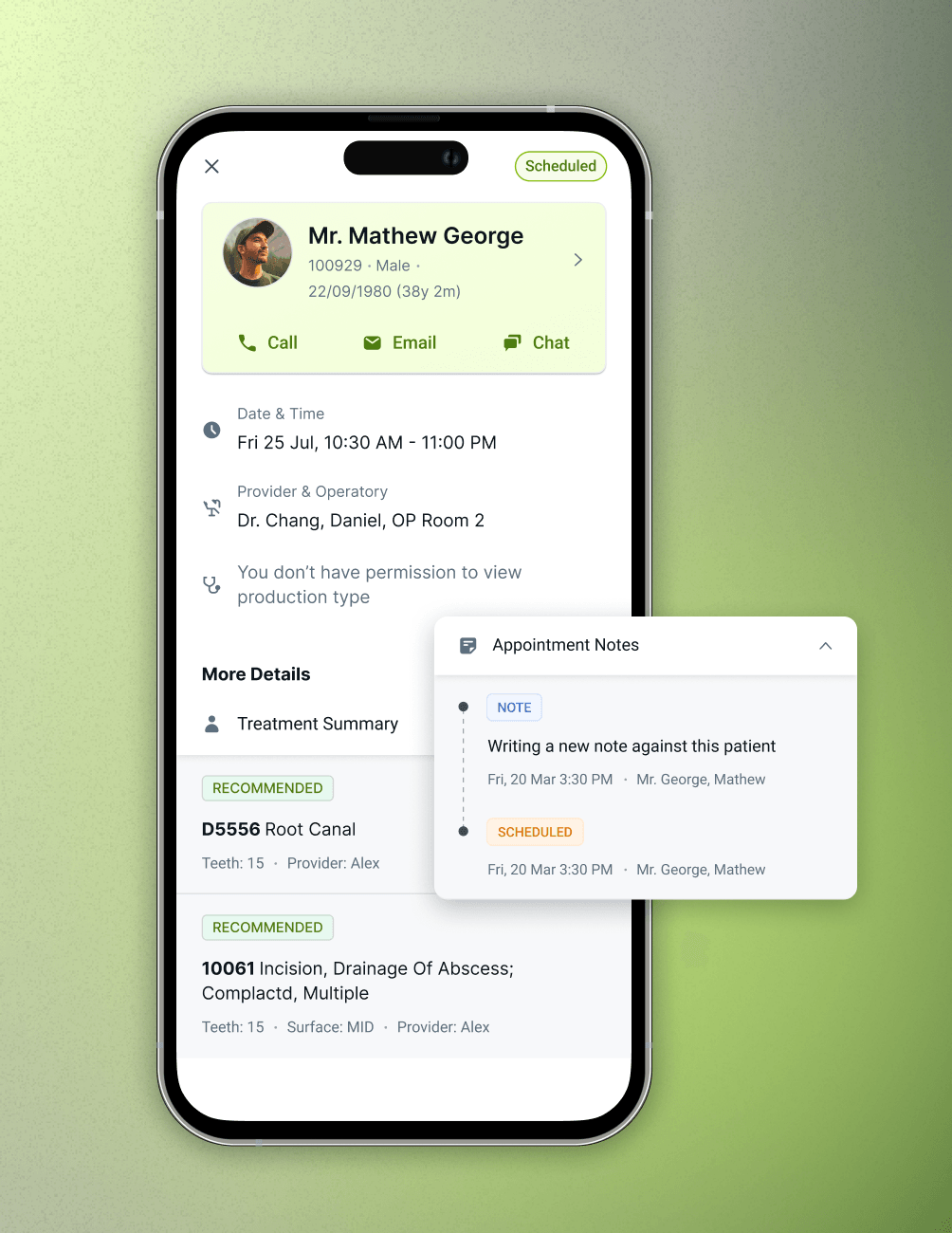
View treatment summaries, status, and notes in one place.
- One-Tap Navigation
Jump from any appointment to the full Patient Details page.
- Real-Time Sync
Stay in sync with real-time updates from CareStack.
Patient Information On-the-Go
- Quick Search
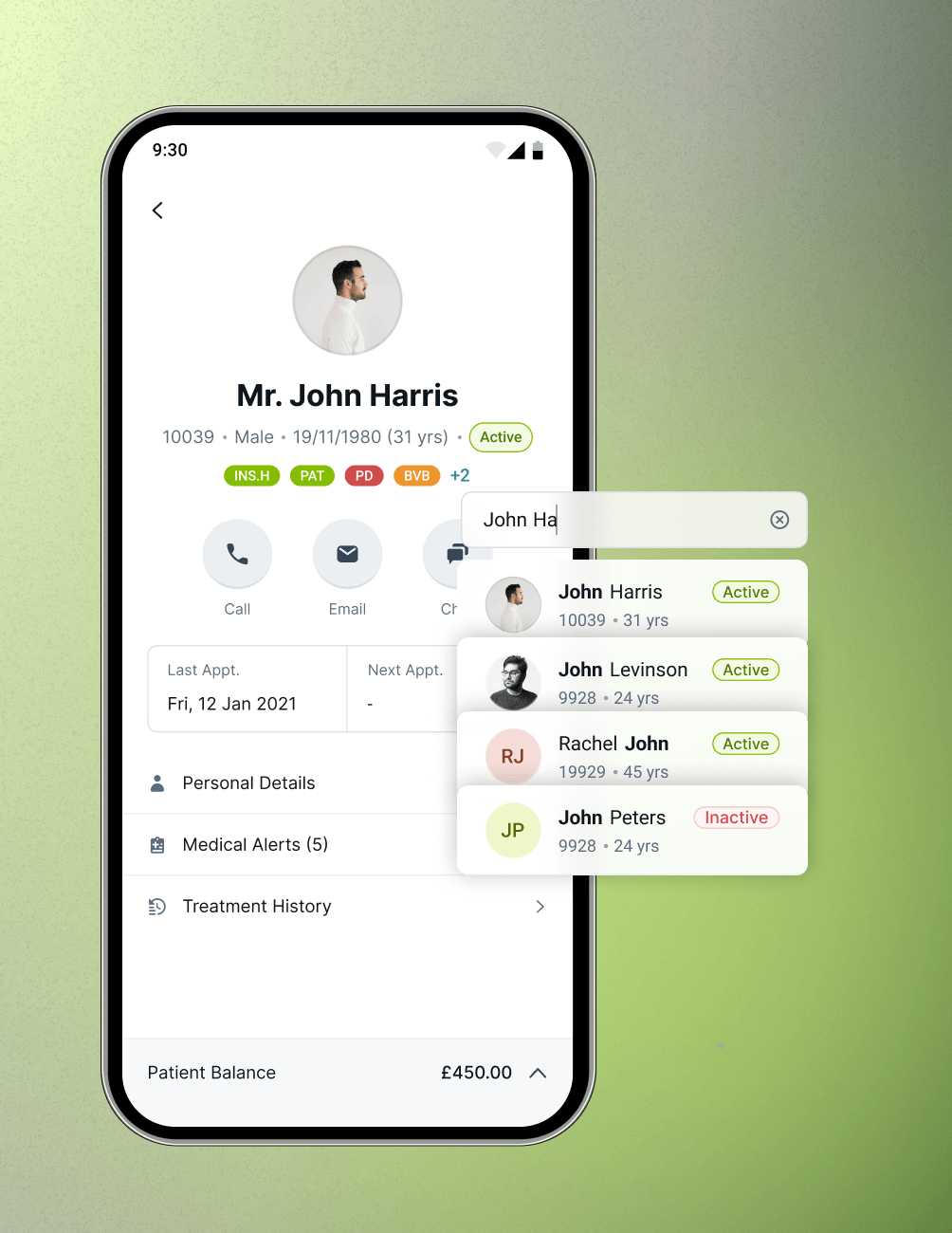
Search by name or patient ID, with recent searches on top.
- At-a-Glance Profile
See personal details, last visit, and next scheduled appointment.
- Clinical Context
Review Medical Alerts, Treatment History, and notes anytime.
Prescription Management
- Dual Prescription Types
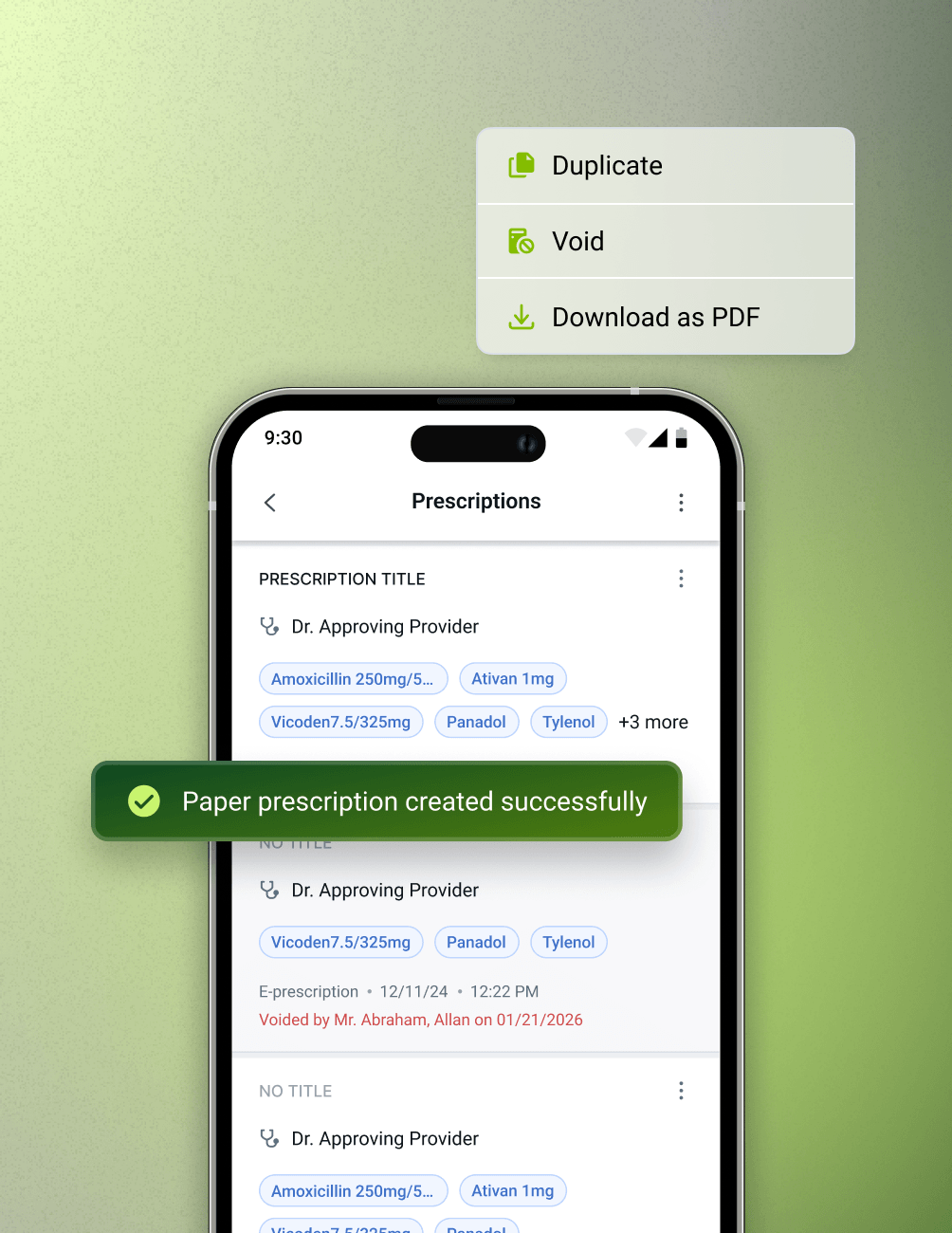
Create Paper and E-Prescriptions directly from Patient Details.
- Prescription Actions
Duplicate, void, or download prescriptions as PDF.
FAQ
Why CareStack Is the Best Dental Practice Management Software
The CareStack Mobile App is CareStack's mobile companion built for clinicians, giving them access to their daily diary, patient information, slot management, prescription management, and patient communication directly from their mobile device, anytime and anywhere.
The app is built specifically for clinicians who need real-time visibility into their diary, patient details, and communications without being tied to a front desk computer. It supports the way modern dentists actually work, on the move, between procedures, and outside the practice.
Yes. The Home screen shows your scheduled appointments for the day along with a quick summary of Confirmed, Unconfirmed, and Total appointments. You can tap any count to jump directly into a filtered list view of those appointments.
Yes. From the Calendar View in the diary, clinicians can block and update surgery slots for any selected day. You can also switch between surgeries using the dropdown at the top of the diary.
You can view a patient's personal details (mobile, email, emergency contact, address, subscription info), Medical Alerts (conditions, allergies, current medications), Treatment History, last appointment, and next scheduled appointment, all from the Patient Details page.
Yes. The Patient Details page lets you initiate Call, Email, or Chat actions instantly. If VoiceStack is enabled for your practice, the Call option opens directly in VoiceStack for a seamless calling experience.
IRIS is CareStack's integrated patient communication hub. From the IRIS section inside the CareStack Mobile App, clinicians can see an aggregated view of all patient conversations in one place and start new chats with patients directly from the app.
Yes. Everything you see and do in the CareStack Mobile App is synced with your CareStack platform, so your diary, patient details, and communications stay accurate and up to date no matter where you're working from.
support@carestack.com

Trusted by 300+ Dental Practices
CareStack’s cloud dental software provides efficient practice management, world-class support, and modern tools and technology.