




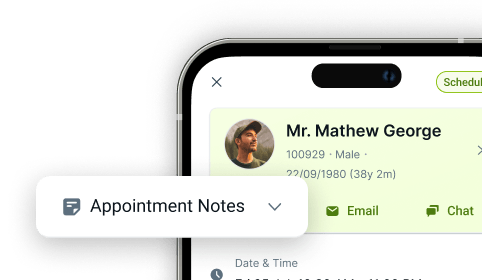

Internal Referrals
Internal Referral Management Software
With CareStack's Internal Referrals feature, you can refer patients seamlessly between providers and locations within your own practice account, without ever leaving the system. It's the easiest way to keep speciality care, second opinions, and complex cases inside your network, where you have full visibility and control.
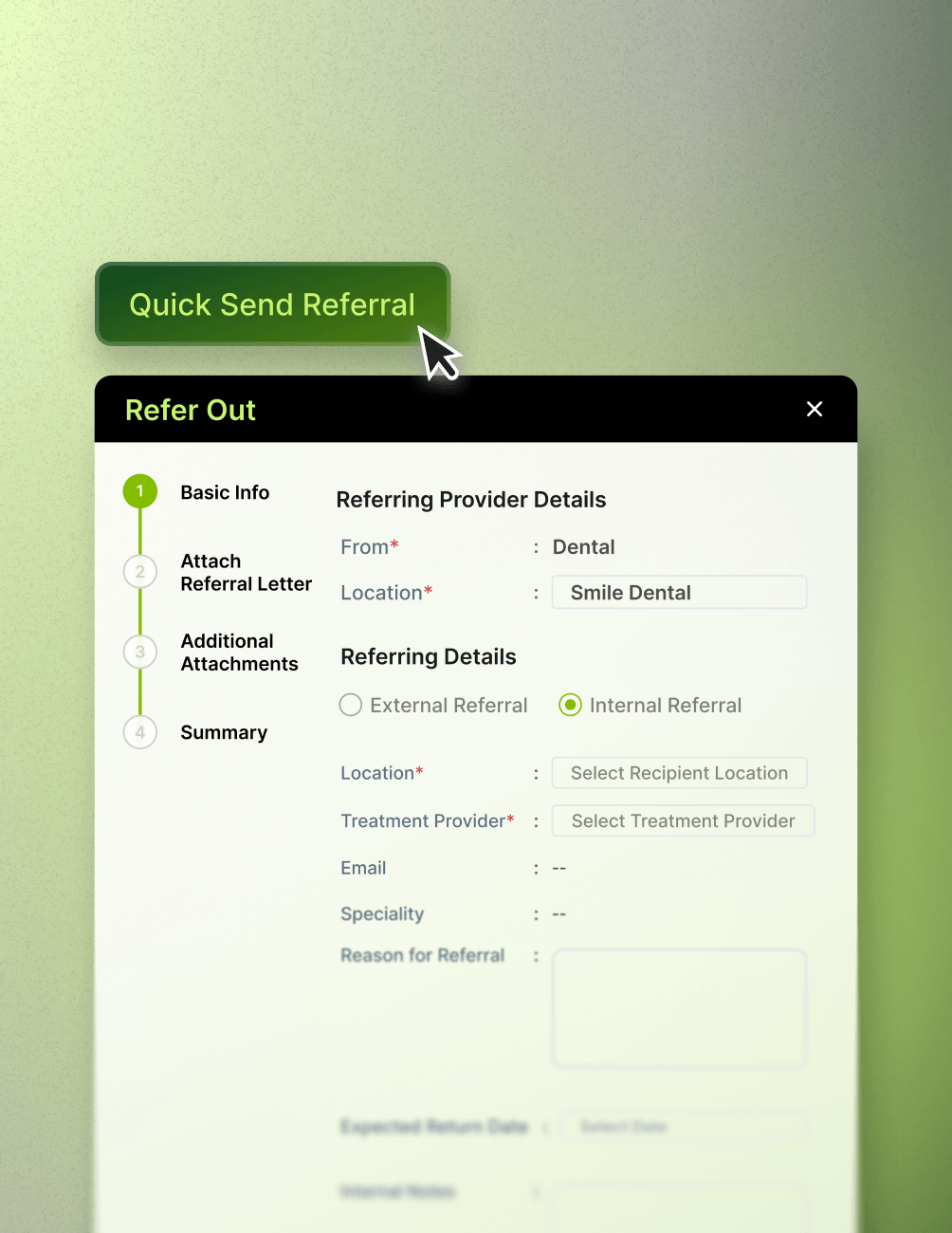
When a patient needs care from another clinician in your group, simply send an internal referral directly to the recipient location and treatment clinician. The referral, along with all relevant clinical details, attachments, and notes, flows instantly through CareStack's four-stage referral process. With Quick Send Referral, you can even fire off the referral in a single click to an in-house clinician.
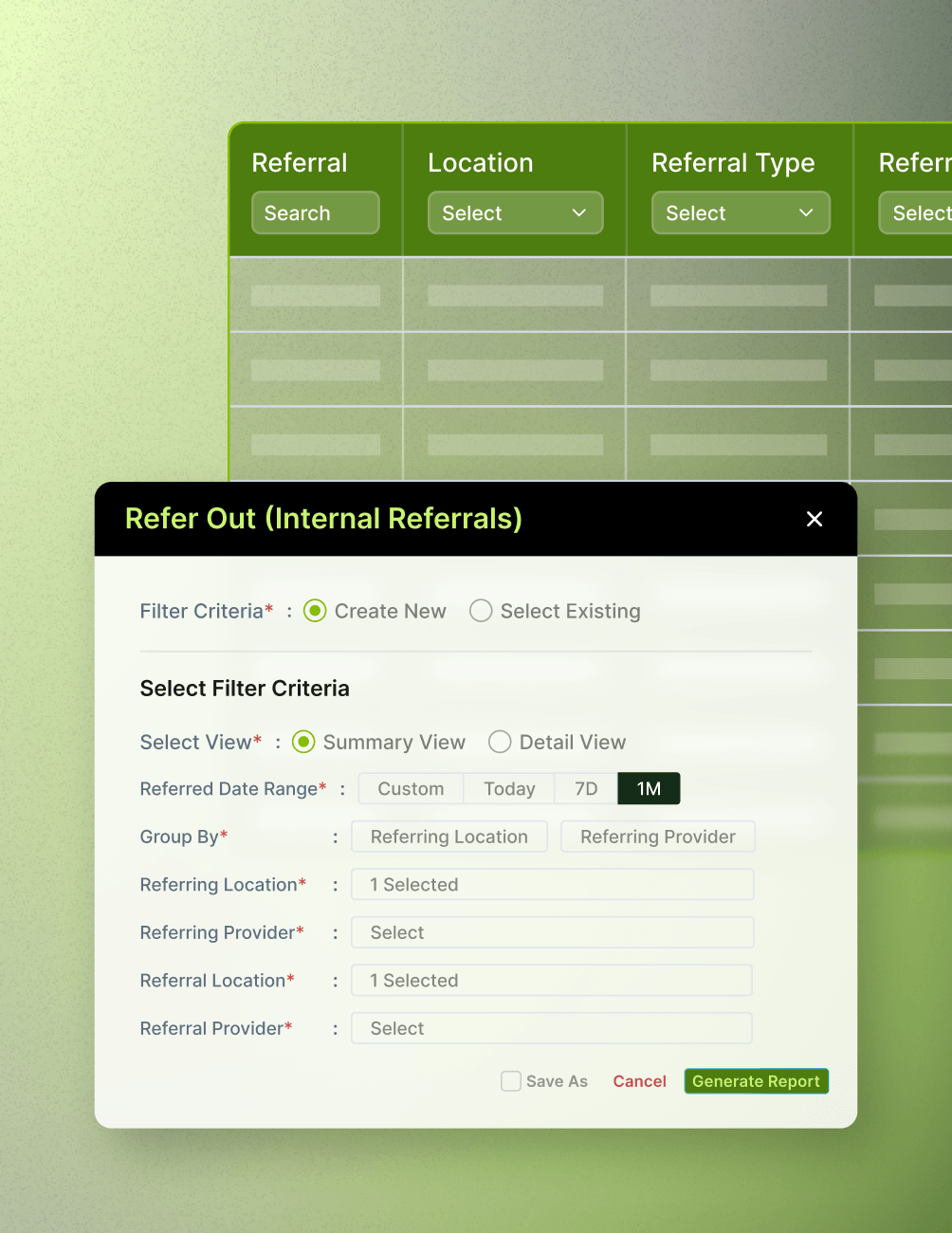
And with built-in reporting, practice owners and operations leaders can track every internal referral across the network, filtered by Clinician, Location, and Date Range, along with the total pound value of referrals made. That's complete visibility into how patients move through your group and how much revenue is being retained internally.
For the ultimate dental software, choose the solution that’s scalable for growing dental start-ups or large multi-site practices and still affordable for single-location dental practices. Choose CareStack!
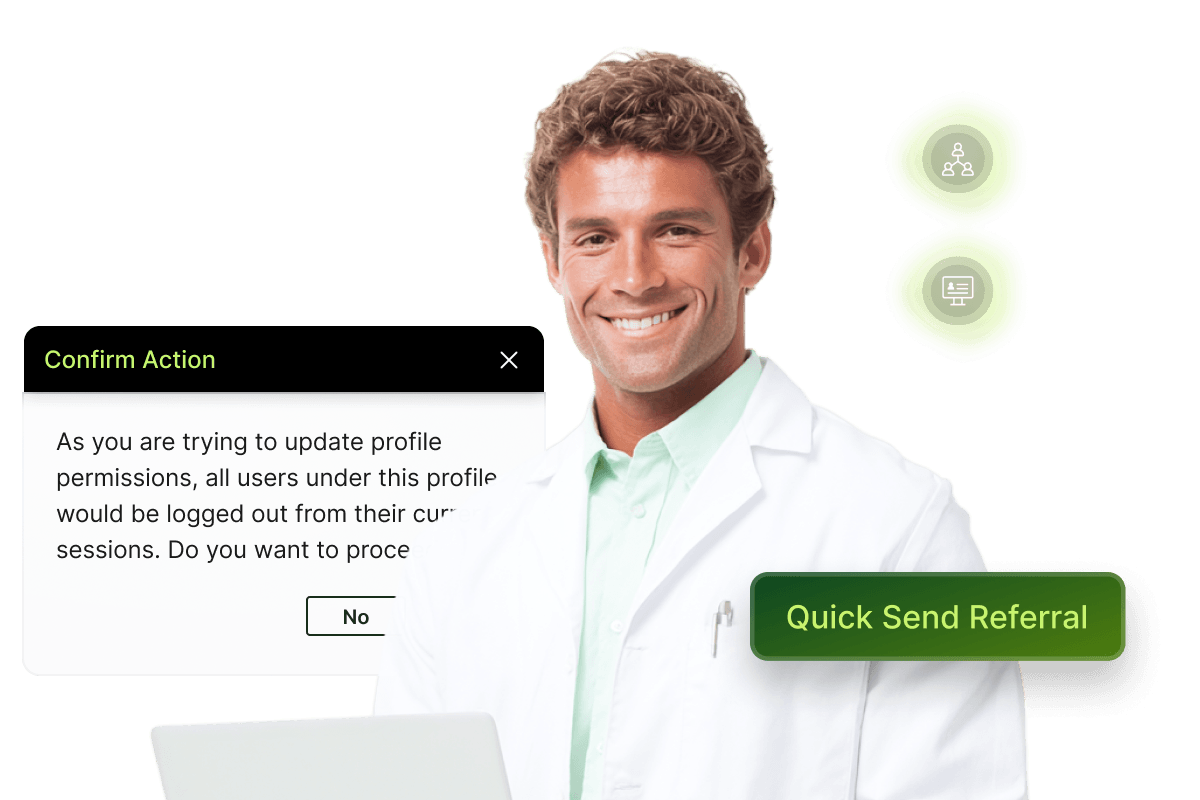
Key Benefits
Why Practices Love CareStack's Internal Referrals
Keep speciality and complex case referrals inside your practice network.
Refer instantly between clinicians and locations within the same account.
Track referral volume and pound value across your entire group.
Use Quick Send Referral to dispatch referrals in a single click.
Improve internal communication and patient handoffs between clinicians.
Works seamlessly alongside CareStack's existing referral and clinical workflows.
Main Highlights
Internal Referrals for Modern Dental Practice Networks

Seamless Internal Referral Workflow
- In-Network Referrals
Refer patients directly to clinicians and locations within your own CareStack account.
- Quick Selection
Choose the recipient location and treatment clinician in just a few clicks.
- Quick Send
Instantly route referrals to in-house clinicians using the Quick Send Referral workflow.
- Tailored Workflow
Use referral forms designed specifically for internal referrals to streamline the process.
Reporting & Visibility
- Detailed Reports
Generate comprehensive reports covering all internal referrals across your organization.
- Flexible Filters
Filter referral reports by clinician, location, and date range for targeted analysis.
- Volume Tracking
Monitor the total number of referrals created within your CareStack account.
- Revenue Tracking
Track the total referral-related revenue value across your network.
- Retained Revenue Insight
Measure how much patient revenue is retained within the practice group through internal referrals.
Permissions & Configuration
- Granular Permissions
Control referral access with detailed permissions for creating, viewing, and editing referrals.
- Profile-Level Controls
Enable View Refer-Outs and Create/Edit Refer-Outs permissions per profile.
- Email Triggers
Configure referral email notifications and communication workflows.
- Auto-Notifications
Notify in-house clinicians automatically when an internal referral is created.
- Centralised Settings
Manage all referral settings from a single, central location in CareStack.
FAQ
Why CareStack Is the Best Dental Practice Management Software
It's a CareStack feature that allows practices to refer patients to clinicians and locations within their own account, rather than to external clinicians. This keeps speciality care, second opinions, and complex cases within your practice network with full clinical and financial visibility.
Internal referrals are directed to a recipient location and treatment clinician within your CareStack account, rather than to an external clinician or organization. CareStack also provides a Quick Send Referral option that allows referrals to be routed instantly to an in-house clinician.
Yes. Internal referrals support the full range of attachments, such as clinical images from integrated imaging partners (VATech, ACTEON, 3-Shape, Itero, Carestream, Dentsply Sirona, Romexis, Sidexis, Examine Pro, Duerr Vistasoft, NewTom NNT), past treatments, medical history forms, patient overview, NHS exemption status, dental plan details, allergies, conditions, and patient documents.
Yes. CareStack provides referral reporting with filters for clinician, location, and date range. Reports include referral volume and the total associated referral value, helping practices measure internal referral activity and retained revenue.
Access is controlled through profile-level permissions. Administrators can grant View Refer-Outs and Create/Edit Refer-Outs permissions to specific user profiles based on organizational requirements.
Yes. If referral email notifications are enabled in CareStack Referral Settings, clinicians can be automatically notified whenever an internal referral is created and assigned to them.
support@carestack.com

Trusted by 300+ Dental Practices
CareStack’s cloud dental software provides efficient practice management, world-class support, and modern tools and technology.
































RELATED FEATURES
Everything You Need. All in One Place.
Reputation Management
Turn happy patients into 5-star reviews with automated, PMS-driven feedback workflows.
Membership Plans
Turn one-time patients into recurring revenue with in-house dental membership plans.
Online Scheduling
Turn website visitors into booked appointments with rules-based 24/7 online booking.