




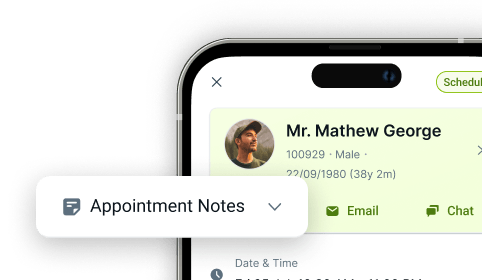

Provider Payment Attribution
Online Dental Payment Attribution Software
Every payment that flows through your practice should tell you who collected it, who delivered the treatment, and where the revenue belongs. With CareStack's Provider Payment Attribution, your practice can link a specific provider to every payment receipt created in the system, giving you accurate, provider-level visibility into collections and a clearer picture of how income flows through your practice. No more guessing who collected what. No more disconnected reports. Just clean, attributable revenue data on every receipt.
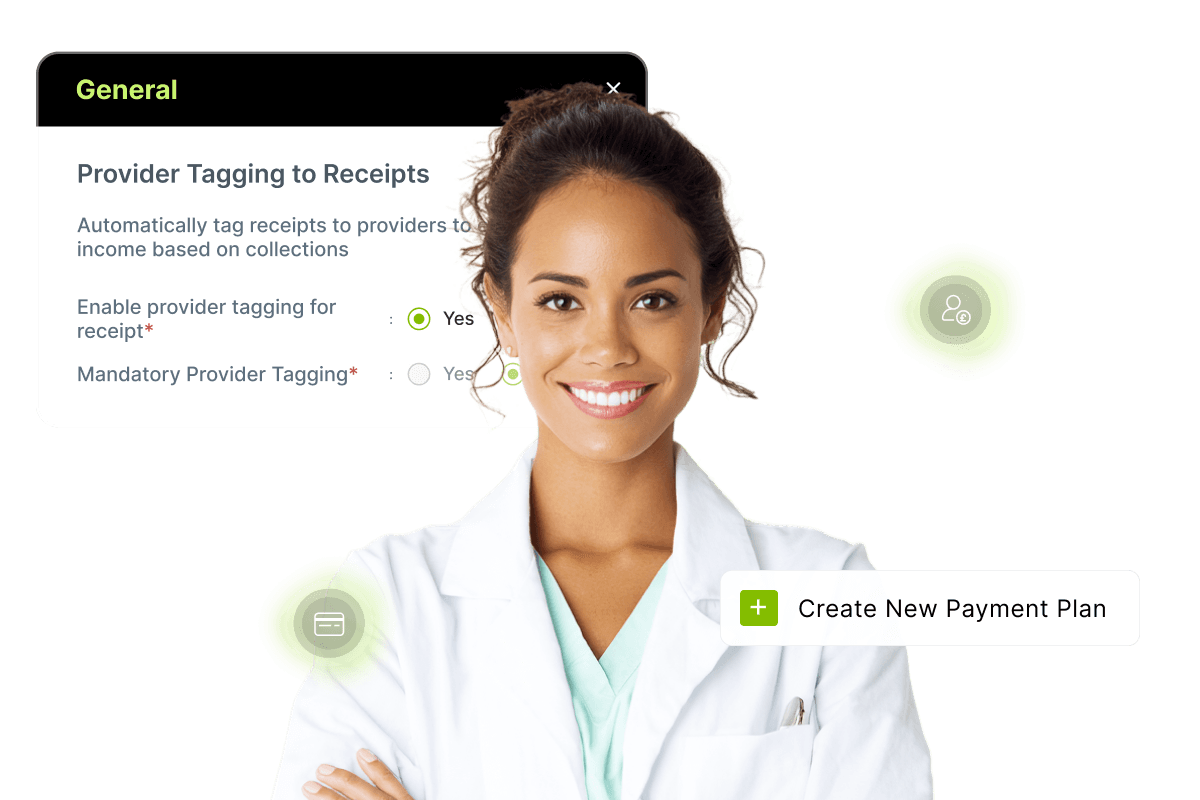
Enable provider payment attribution in just a few clicks, choose whether the Provider field should be optional or mandatory at the time of payment, and let CareStack automatically tag providers based on your configured rules. From regular payments to advance payments, payment plans, and Text to Pay requests, every collection point in CareStack respects the provider you've linked, keeping your reports accurate end-to-end.
Smart safeguards like provider transfer warnings prevent accidental misattribution. At the same time, powerful collection-based reports, including the Paying-In Slip, Income Allocation Extended, and Payment Log, now include a Receipt Provider filter, so you can analyse collections exactly the way your practice operates.
For the ultimate dental software, choose the solution that’s scalable for growing dental start-ups or large multi-site practices and still affordable for single-location dental practices. Choose CareStack!
Key Benefits
Why Practices Love CareStack's Provider Payment Attribution
Link each payment receipt to a specific provider for accurate collection tracking.
Enable provider-based reporting and income attribution across your practice.
Choose whether provider payment attribution is optional or mandatory.
Smart warnings prevent accidental misuse of cross-provider receipts.
Works across Payments, Payment Plans, Text to Pay, and Operational Reports.
Drill down into collections by provider for cleaner financial visibility.
Main Highlights
Provider Payment Attribution for Modern Dental Practice Networks

Flexible Configuration
- Field Flexibility
Make the Provider field optional or mandatory, depending on how your practice operates.
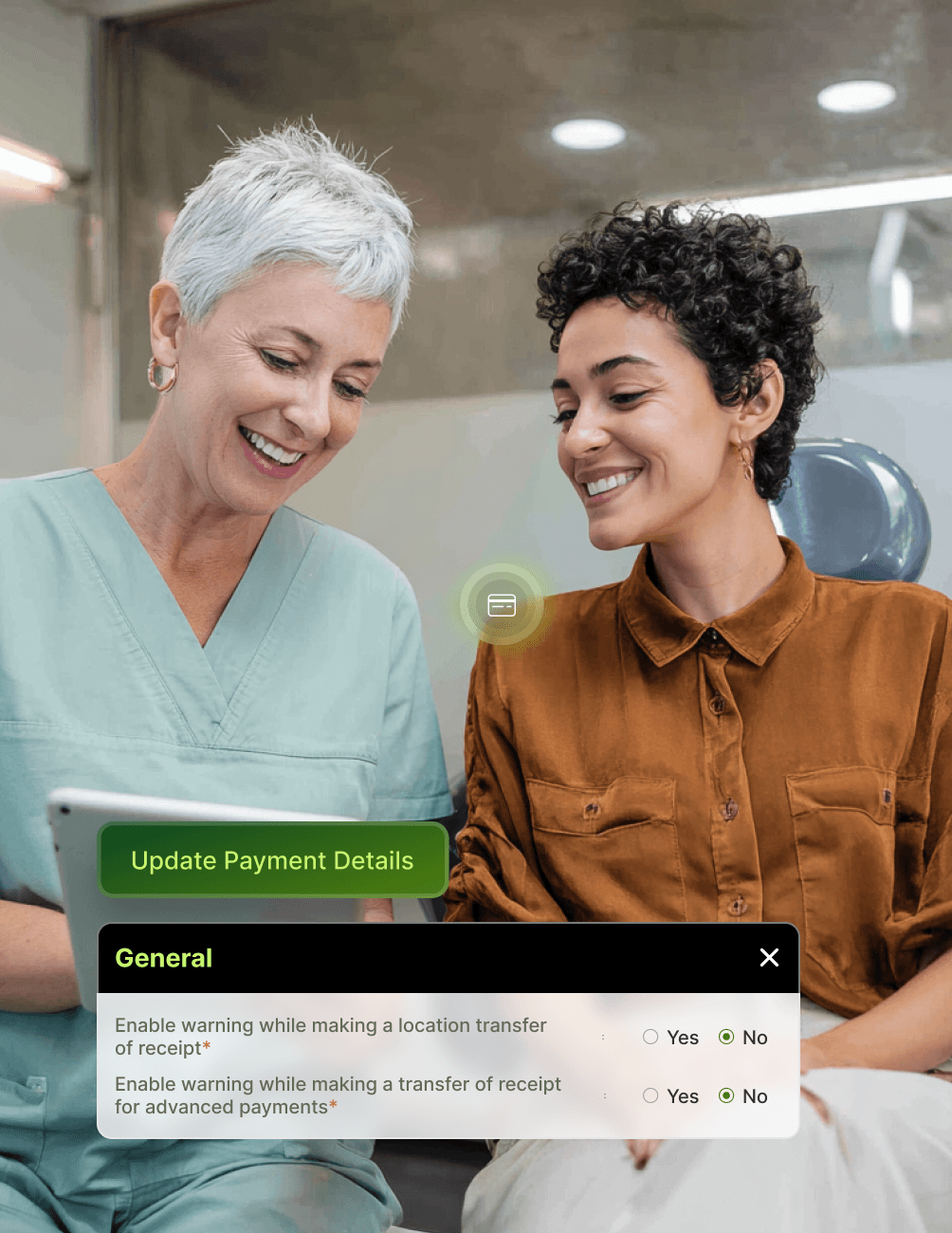
- Transfer Warnings
Toggle warning prompts when transferring receipts between providers, to give your team an extra layer of protection.
- Adaptive Settings
Update settings at any time as your practice's collection workflows evolve.
Payment-Level Tagging
- Universal Tagging
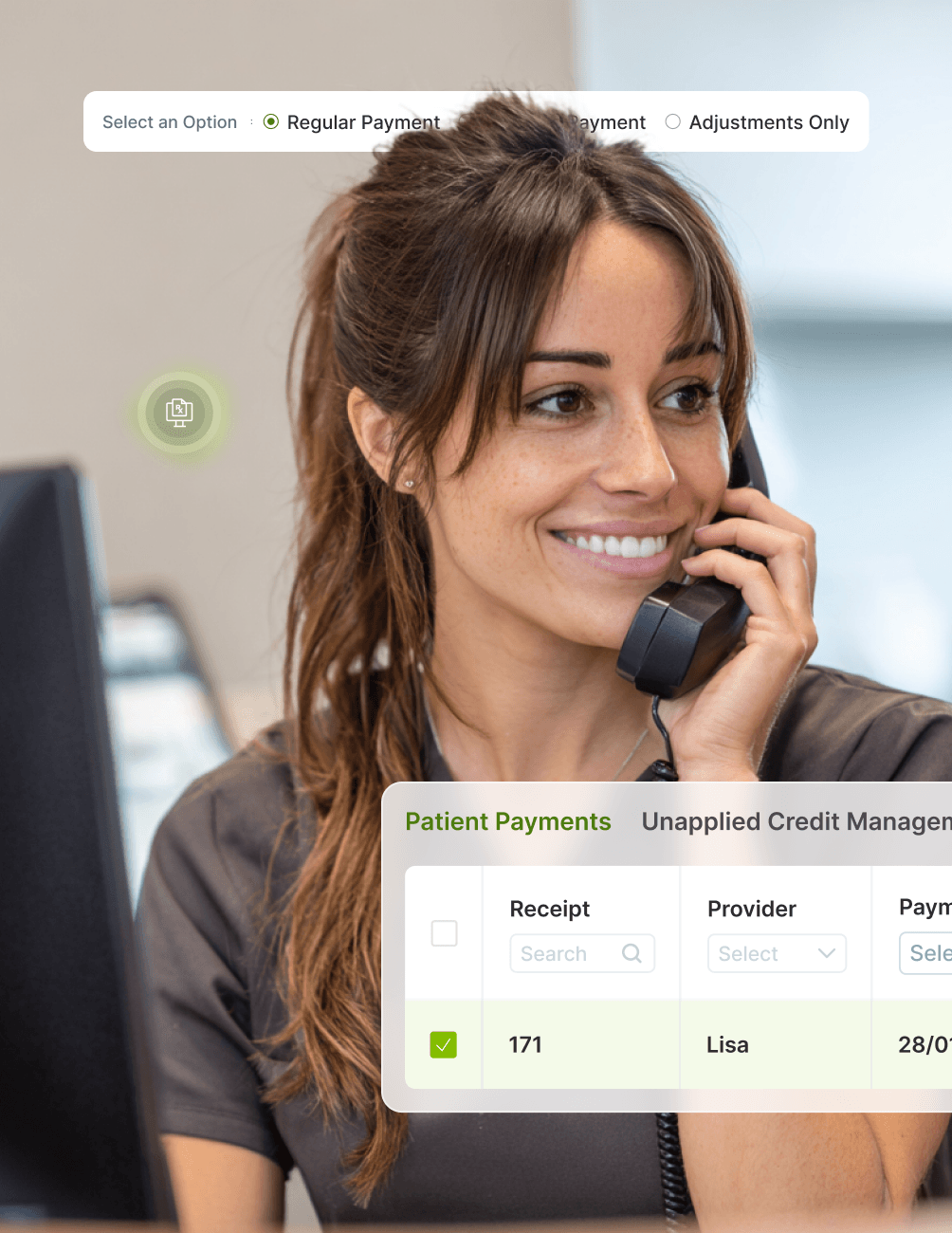
The Provider field appears when making Regular or Advance Payments, ensuring attribution at every collection point.
- Provider Column
A Provider column is available on the Payments page and Unapplied Credit Management page for full visibility at a glance.
- Retroactive Edits
Edit Payment Details to tag a provider to existing receipts marked as "None," ensuring no payment is left unattributed.
- Full Attribution
Maintain complete provider attribution for every payment type, from initial deposit to final balance.
Payment Plans & Text to Pay
- Plan-Level Provider
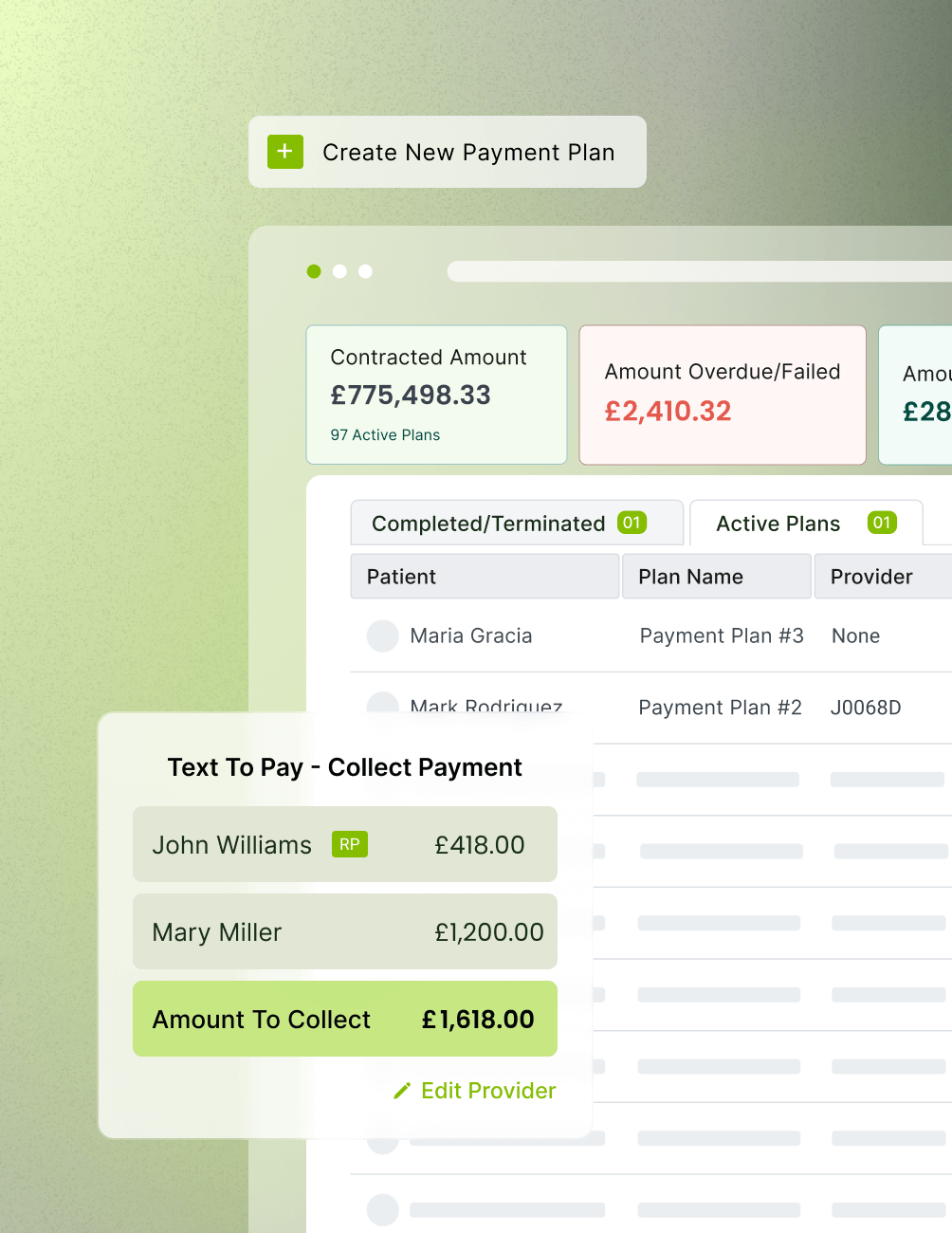
Select a Receipt Provider when creating a Payment Plan, with attribution applied across the full plan lifecycle.
- Auto-Tagged Receipts
Every receipt generated through the plan is auto-tagged to the chosen provider, with no manual handling required.
- Control Centre
View the Provider tagged to each plan directly in the Payment Plan Control Centre.
- Text to Pay
Provider Select or edit the provider when creating a Text to Pay request, keeping attribution consistent across digital collections.
- Carried Attribution
Payments completed via Text to Pay links automatically inherit the selected provider attribution, with no extra steps for your team.
Smart Safeguards
- Cross-Provider Warning
A warning prompt appears when applying a payment to a treatment completed by a different provider, helping your team catch mistakes before they happen.
- Error Prevention
Avoid accidental cross-provider receipt mistakes during posting, with built-in checks that protect your reporting accuracy.
- Mandatory Attribution
Use the Mandatory Provider setting to ensure no payment is ever recorded without attribution.
- Easy Corrections
Edit provider details on existing receipts as needed, with full audit transparency.
- Historical Integrity
Provider edits on Payment Plans apply only to receipts created after the change, preserving the historical accuracy of your records.
Enhanced Operational Reports
- New Report Filter
A Receipt Provider filter has been added to the Paying-In Slip, Income Allocation Extended, and Payment Log Reports.
- Enhanced Columns
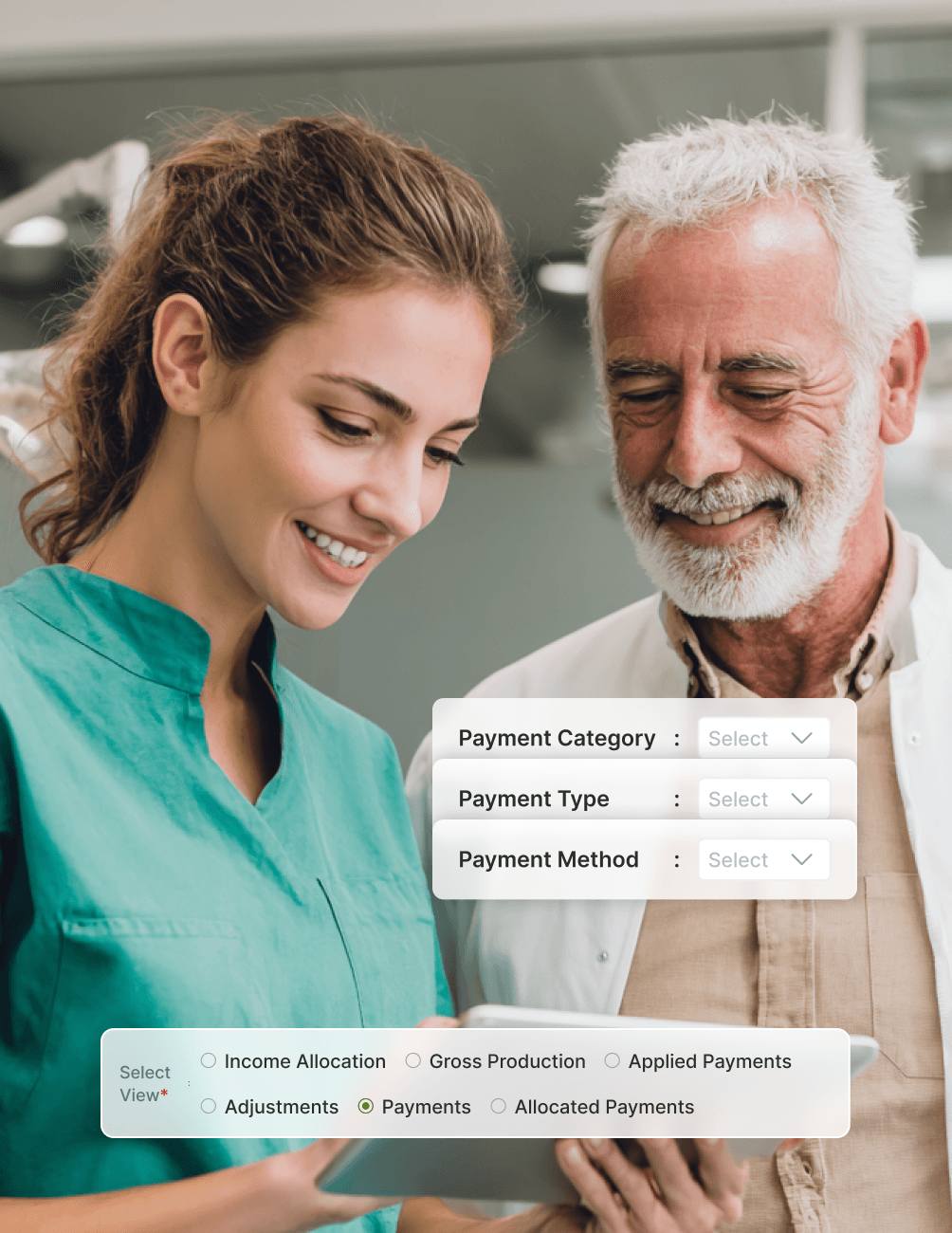
The Income Allocation View now shows new "Payments" and "Allocated Payments" columns per provider, giving you cleaner visibility of where every pound has been attributed.
- Clearer Drill-Downs
Advance Payments views have been renamed to Payments and Allocated Payments for clearer drill-downs into provider performance.
- Granular Filters
Filter views by Payment Category, Payment Type, and Payment Method for the level of detail your finance team actually needs.
- True Visibility
Get true provider-level visibility into collections and income allocation, supporting clinician payroll, partner discussions, and growth planning.
FAQ
Why CareStack Is the Best Dental Practice Management Software
It's a CareStack feature that lets your practice link a specific provider to every payment receipt created in the system. This enables accurate collection-based reporting and helps your practice track income flow at the provider level.
Yes. The Mandatory Provider Payment Attribution setting forces the Provider field to be filled in for every payment, ensuring no collection goes untagged.
If the cross-provider warning is enabled, CareStack displays a warning when you try to apply a payment using a receipt tagged to a different provider than the one who completed the treatment. This helps prevent misattribution during payment posting.
When creating a Payment Plan, you select a Receipt Provider, and every receipt generated through that plan is automatically tagged to them. You can view tagged providers in the Payment Plan Control Centre. If you edit the provider later, the change applies only to new receipts created after the edit, while historical receipts remain unchanged.
You can tag a provider to any receipt marked as "None" by editing its Payment Details. The same applies to Payment Plans with no provider attached.
Collection-based reports now support a Receipt Provider filter, including the Paying-In Slip Report, Income Allocation Extended Report, and Payment Log Report. The Income Allocation Extended Report also includes new Payments and Allocated Payments columns and views, with filters by Payment Category, Payment Type, and Payment Method.
Yes. CareStack supports provider auto-tagging, reducing the need for manual entry while keeping collections accurately attributed. You can learn how auto-tagging works directly within the configuration screen.
support@carestack.com

Trusted by 300+ Dental Practices
CareStack’s cloud dental software provides efficient practice management, world-class support, and modern tools and technology.




























RELATED FEATURES
Everything You Need. All in One Place.