





Provider Tagging
Online Dental Payment Attribution Software
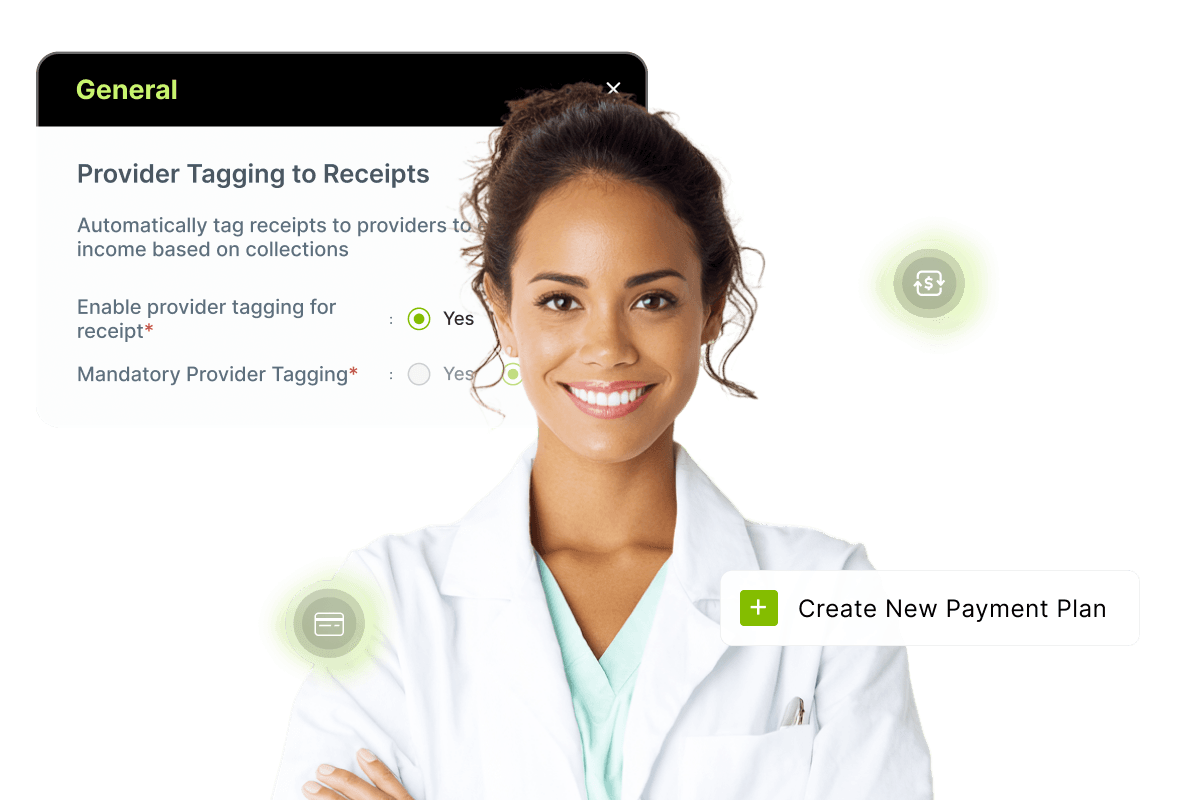
With CareStack's Provider Tagging to Receipts, your practice can link a specific provider to every payment receipt created in the system, giving you accurate, provider-level visibility into collections and a clearer picture of how income flows through your practice. No more guessing who collected what, no more disconnected reports. Just clean, attributable revenue data on every receipt.
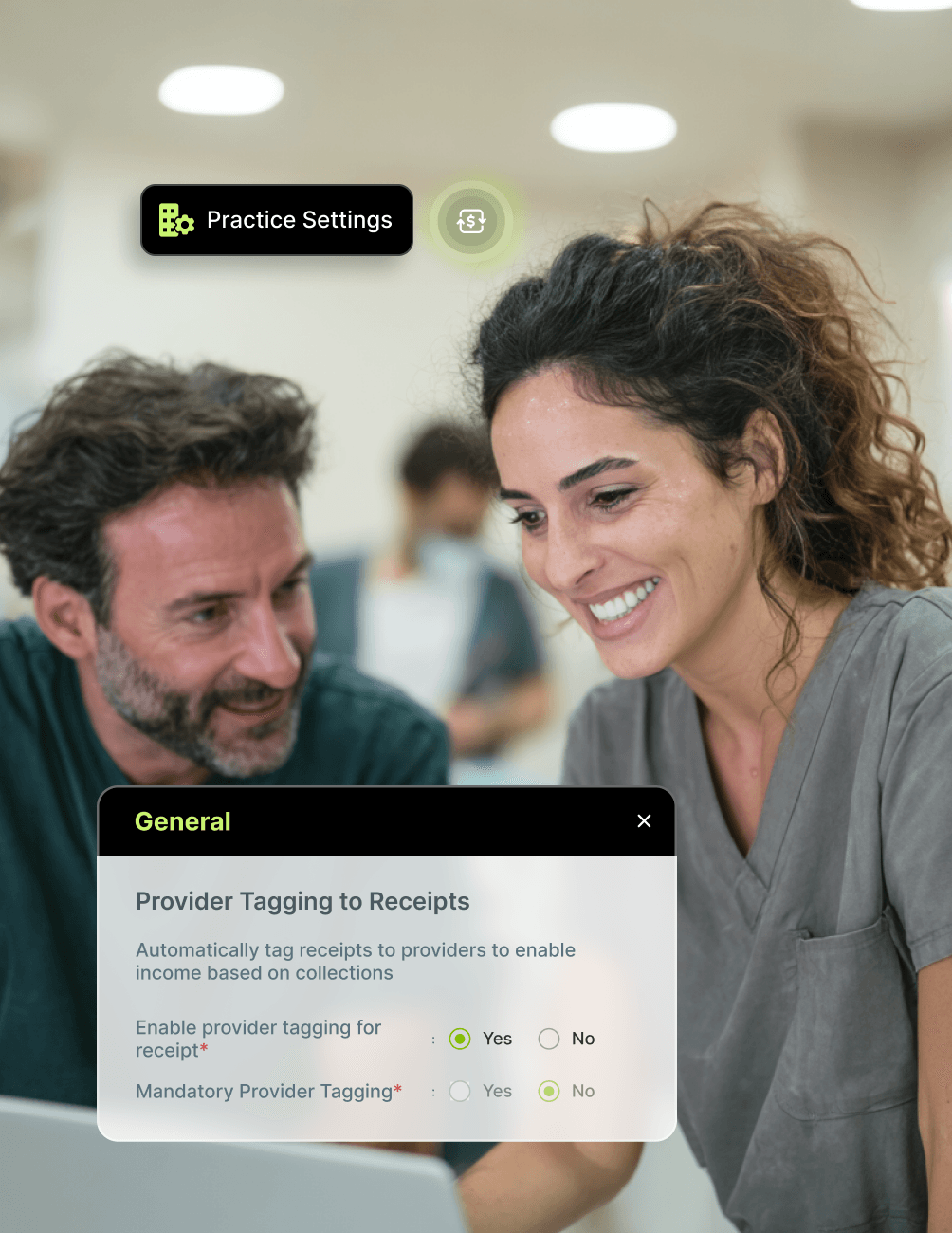
Enable provider tagging in just a few clicks, choose whether the Provider field should be optional or mandatory at the time of payment, and let CareStack automatically tag providers based on your configured rules. From regular payments to advance payments, payment plans, and Text to Pay requests, every collection point in CareStack respects the provider you've linked, keeping your reports accurate end to end.
Smart safeguards like provider transfer warnings prevent accidental misattribution, while powerful collection-based reports including Deposit Slip, Income Allocation Extended, and Payment Log now include a Receipt Provider filter so you can analyse collections exactly the way your practice operates.
For the ultimate dental software, choose the solution that’s scalable for growing dental start-ups or large DSOs and still affordable for small mobile providers and single-office dental practices. Choose CareStack!
Key Benefits
Why Practices Love CareStack's Provider Tagging
Link every payment receipt to a specific provider for accurate collection tracking.
Enable provider-based reporting and income attribution across your practice.
Choose whether provider tagging is optional or mandatory.
Smart warnings prevent accidental cross-provider receipt misuse.
Works across Payments, Payment Plans, Text to Pay, and Operational Reports.
Drill down into collections by provider for cleaner financial visibility.
Main Highlights
Provider Tagging for Modern Dental Practice Networks
Flexible Configuration
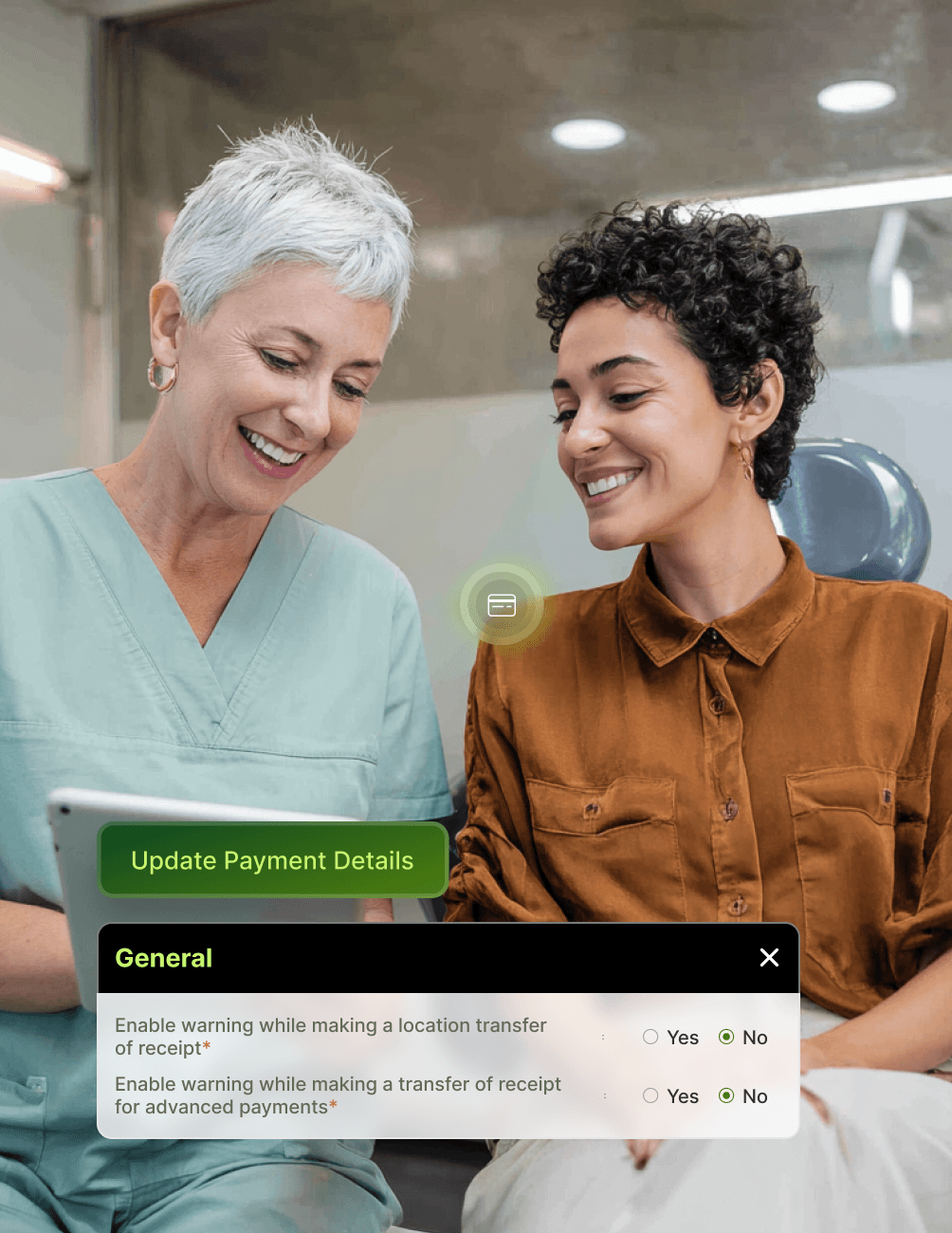
- Field FlexibilityMake the Provider field optional or mandatory.
- Transfer WarningsToggle warning prompts when transferring receipts between providers.
- Adaptive SettingsUpdate settings any time as your practice's collection workflows evolve.
Payment-Level Tagging
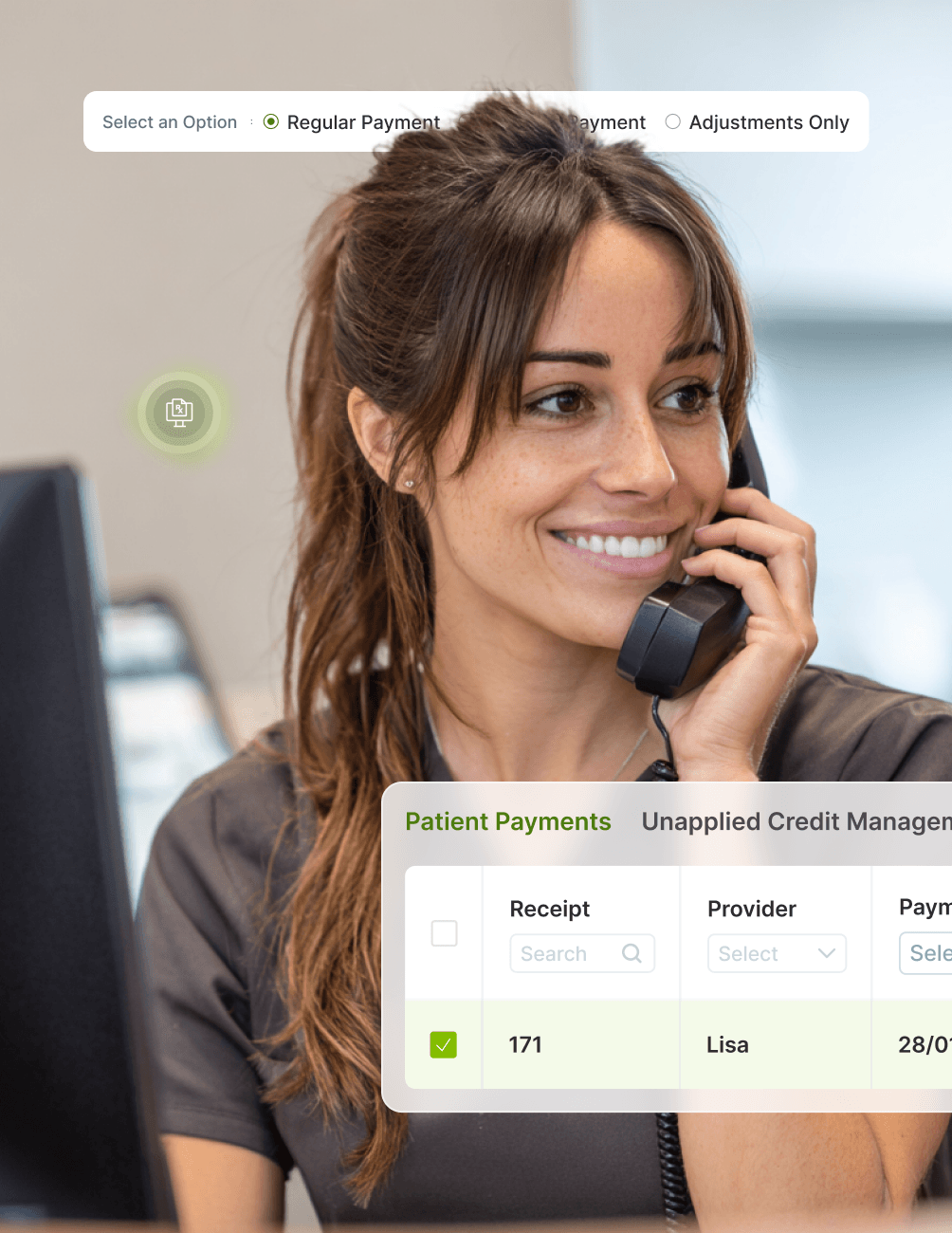
- Universal TaggingProvider field appears when making Regular or Advance Payments.
- Provider ColumnProvider column available on the Payments page and Unapplied Credit Management page.
- Retroactive EditsEdit Payment Details to tag a provider to existing receipts marked as "None."
- Full AttributionMaintain complete provider attribution across every payment type.
Payment Plans & Text to Pay
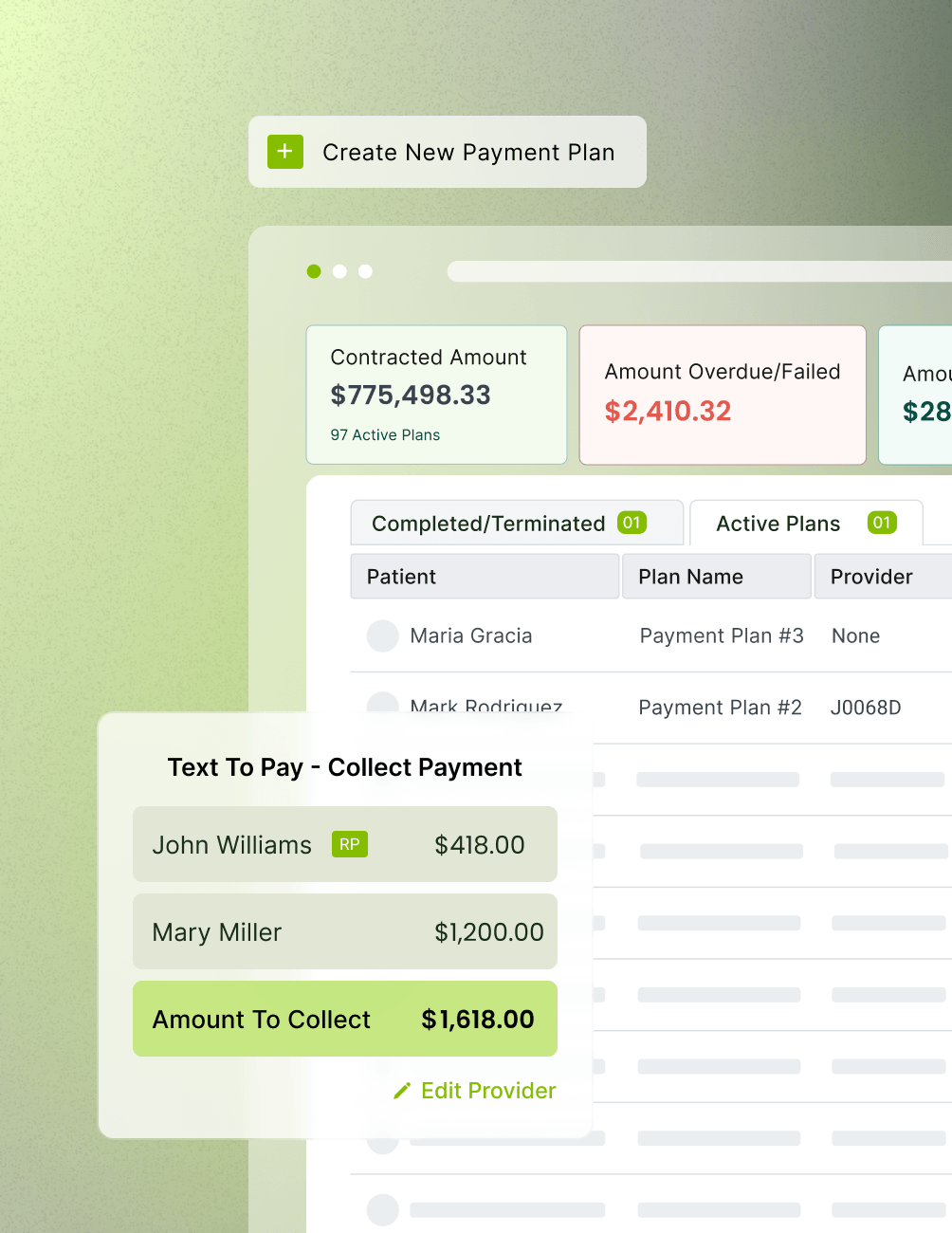
- Plan-Level ProviderSelect a Receipt Provider when creating a Payment Plan.
- Auto-Tagged ReceiptsAll receipts generated through the plan are auto-tagged to that provider.
- Control Center ViewView the Provider tagged to each plan in the Payment Plan Control Center.
- Text to Pay ProviderSelect or edit the provider when creating a Text to Pay request.
- Carried AttributionPayments completed via Text to Pay links carry the selected provider attribution automatically.
Smart Safeguards
- Cross-Provider WarningWarning prompt appears when applying a payment to a treatment completed by a different provider.
- Error PreventionHelps avoid accidental cross-provider receipt mistakes during posting.
- Mandatory AttributionMandatory Provider setting ensures no payment is ever recorded without attribution.
- Easy CorrectionsEdit provider details on existing receipts when corrections are needed.
- Historical IntegrityProvider edits on Payment Plans apply only to receipts created after the change, preserving historical accuracy.
Enhanced Operational Reports
- New Report FilterReceipt Provider filter added to Deposit Slip, Income Allocation Extended, and Payment Log Reports.
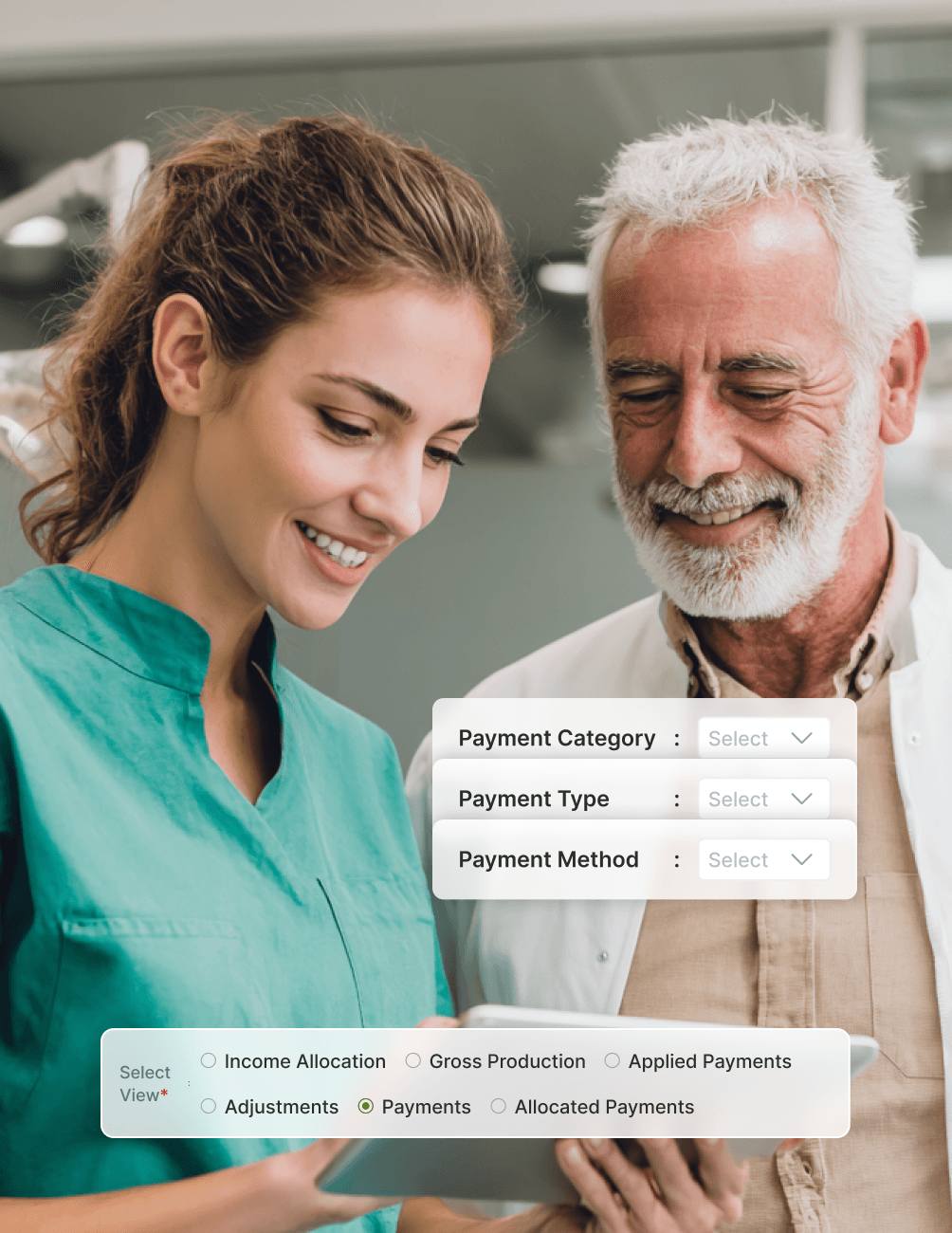
- Enhanced ColumnsIncome Allocation View now shows new "Payments" and "Allocated Payments" columns per provider.
- Clearer Drill-DownsAdvance Payments views renamed to Payments and Allocated Payments for clearer drill-downs.
- Granular FiltersFilter views by Payment Category, Payment Type, and Payment Method.
- True VisibilityGet true provider-level visibility into collections and income allocation.
FAQ
Why CareStack Is the Best Dental Practice Management Software
It's a CareStack feature that lets your practice link a specific provider to every payment receipt created in the system. This enables accurate collection-based reporting and helps your practice track income flow at the provider level.
Yes. The Mandatory Provider Tagging setting forces the Provider field to be filled in for every payment.
If the cross-provider warning is enabled, CareStack displays a warning when you try to apply a payment using a receipt tagged to a different provider than the one who completed the treatment. This helps prevent misattribution during payment posting.
When creating a Payment Plan, you select a Receipt Provider, and all receipts generated through that plan are automatically tagged to them. You can view tagged providers in the Payment Plan Control Center. If you edit the provider later, the change only applies to new receipts created after the edit, while historical receipts remain unchanged.
You can tag a provider to any receipt marked as "None" by editing its Payment Details. The same applies to Payment Plans with no provider attached.
Collection-based reports now support a Receipt Provider filter, including the Deposit Slip Report, Income Allocation Extended Report, and Payment Log Report. The Income Allocation Extended Report also includes new Payments and Allocated Payments columns and views, with filters by Payment Category, Payment Type, and Payment Method.
Yes. CareStack supports provider auto-tagging, reducing the need for manual entry while keeping collections accurately attributed. You can learn how auto-tagging works directly within the configuration screen.
support@carestack.com

Trusted by 3000+ Dental Practices
CareStack’s cloud dental software provides efficient practice management, world-class support, and modern tools and technology.



























RELATED FEATURES
Everything You Need. All in One Place.
Why the Smartest Dentists are Switching to CareStack
CareStack's software is cost-effective and efficient, helping organizations of all sizes streamline operations and reduce costs while also helping to provide outstanding care.
CEO, Plum Dental Group