




Online Scheduling
Online Dental Appointment Booking Software
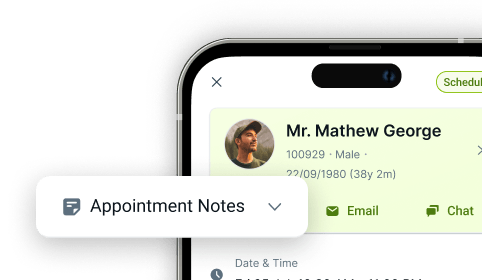
With CareStack, everything you need for online appointments is included in our all-in-one cloud software. Patients can view availability at their own convenience, with little to no interaction needed from team members. Every request and booking lands directly inside the CareStack PMS, connecting patient demand from your website straight into the clinical diary, with no external tools, no manual diary entry, and no scheduling guesswork.
Choose to allow appointment requests for existing patients, new patients, or both! (These requests require a confirmation from the practice.) Or, choose to enable direct bookings, which will appear in your diary without extra confirmation. Direct bookings are validated in real time against provider availability, appointment type rules, and patient-type logic, ensuring every slot patients see is one your practice is genuinely ready to fill. For patients, it's a quick and intuitive process to find and select, or request, an appointment that suits them.
And with multiple filters to set provider diary and treatment types, the practice has complete control over online scheduling. The latest portal updates bring enhanced configuration control, clearer appointment visibility, and strengthened alignment between portal activity and PMS diary rules, so online demand always flows into the practice on your terms.
For the ultimate dental software, choose the solution that’s scalable for growing dental start-ups or large multi-site practices and still affordable for single-location dental practices. Choose CareStack!
Key Benefits
Why Practices Love CareStack’s Online Scheduling
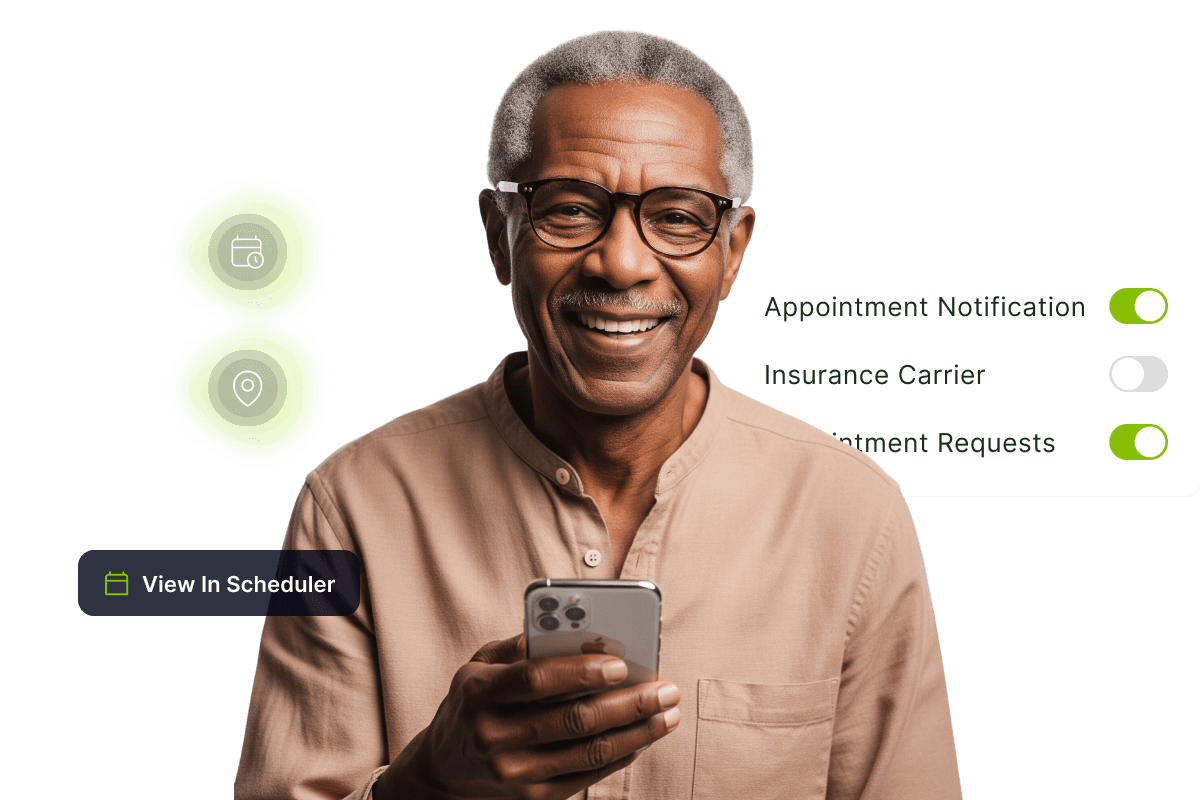
Accessible from your practice website or patient portal.
Send a link to book an appointment through email or text message campaigns.
Patients can choose their preferred location (if applicable).
New appointments booked online are indicated in the diary.
Allows separate scheduling permissions for new vs. existing patients.
Rules-based scheduling validates every booking against provider, location, and appointment type rules in real time.
Full appointment lifecycle visibility from request through to completion, all inside the PMS.
Main Highlights
Online Scheduling for Modern Dental Practice Networks
Scheduling Permissions
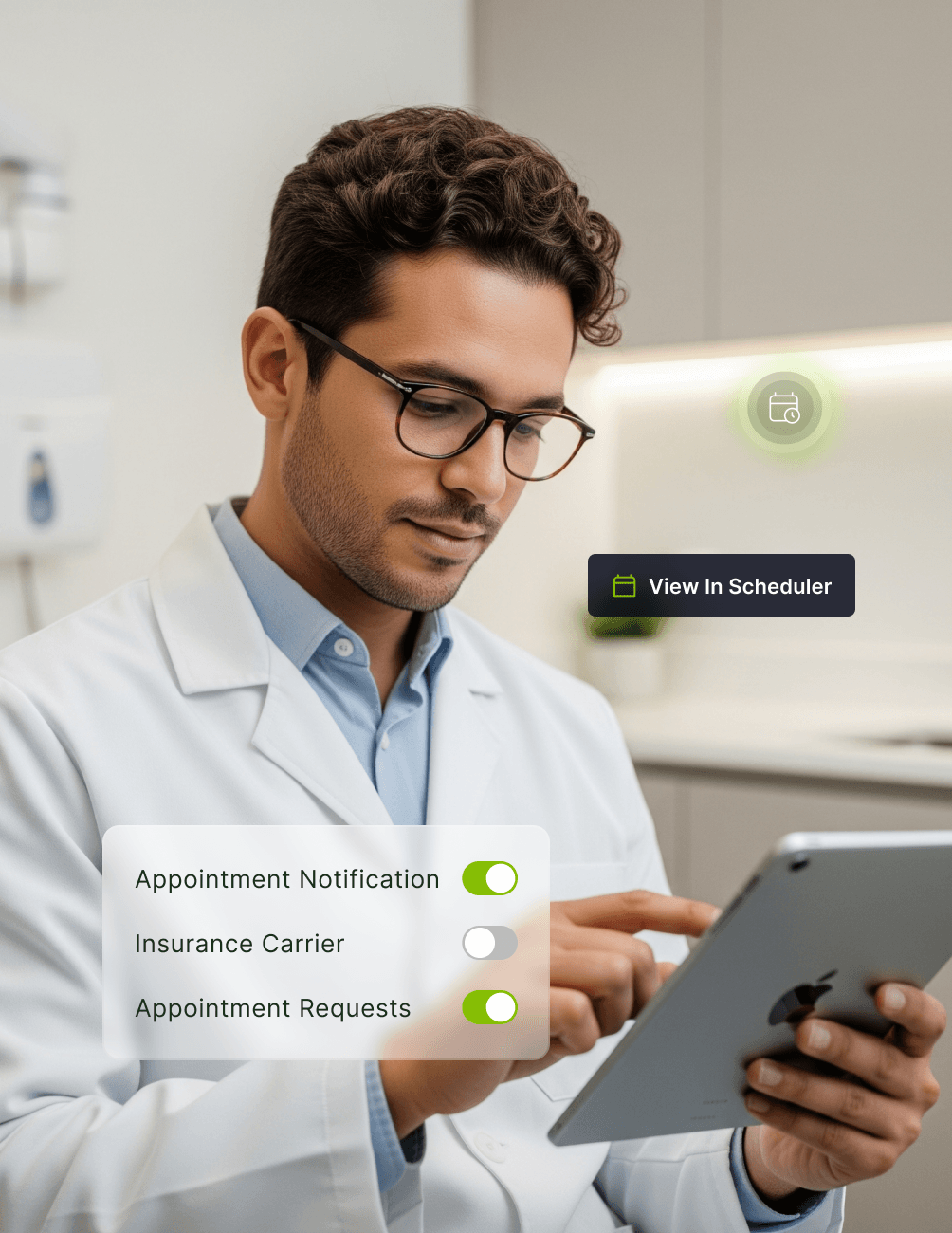
- Rule-Based SchedulingGranular scheduling rules by patient type, treatment type, appointment reason, and payor for consistent, governed booking across the practice.
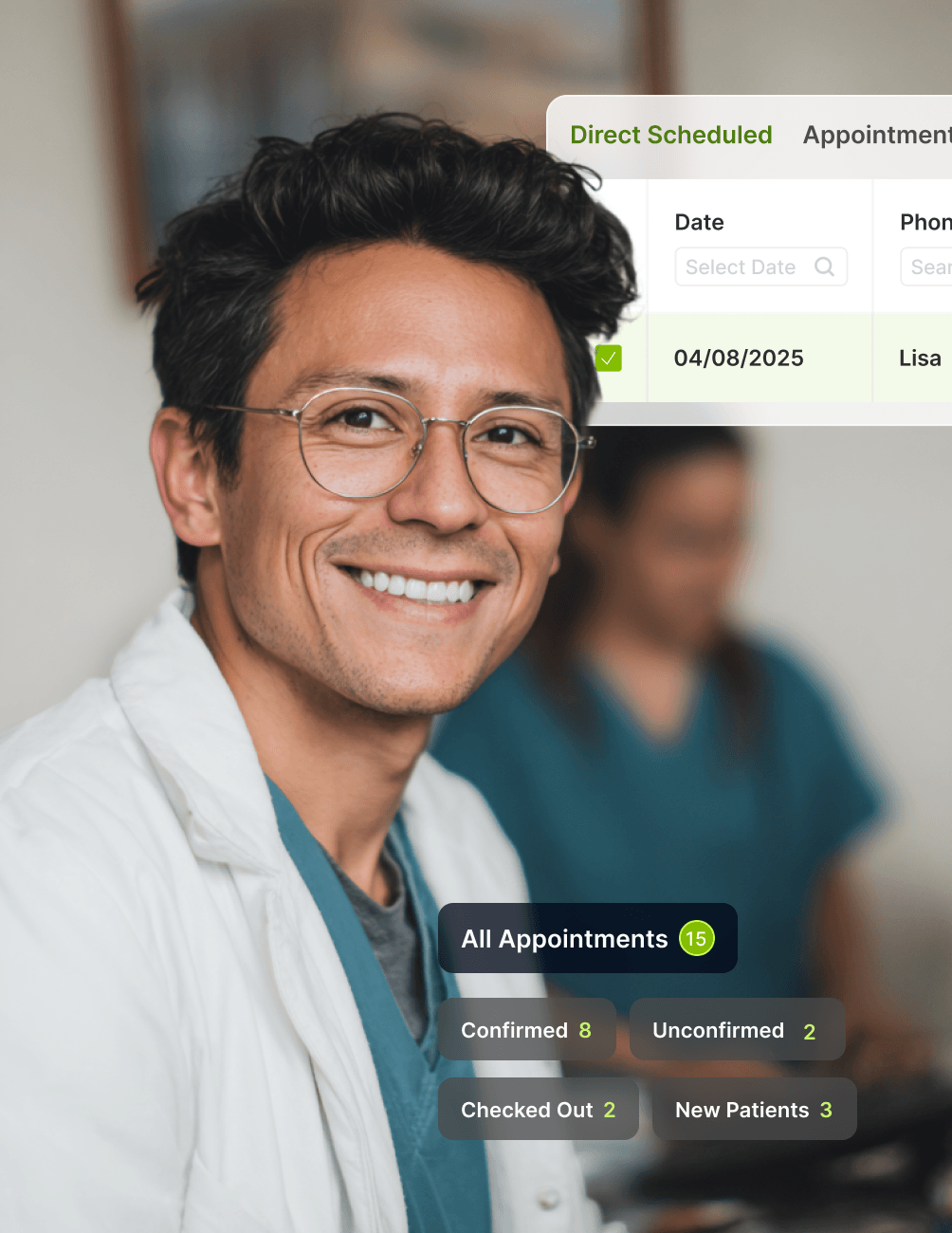
- Instant Diary BookingReal-time appointment validation against clinician availability, with bookings appearing directly in the diary, no manual confirmation needed.
- Flexible booking modesEnable direct booking, appointment requests with a managed review queue, or both.
Appointment Lifecycle Tracking
- Full Lifecycle VisibilityTrack every appointment across its full journey: Requested, Pending Confirmation, Booked, Confirmed, Rescheduled, Cancelled, and Completed.
- Unified Diary ViewReception, clinical, and management teams all see the same real-time appointment status, eliminating scheduling ambiguity.
- Source Visibility
See at a glance whether an appointment came in as a direct booking or a request, helping your team coordinate follow-ups appropriately.
Notifications
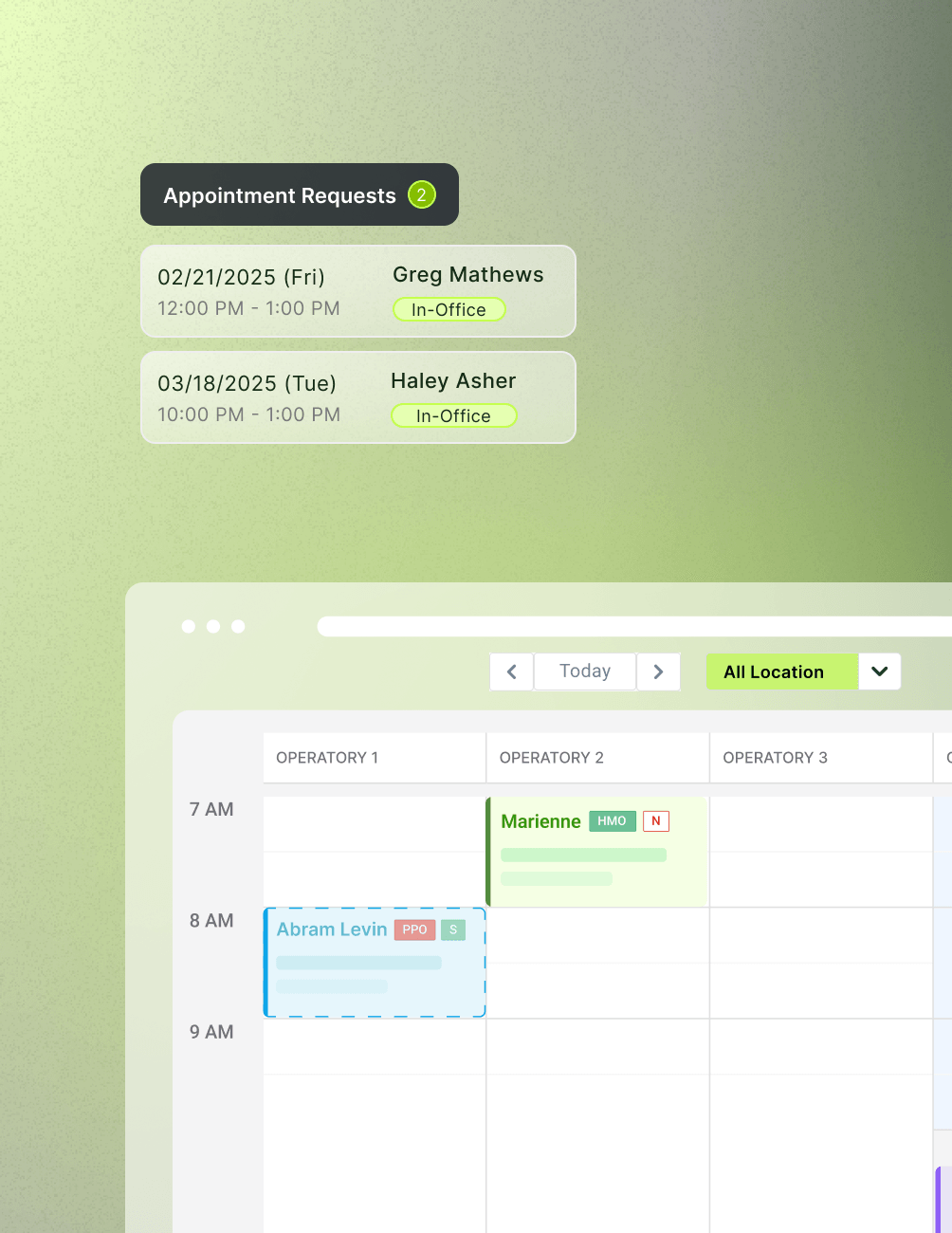
- Appointment RequestsWhen an appointment request is made, CareStack gives you a notification in the left menu bar, so your team can manage the requests.
- Appointment BookedOnline appointments will have a dotted line around them to indicate they were booked online.
- Status-Based Patient Communication
Automated, template-driven messaging is tied to every lifecycle event, including bookings, confirmations, reschedules, and cancellations.
Form Configuration
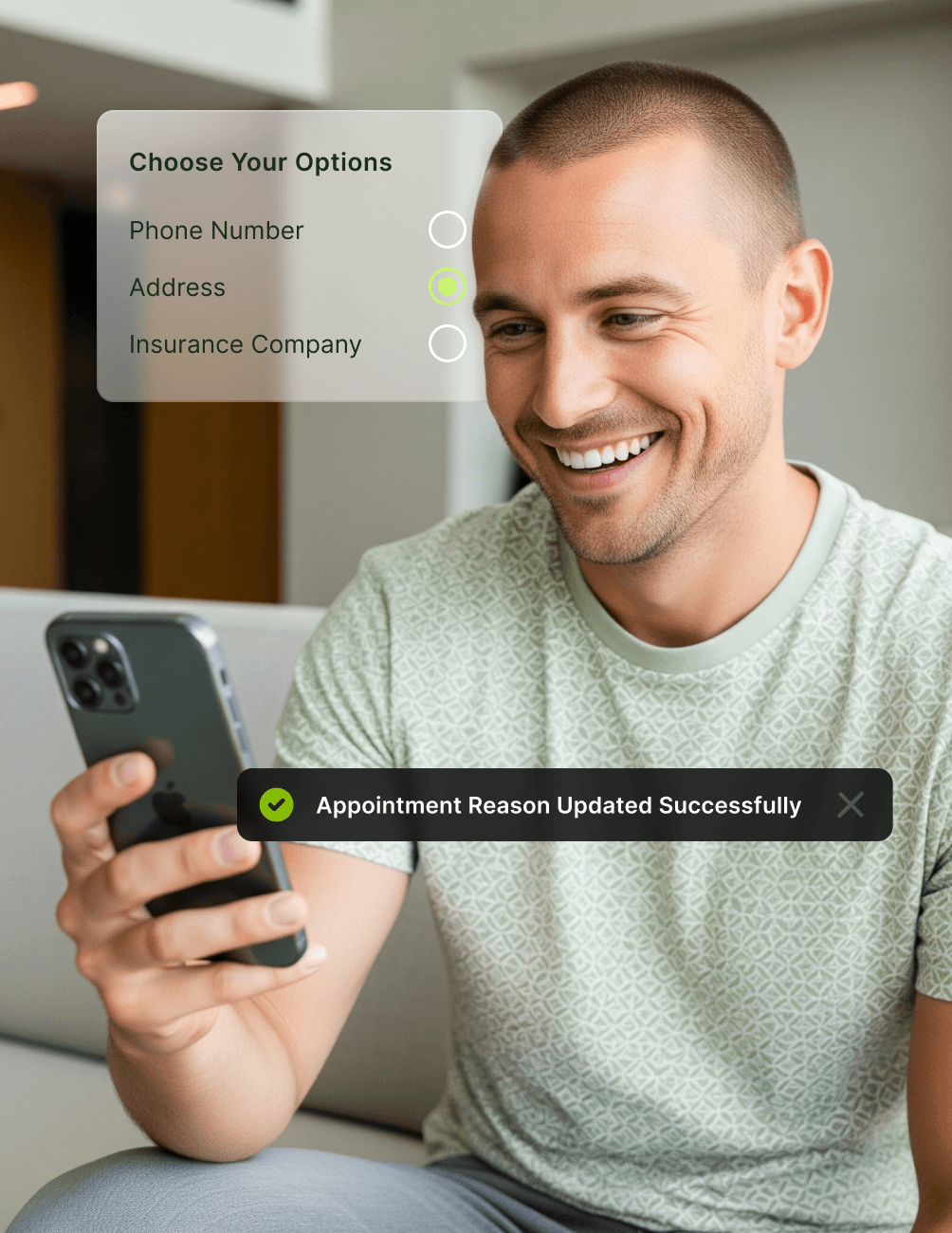
- Configuration SettingsMultiple options let you choose which information is requested when patients book online.
- Choose Your OptionsPhone number, address, referral source, etc.
Location Workflow
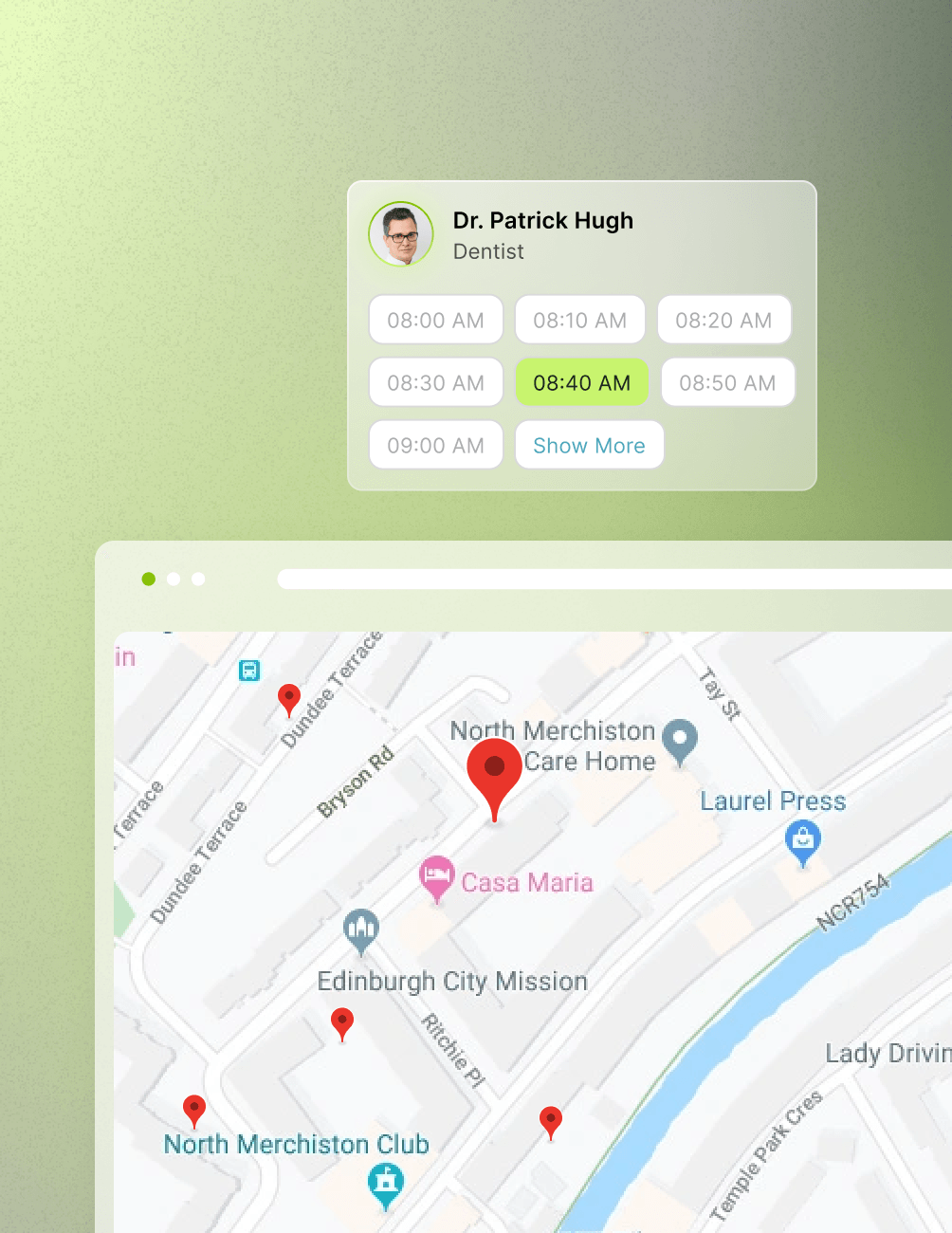
- Location Level Choose to separate locations so they have different URLs, allowing patients to access only one location’s details when booking.
- Account Level SettingsChoose to keep all locations under a single URL, allowing patients to select a location when they book. You'll see that link directly on this page.
- Centralised Multi-Location Governance
Apply location-specific scheduling rules, clinician availability, and booking permissions across every site, all managed centrally from one PMS.
FAQ
Why CareStack Is the Best Dental Practice Management Software
CareStack offers multiple settings to control the type of appointment being booked.
CareStack will highlight the online-booked appointment in the diary so team members are aware it was booked online. CareStack will also indicate on your menu bar any new patient appointments booked, allowing your team to communicate with the new patient about any needed documents before the appointment.
Yes, CareStack has settings available to allow only appointment requests that works best for your practice.
Yes, CareStack has settings to allow only appointment requests (rather than booked appointments) if that works best for your practice.
CareStack has a configuration tab that gives you multiple options to control what you will require for a patient to complete when booking online.
Yes. Every direct booking is validated in real time against clinician availability, appointment-type rules, and patient-type logic, ensuring patients see and book only slots your practice is genuinely set up to deliver.
Yes. CareStack tracks every appointment through Requested, Pending, Booked, Confirmed, Rescheduled, Cancelled, and Completed states, giving reception and clinical teams a single, real-time view of every appointment in flight.
Yes. CareStack's native communication engine sends template-driven messages for every lifecycle event, including bookings, reschedules, and cancellations, reducing manual follow-up by reception.
support@carestack.com

Trusted by 300+ Dental Practices
CareStack’s cloud dental software provides efficient practice management, world-class support, and modern tools and technology.














RELATED FEATURES
Everything You Need. All in One Place.
Membership Plans
Turn one-time patients into recurring revenue with in-house dental membership plans.
Reputation Management
Turn happy patients into 5-star reviews with automated, PMS-driven feedback workflows.
Internal Referrals
Keep speciality care in-network with seamless referrals between clinicians and locations.