




Patient Notifications
Online Dental Patient Notifications Software
Today, patient communication tools are essential to maximise engagement and reach patients on their preferred devices. CareStack’s dental patient notifications software is fully integrated into an all-in-one practice management solution, making it convenient & easy for team members.
Utilising CareStack’s patient notifications helps reach patients more efficiently, and the results speak for themselves. Late arrivals and no-shows are reduced, helping team members be more productive with a smoother workflow. In turn, your team remains on task and able to provide the best possible patient care.
Depending on their selected preference, reach patients by email, text message, or both. You can also add links and graphics to your communications to make navigation easier or to provide further details or instructions.
For the ultimate dental software, choose the solution that’s scalable for growing dental start-ups or large multi-site practices and still affordable for single-location dental practices. Choose CareStack!
Key Benefits
Why Practices Love CareStack’s Patient Notifications
Choose a one-time campaign or recurring notifications.
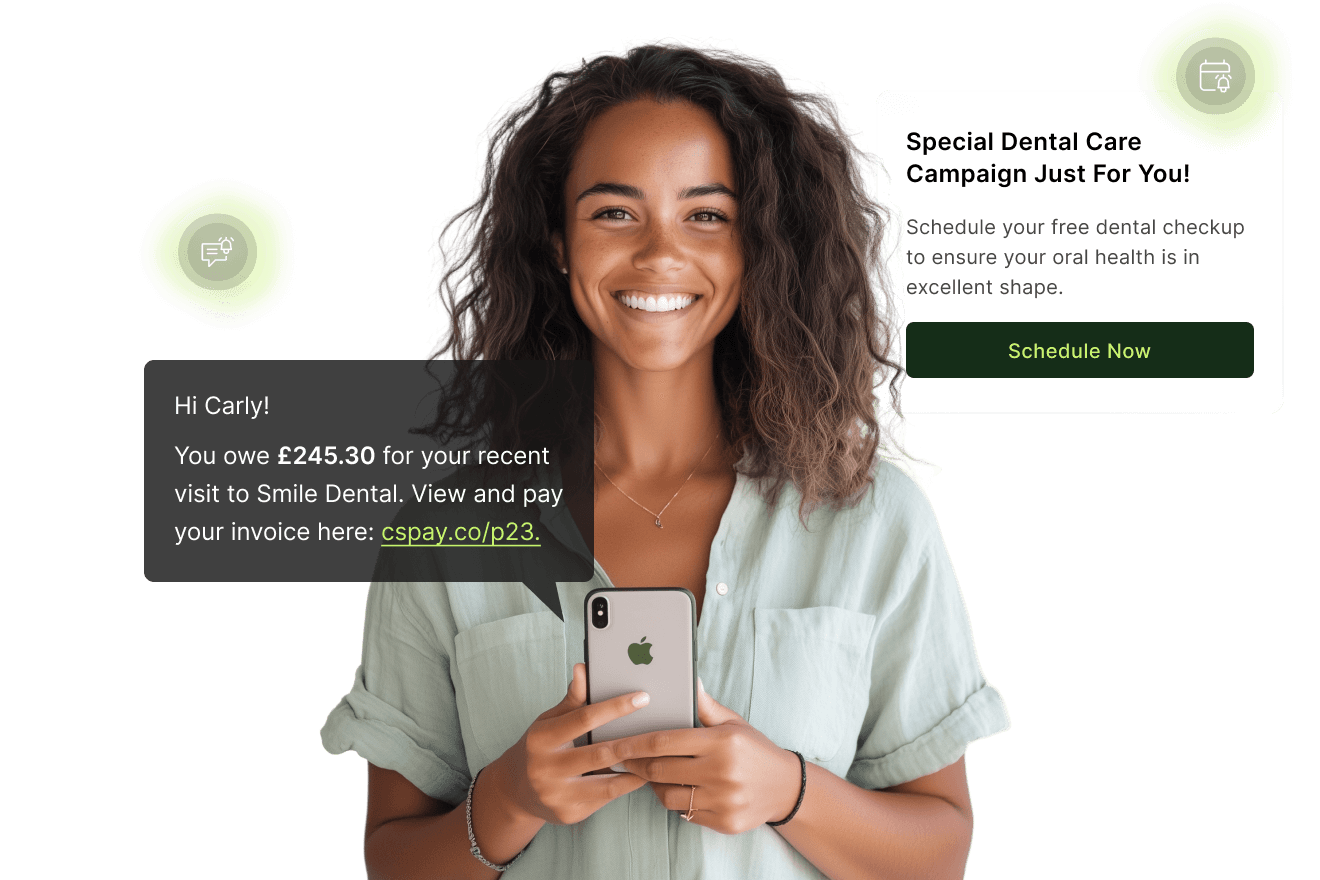
Send via email, text message, or both, according to patient’s preference.
Add links to message templates, such as Google reviews, patient check-in, or the online diary.
Customise communications with multiple filters, including message type and delivery option.
Main Highlights
Patient Notifications for Modern Dental Practice Networks
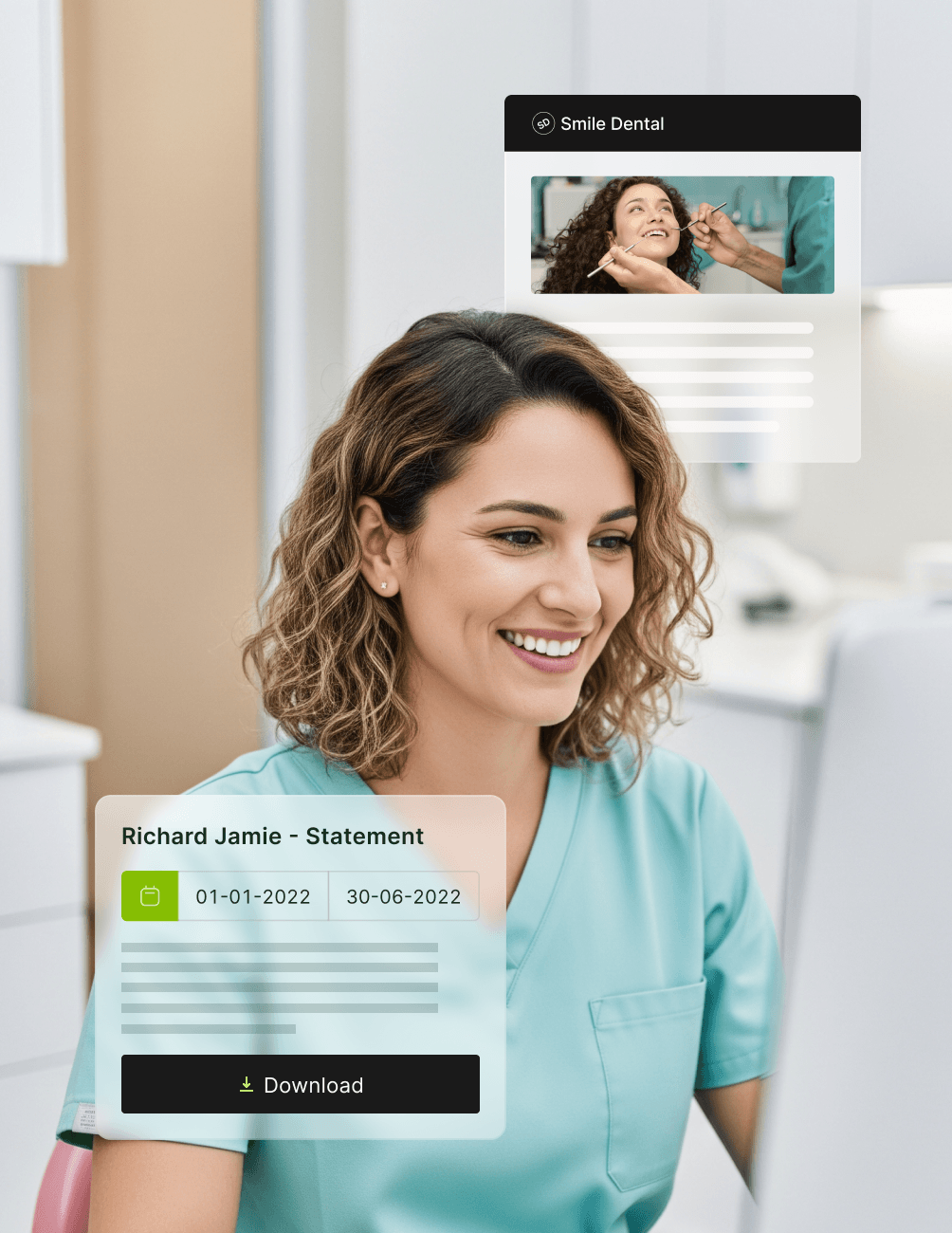
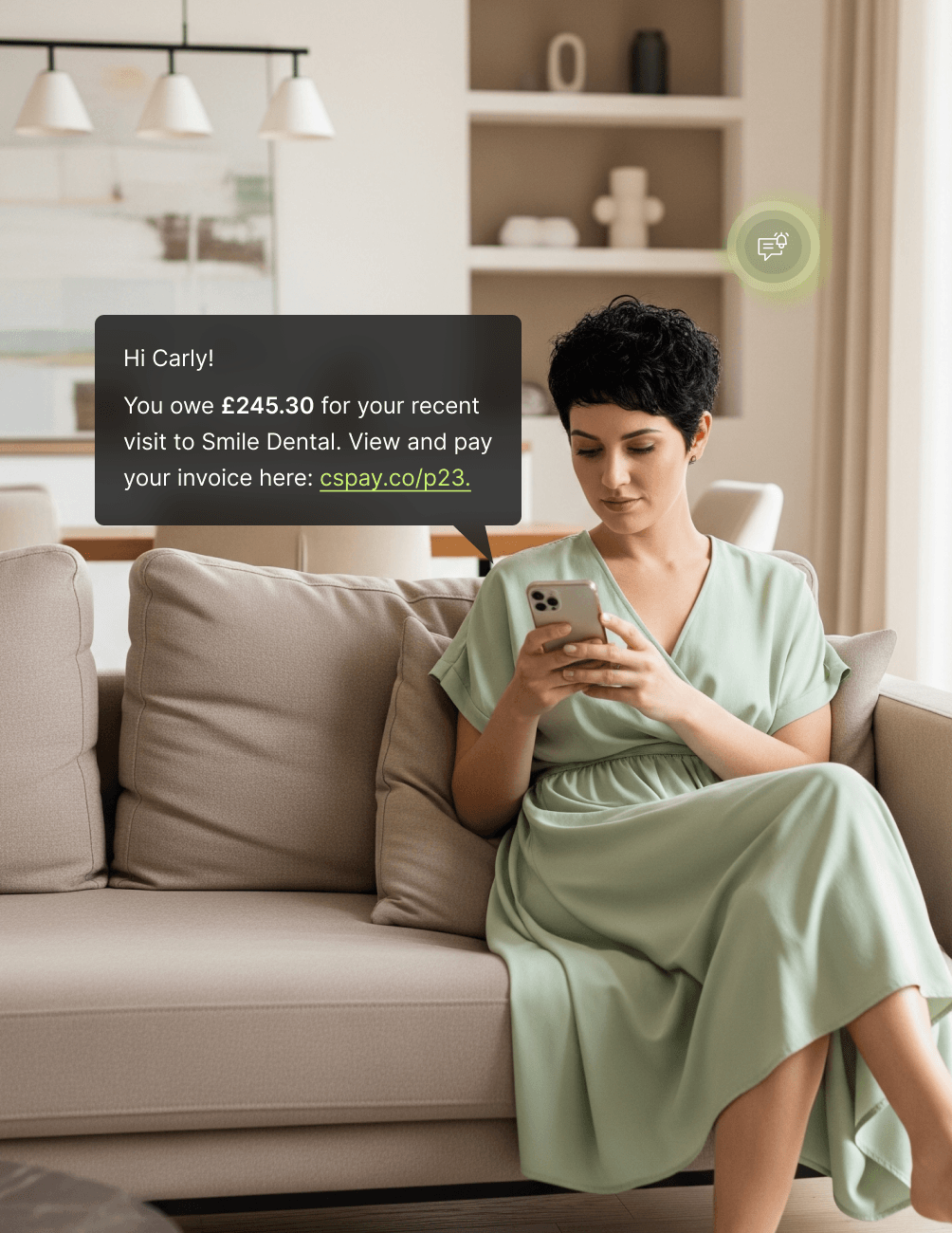
Messaging Campaigns
- Recurring CampaignsSend a recurring message to users at defined intervals (daily, weekly, or monthly).
- Specialised CampaignsCustomise your patient notifications by modifying content, recipient, time frame, etc. Promotional Campaigns
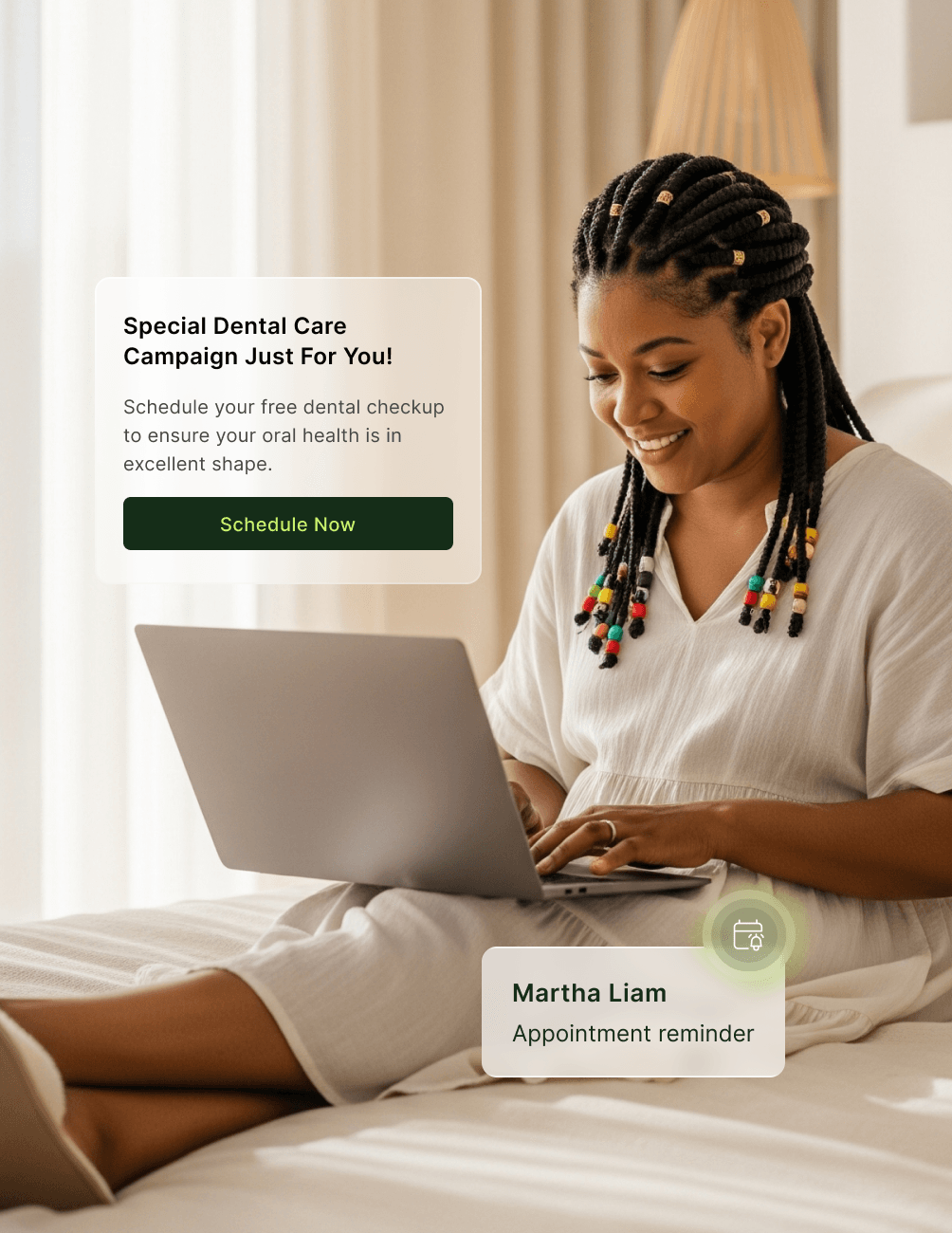
- Promotional CampaignsSend targeted marketing messages to patients by utilising multiple filtering options. Keep patients informed on practice promotions, diary changes, holiday schedules, team announcements, etc.
Message Templates
- Fully CustomisableCreate a custom message and save the template for future use.
- Patient Lists Filter who, what, why, where, and when your patients will receive your communication. Message Content
- Message ContentAdd a personal touch to your campaigns by customising the message to match your style of communication and practice image.
- Image & GraphicsElevate communications by including relevant pictures, photos, or logos with your message.
- Add a LinkIn your email or text message, include links to the patient booking form, Google reviews, payment options, the website, etc.
Individual Messages
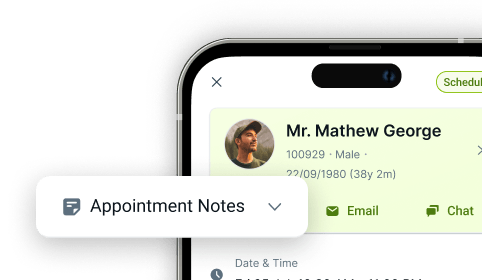
- Quick & Easy AccessLaunch individual patient communications right from that patient's appointment in the diary.
- Matches Patient Preference Communications are sent via SMS text message, email, or both, depending on the patient’s selected preference.
- Send Templates or CustomiseReuse common messages, such as appointment confirmations, updates on booked appointments, payment options, etc.
FAQ
Why CareStack Is the Best Dental Practice Management Software
Patients can opt to receive email, text, or both, and this setting is added to the patient's chart online, automatically determining the type of communication they receive. You can also customise the communication you deliver depending on the options the patient has chosen.
Yes, the filter options let you pre-schedule notifications or set up recurring communications.
CareStack's patient notification/communication is built into our all-in-one software; there is no need to launch a separate program.
support@carestack.com

Trusted by 300+ Dental Practices
CareStack’s cloud dental software provides efficient practice management, world-class support, and modern tools and technology.











RELATED FEATURES
Everything You Need. All in One Place.
Online Forms
Digitise patient onboarding, consent, and medical history with structured PMS-linked forms.
Patient Portal
Share patient data, treatment plans, and billing information with the Patient Portal.
Appointment Confirmations
Cut missed appointments with two-way confirmations that update the diary automatically.