




Patient Portal
Online Dental Patient Portal Software
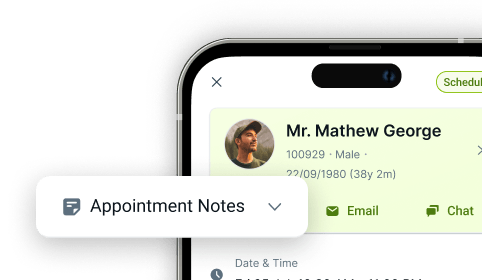
The CareStack Patient Portal gives patients a simple, secure way to connect with your practice online, anytime, anywhere. Patients can log in to view appointments, complete forms, access treatment plans, make payments, and update their details, all in one place. Built directly into the CareStack cloud PMS, everything is automatically updated and stored in the patient record, so your team always has the latest information without manual entry or duplicate systems.
How does it work? Patients simply opt in to receive notifications via the patient portal. Then they can sign in and complete the 2-factor authentication login process. With registration complete, patients can access medical records, make payments, and complete forms.
With secure 2-factor authentication and full integration with your practice workflows, the Patient Portal helps reduce phone calls, streamline admin work, and improve the overall patient experience. It's user-friendly and puts all their desired actions right at their fingertips. And with CareStack, patient portals are included as part of an all-in-one practice software, eliminating the need for additional subscriptions!
For the ultimate dental software, choose the solution that’s scalable for growing dental start-ups or large multi-site practices and still affordable for single-location dental practices. Choose CareStack!
Key Benefits
Why Practices Love CareStack's Dental Patient Portal
Access to view appointments and confirm which will relieve the number of calls coming into the practice.
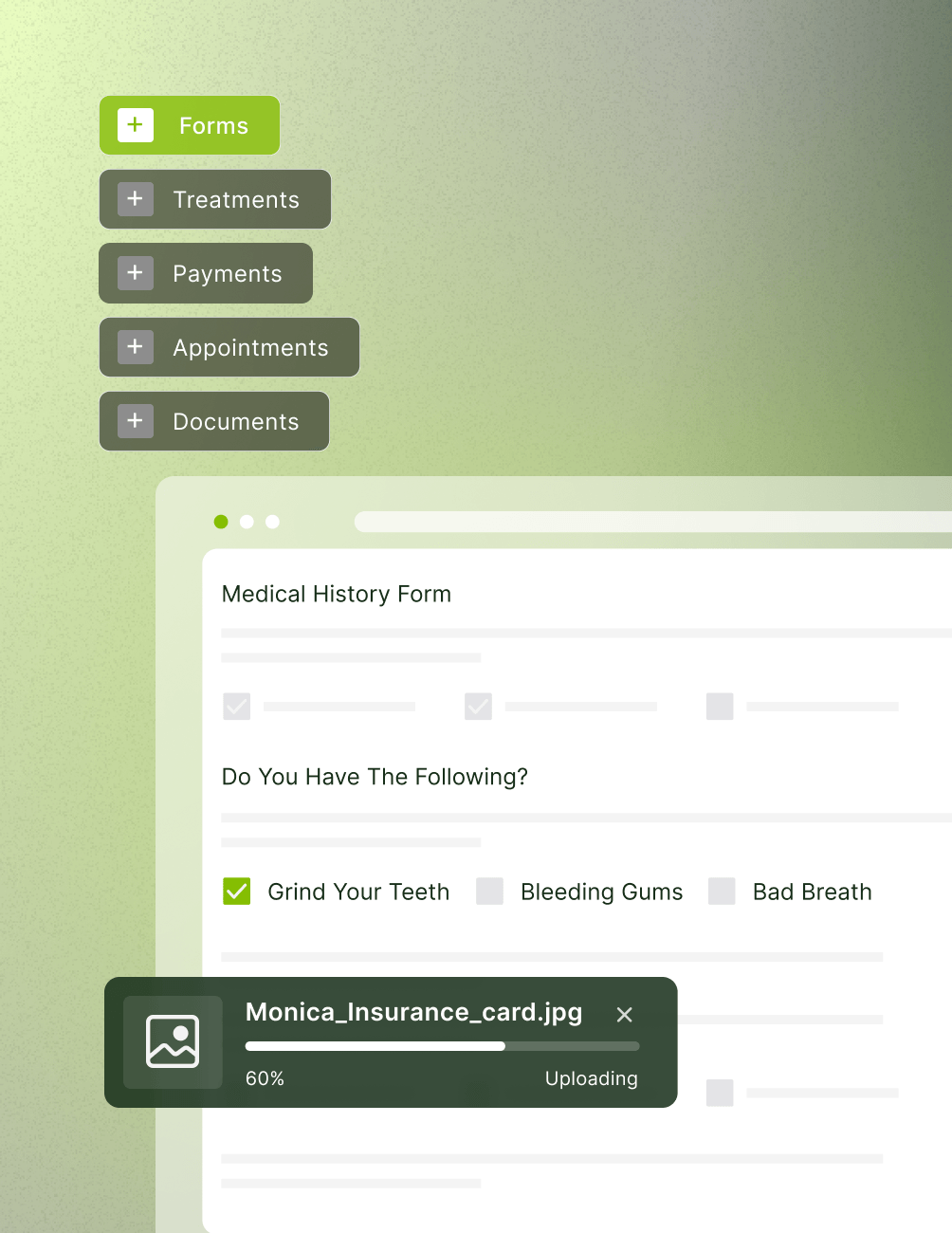
Consent forms and Medical History will be available for patients to complete prior to their appointment.
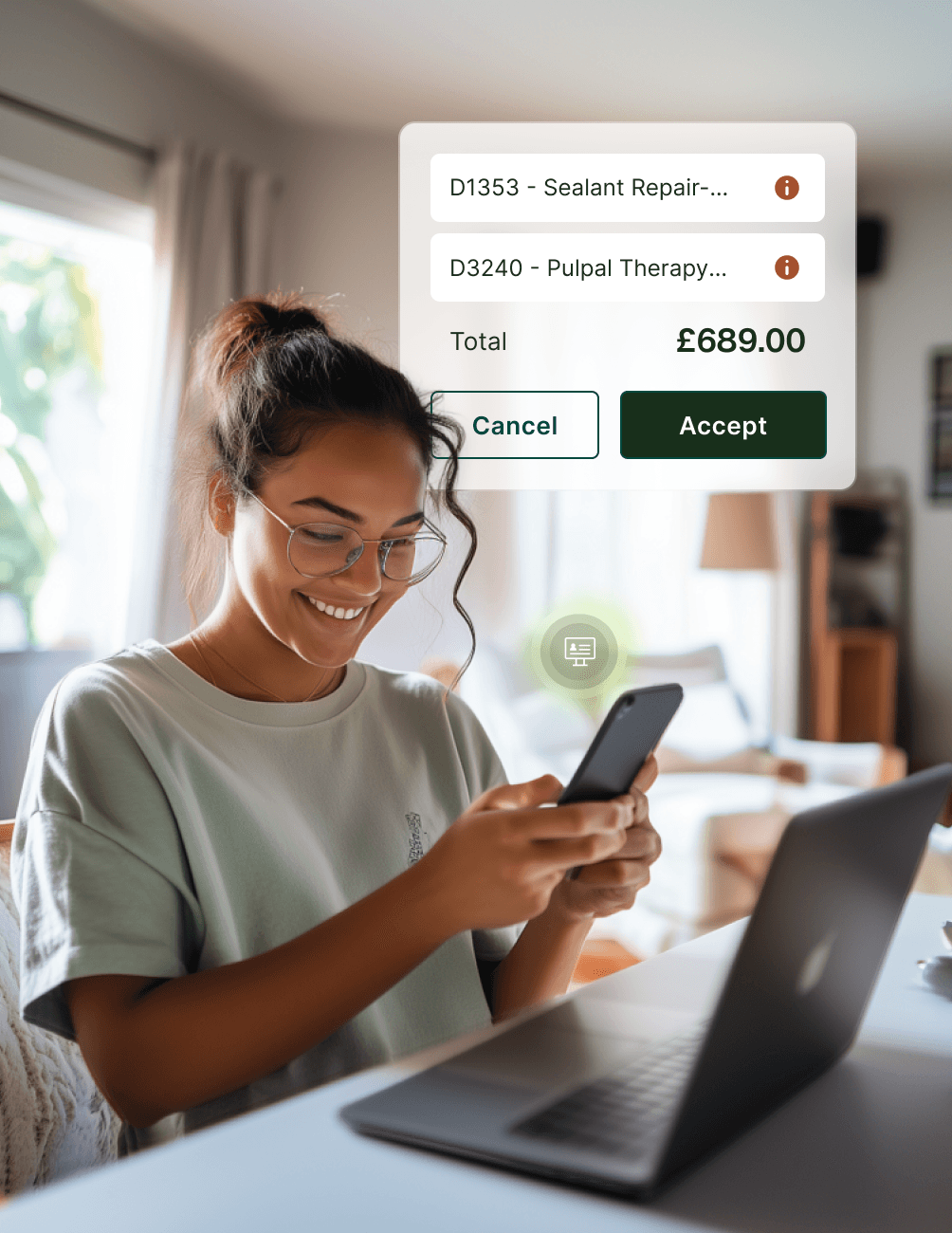
Patients can view the treatment plan and sign consent once it is shared with them.
Ability to edit personal information such as phone numbers and addresses, as well as add family members' information.
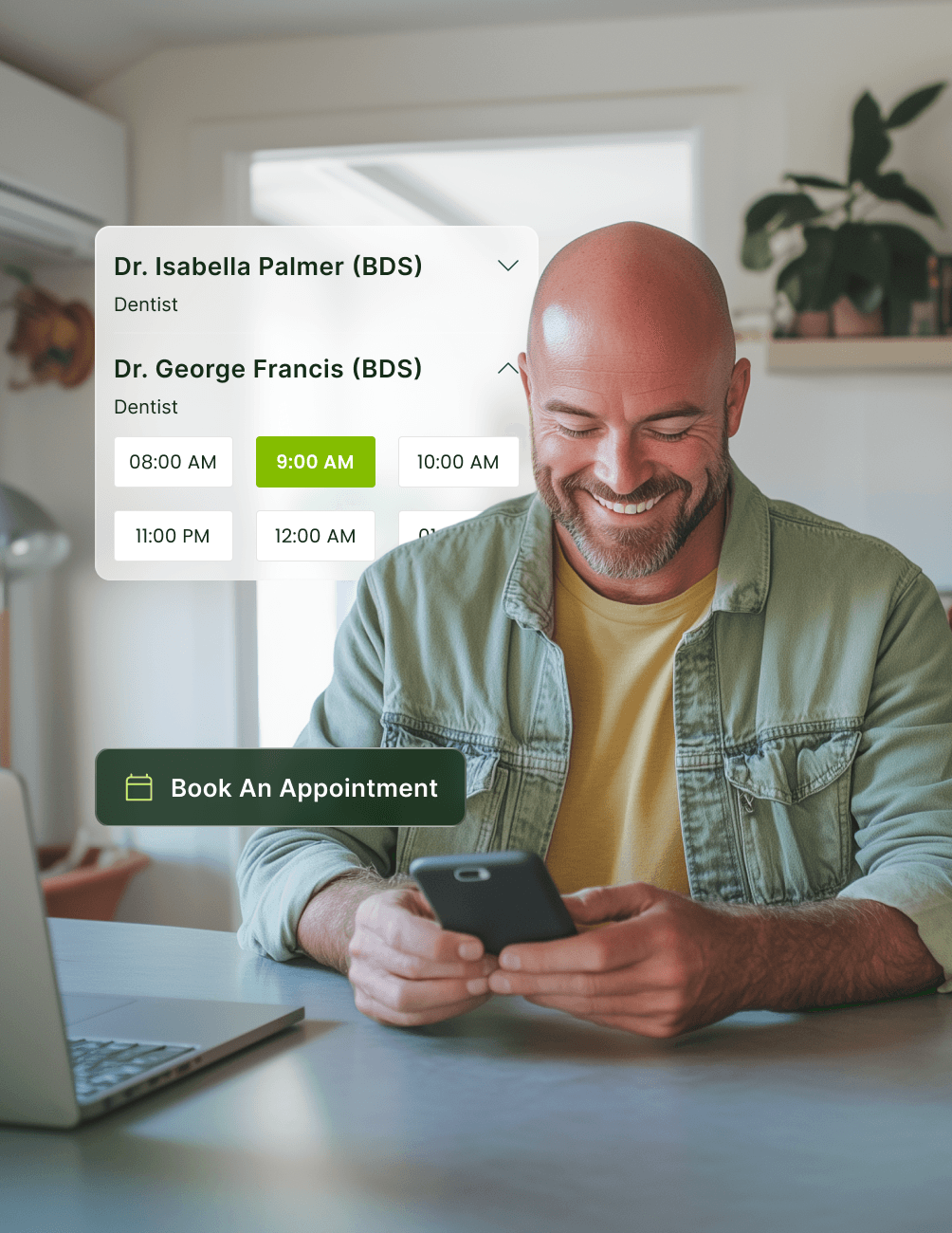
Integrated option to directly and indirectly allow a patient to book an appointment.
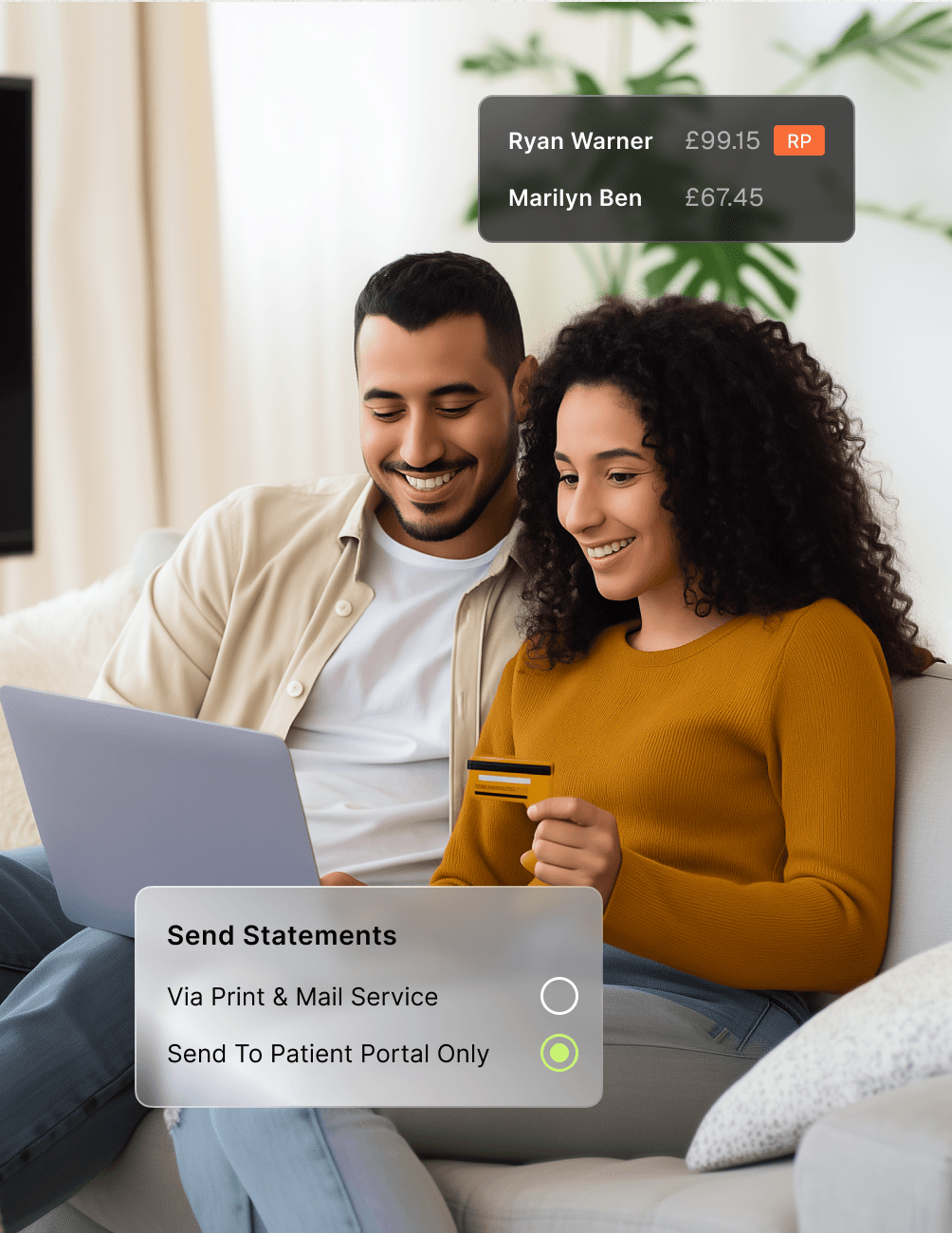
Secure access to payments, statements, and account balances from any device.
Supports both direct appointment booking and appointment requests, with full sync to the CareStack diary.
Main Highlights
Patient Portal for Modern Dental Practice Networks
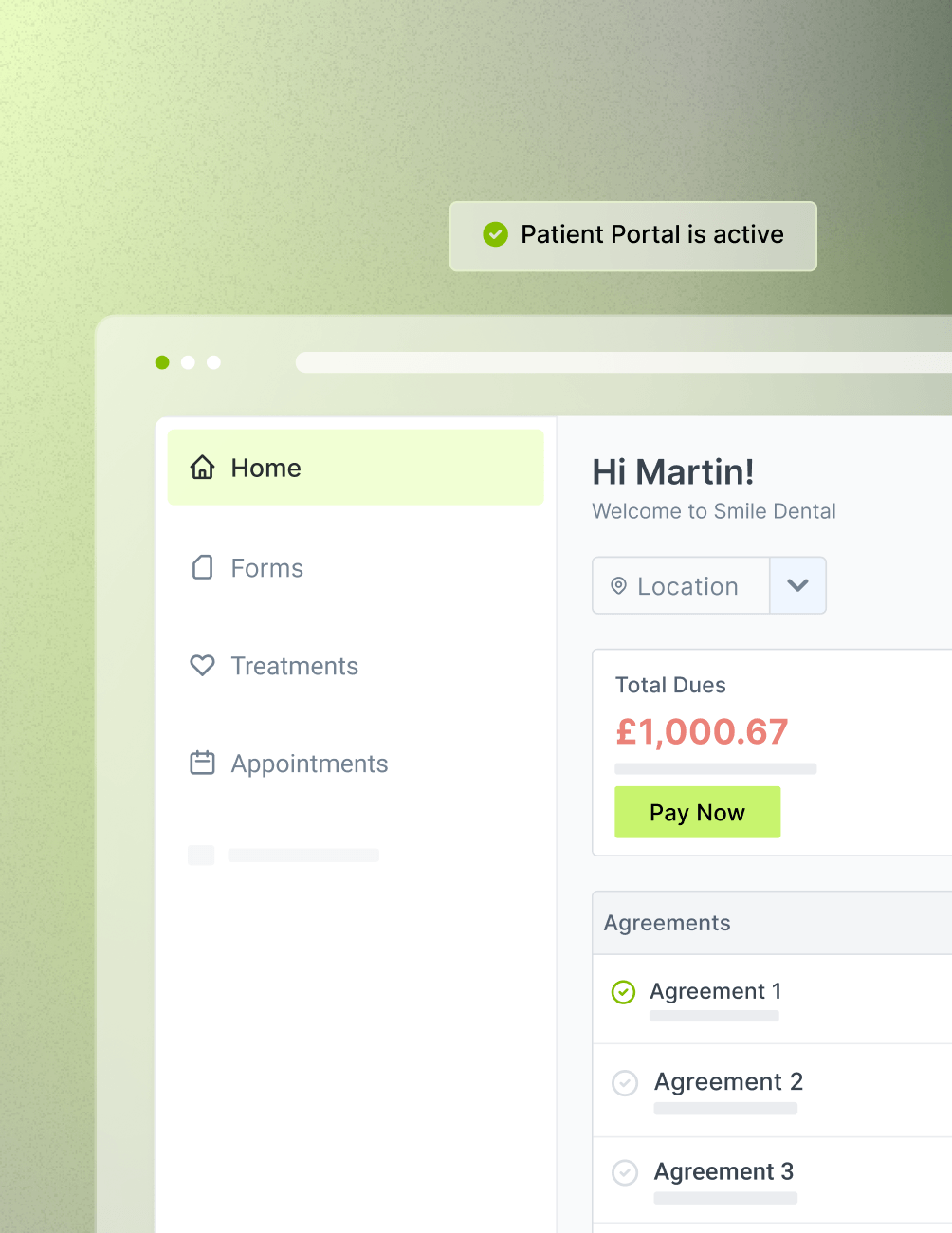
Welcome to Your New Home Page
- Helpful Dashboard
Contains four key sections: payments, upcoming appointments, pending forms, and treatment pending.
- Interactive & Functional
Easily select the specific area you would like to work in.
- Easy Appointment Confirmations
See all your current appointments and confirm future appointments.
Customisable Online Booking Feature
- Direct Booking
Allows patients to find an available slot and fully book the appointment, with updates syncing directly to the CareStack diary without staff intervention.
- Indirect Booking
Patients can request an appointment for a selected slot, which your team can review and finalize.
- Message
Patients can send an enquiry about their appointment needs, allowing the practice to follow up via call or SMS.
Detailed Documents & Forms
- Pending Forms
Patients can search for forms, sign documents, and complete their medical history.
- Incomplete Forms
Any unfinished forms are conveniently listed on the home page for quick access.
- Completed Forms
Completed forms are automatically removed from the pending forms section.
- Uploading Documents
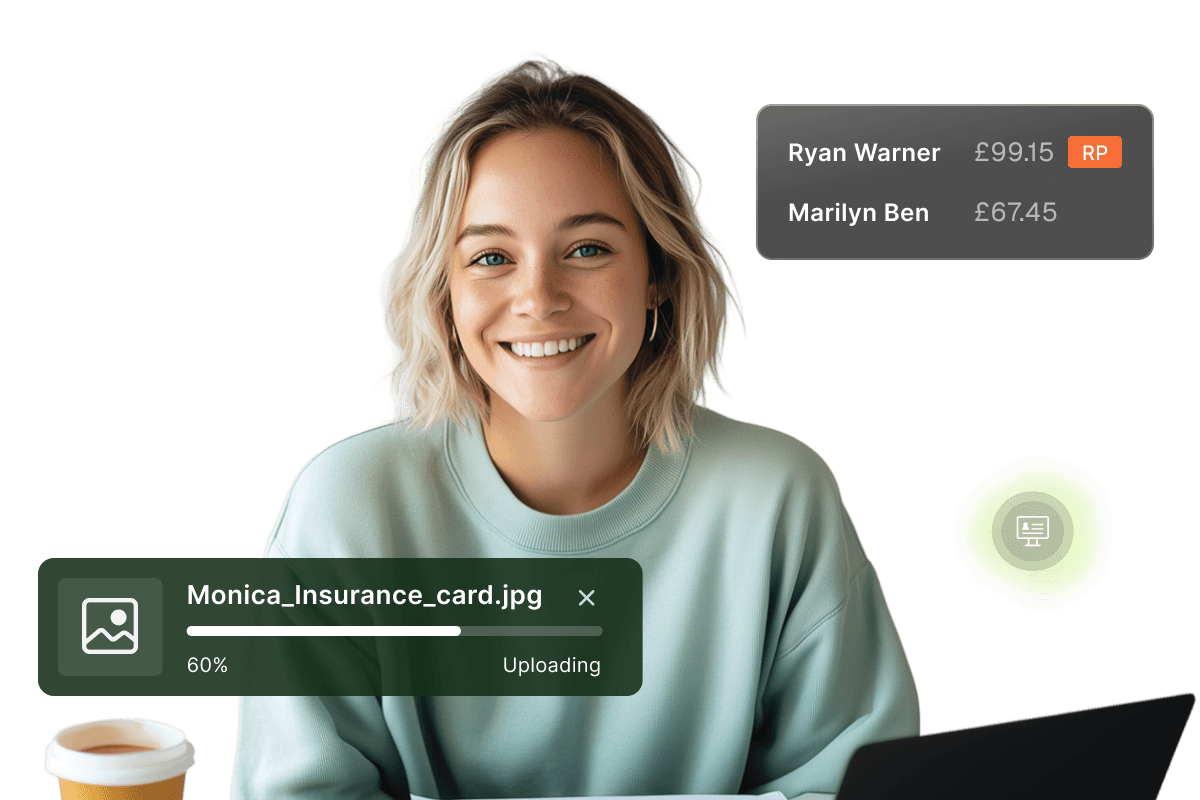
Patients can upload referral letters, dental plan details, NHS exemption evidence, and other supporting documents directly through the portal.
Treatment Communication With The Patient
- Treatment Plan
Patients can view and electronically sign recommended treatment plans.
- Upcoming Treatment
View accepted treatments that have been scheduled for future appointments.
- Past Treatment
Access completed treatment records along with associated financial information.
Precise Payment Information with Access to Statements
- Patient/Account Balances
Patients can view outstanding balances and make payments directly through the portal.
- Account Payments
Responsible parties can review all account payments and payment methods in one place.
- Statements
Statements can be delivered directly to the patient portal, reducing postal costs and preventing misplaced bills.
FAQ
Why CareStack Is the Best Dental Practice Management Software
No. You can configure the Patient Portal settings to control what financial information patients can view, including whether balances are displayed.
Only the responsible party has access to the full account information. If a spouse uses their own email address, they can access only their own account details.
No. CareStack uses 2-factor authentication, requiring a verification code sent to your email address before access is granted.
Yes. If your production diary is configured, patients can view availability and request specific appointment types such as recall visits and emergency examinations.
Yes. The Patient Portal is protected with 2-factor authentication, secure access controls, and GDPR-aligned data handling. All patient data is stored securely within the CareStack PMS.
Yes. Patients can complete medical history and consent forms online before their appointment. Submitted forms are automatically saved to the patient record, helping your team prepare in advance.
support@carestack.com

Trusted by 300+ Dental Practices
CareStack’s cloud dental software provides efficient practice management, world-class support, and modern tools and technology.































RELATED FEATURES
Everything You Need. All in One Place.
Patient Notifications
Reach every patient through their preferred channel with automated, personalised messaging.
Appointment Confirmations
Cut missed appointments with two-way confirmations that update the diary automatically.
Online Forms
Digitise patient onboarding, consent, and medical history with structured PMS-linked forms.