





Google Analytics Integration
Online Dental Marketing Analytics Software
With CareStack's Google Analytics Integration, you can track exactly how patients find and book appointments through your online appointment portal, then feed that data straight into Google Ads to optimize every dollar of your marketing spend. It's the complete marketing loop, built right into your dental software.
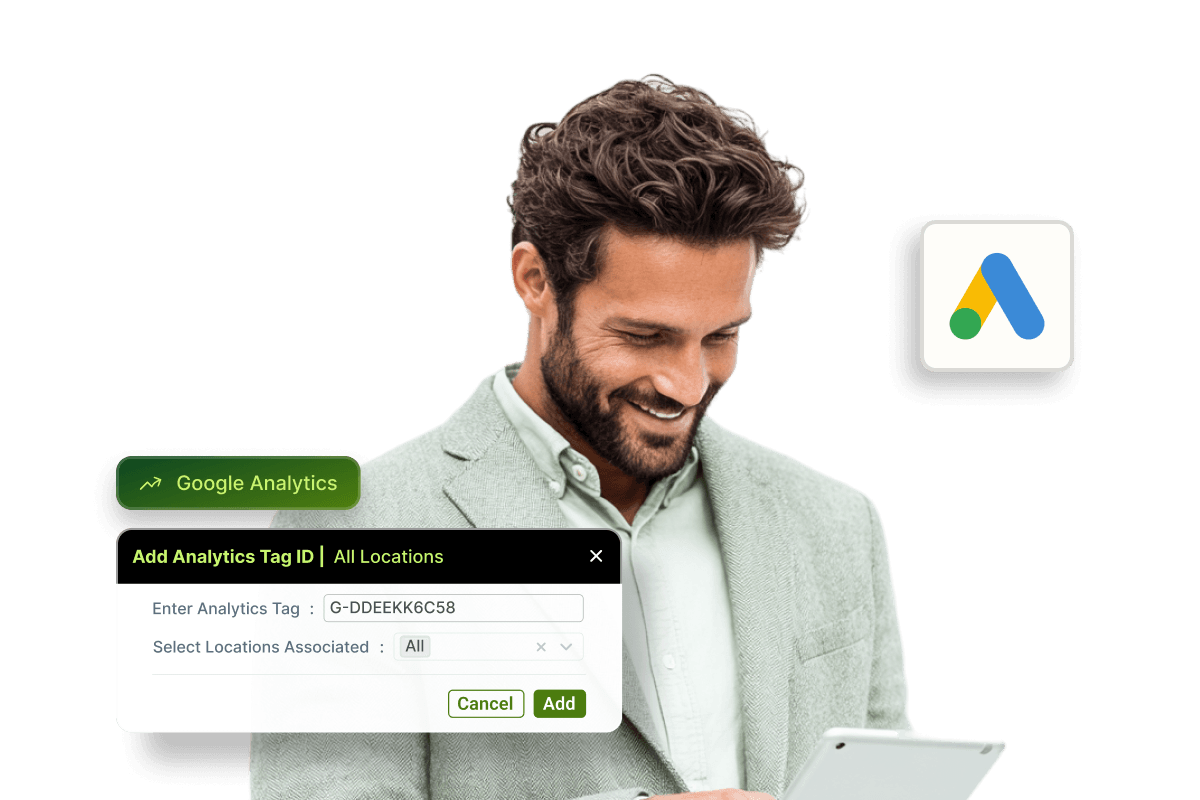
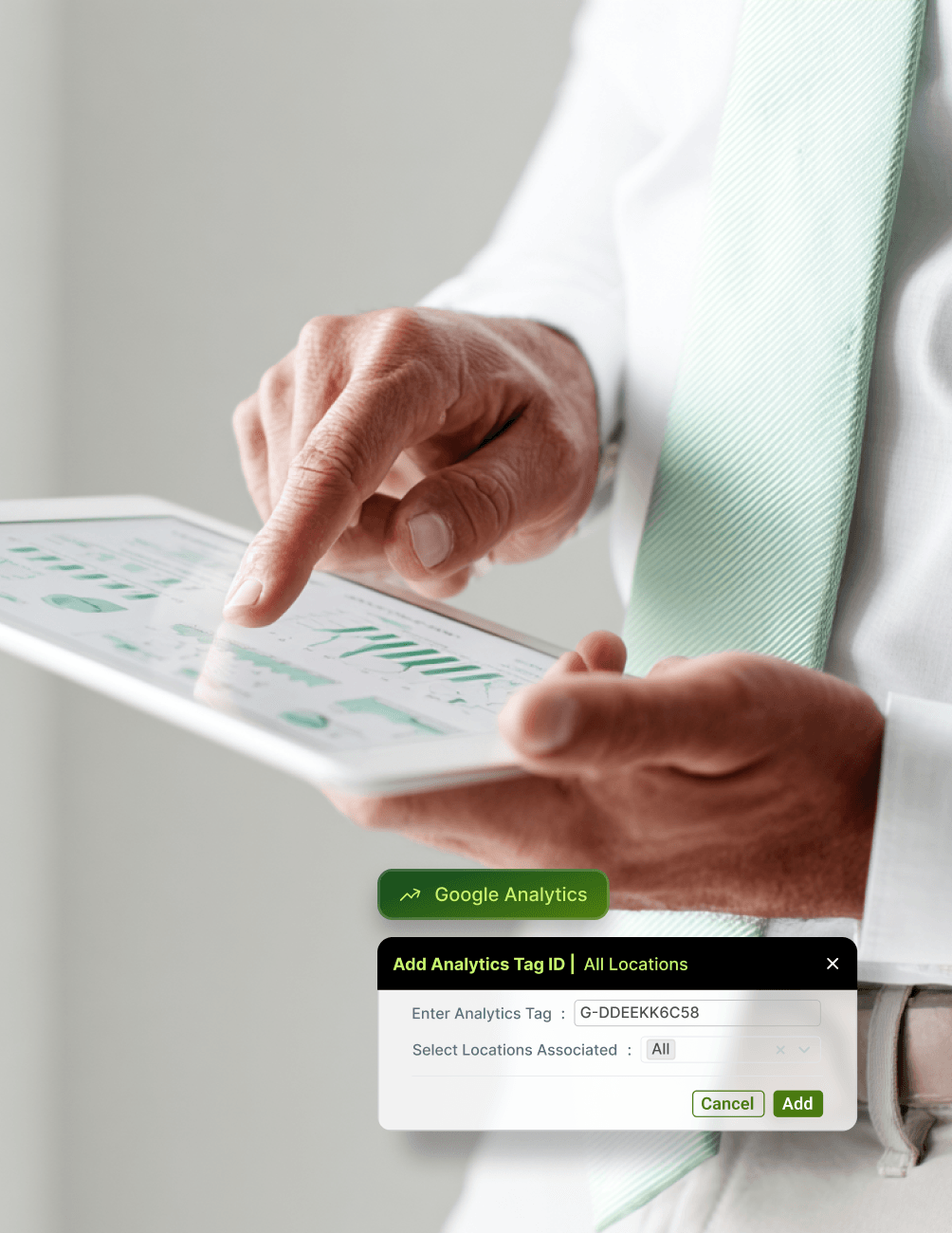
Connect your online appointment portal to Google Analytics in just a few steps using your Measurement ID, and every patient interaction, from viewing appointment reasons to confirming a booking is captured as a trackable event. Pair it with Google Ads, and you can move beyond click data to optimize campaigns based on actual confirmed appointments.
Because CareStack supports both global and location-level configurations, multi-site dental groups can track conversions across the entire network or drill down by individual practice, whichever fits your marketing strategy best.
For the ultimate dental software, choose the solution that’s scalable for growing dental start-ups or large DSOs and still affordable for small mobile providers and single-office dental practices. Choose CareStack!
Key Benefits
Why Practices Love CareStack's Google Analytics Integration
Track exactly how patients find and book appointments online.
Feed booking events directly into Google Ads for smarter campaign optimization.
Get more value per marketing dollar by optimizing on real bookings, not just clicks.
Supports both global and location-level tracking for multi-site practices.
Uses UTM parameters and GCLID for precise traffic source attribution.
Works seamlessly alongside CareStack's existing online scheduling controls.
Main Highlights
Treatment Planning for Modern Dental Practice Networks
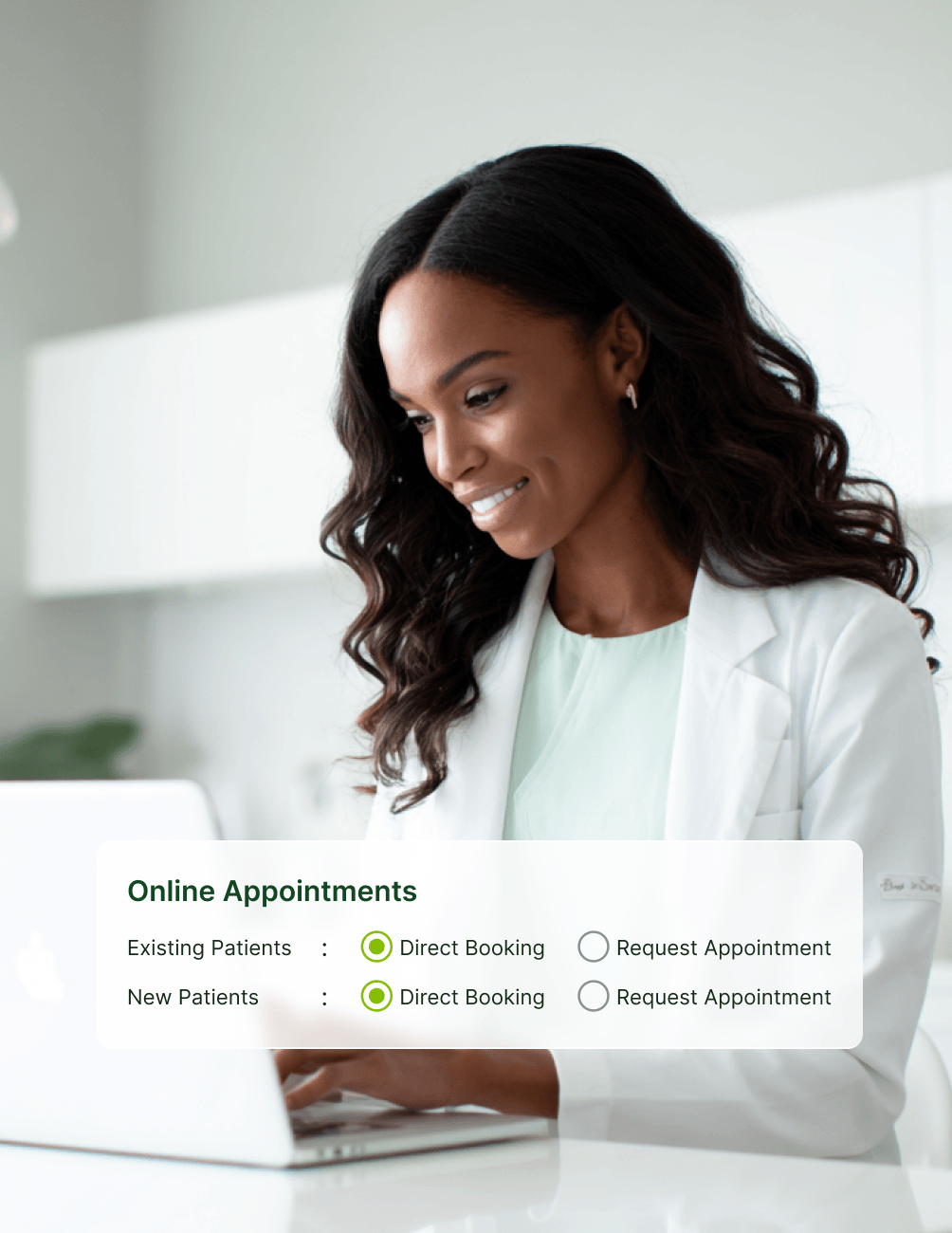
Easy Setup & Configuration
- Single Measurement IDConnect Google Analytics to your online appointment portal using a single Measurement ID (G-XXXXXXXXXX).
- No-Dev SetupConfigure directly from within CareStack, no developer required for basic setup.
- Global TrackingSet up a global configuration to track all locations under one Google Analytics account.
- Per-Location Tags
Use location-level Custom Tag IDs when each practice runs its own Google Ads account.
- Flexible Configuration
Choose the configuration that matches how your marketing team is structured.
Complete Event Tracking
- Full-Funnel TrackingTrack every step of the patient booking journey as a Google Analytics event.
- Page-Level EventsCaptures Home Page, Reasons Page, Locations Page, Slots Page, Patient Details Page, and Payment Page views.
- Request TrackingLogs Appointment Message View and Appointment Message events for request-based bookings.
- Conversion Events
Triggers Direct Booking or Appointment Request events when a booking is completed.
- Key Conversions
Mark booking events as key conversions to feed Google Ads with real outcomes.
UTM & Traffic Source Attribution
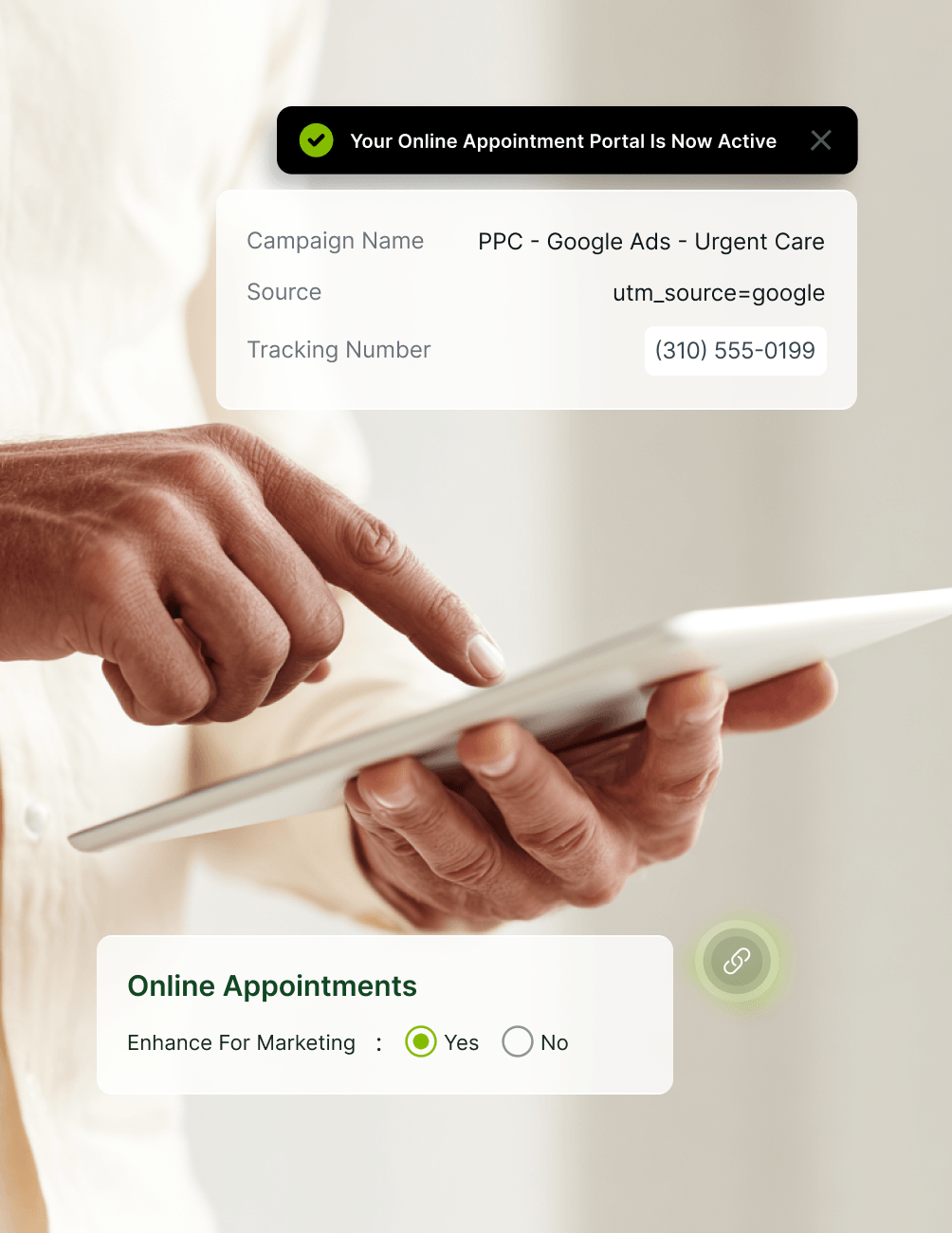
- Auto-CaptureCaptures UTM Source, UTM Medium, UTM Campaign, and GCLID parameters automatically.
- Source VisibilityKnow exactly which campaigns, ads, and traffic sources drive real appointments.
- GCLID AttributionAttribute bookings back to specific Google Ads clicks using GCLID tracking.
- Sample Script
Sample script provided to help pass UTM parameters from your website to the booking portal.
- Developer-Friendly
Work with your website developer to customise tracking for your site's structure.
Google Ads Optimization Loop
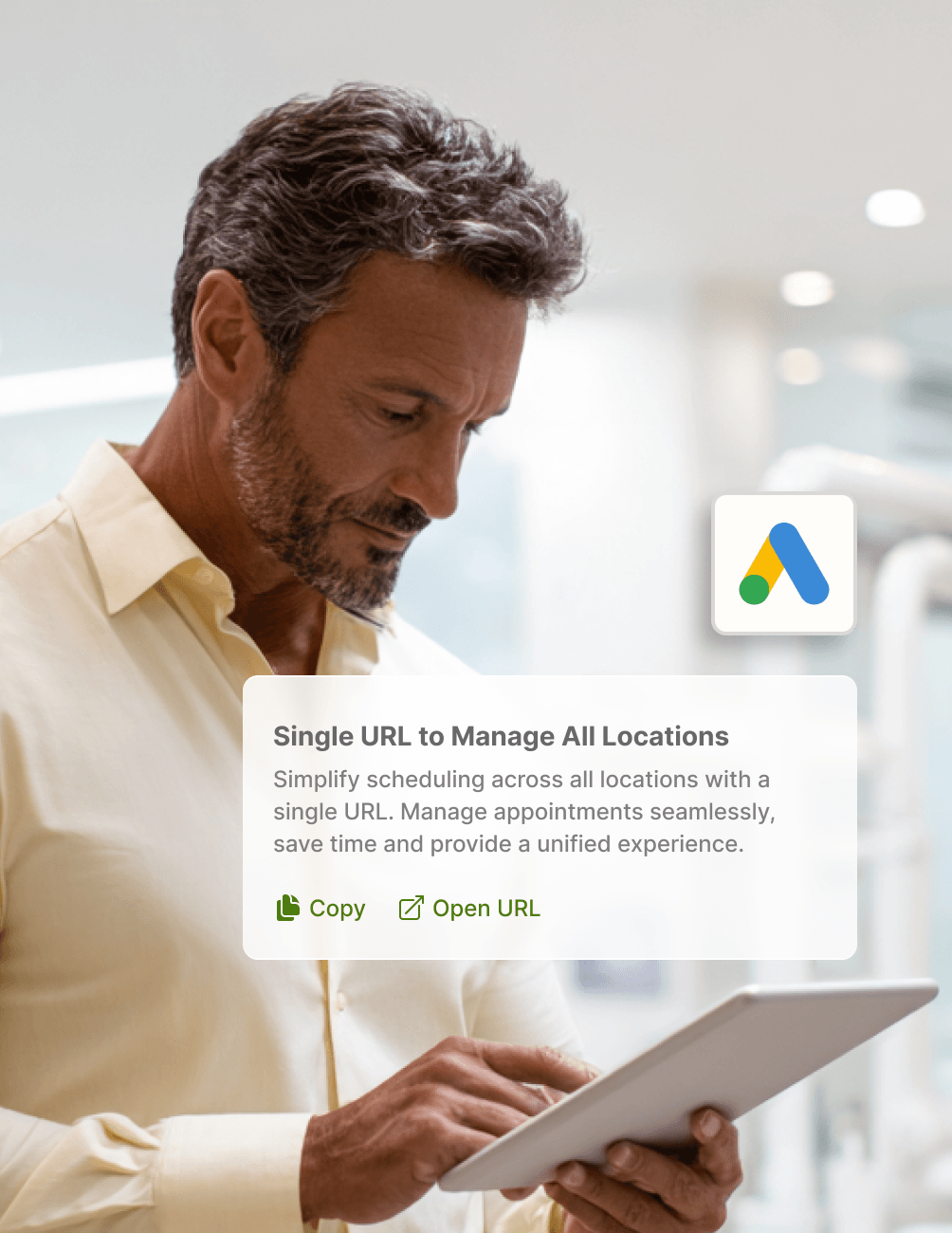
- Direct ImportLink your Google Ads account to Google Analytics to import conversion data directly.
- Real-Outcome Optimization
Optimize campaigns based on actual confirmed bookings, not just clicks or impressions.
- Smarter Budgeting
Allocate ad budget more effectively using real ROI data from booking conversions.
- Improved ROAS
Improve return on ad spend across both new patient acquisition and recall campaigns.
- Closed Loop
Close the loop between marketing spend and patient growth with measurable outcomes.
FAQ
Why CareStack Is the Best Dental Practice Management Software
It's a CareStack feature that connects your online appointment portal to Google Analytics, allowing you to track every patient interaction, from browsing appointment reasons to confirming a booking and feed that data into Google Ads to optimize your marketing campaigns.
Yes. CareStack supports both global configuration (all locations under one Google Analytics account) and location-level Custom Tag IDs (each location tracked separately). Choose based on whether you run a single Google Ads account or separate accounts per location.
CareStack tracks the full booking funnel, including Home Page, Reasons Page, Locations Page, Slots Page, Patient Details Page, Payment Page, Appointment Message View, and Appointment Message events. The funnel ends with Direct Booking or Appointment Request conversion events.
The basic Google Analytics connection can be configured by your team. However, to pass UTM parameters and GCLID accurately from your website to the appointment portal, CareStack recommends working with your website developer to review and customize the provided tracking script for your specific site setup.
Once your booking events are marked as key conversions in Google Analytics, you can link your Google Ads account to import that conversion data. Google Ads can then optimize your campaigns based on real confirmed appointments rather than just clicks, helping you spend smarter and grow patient volume more efficiently.
When global configuration is set up and a location-level Google Tag ID is also configured, events from that specific location will appear under the location-level Google Analytics account, not in the global one. This lets you keep location-specific data separate when needed.
support@carestack.com

Trusted by 3000+ Dental Practices
CareStack’s cloud dental software provides efficient practice management, world-class support, and modern tools and technology.
















Why the Smartest Dentists are Switching to CareStack
CareStack's software is cost-effective and efficient, helping organizations of all sizes streamline operations and reduce costs while also helping to provide outstanding care.
CEO, Plum Dental Group