





Reserve With Google Integration
Online Dental Google Booking Software
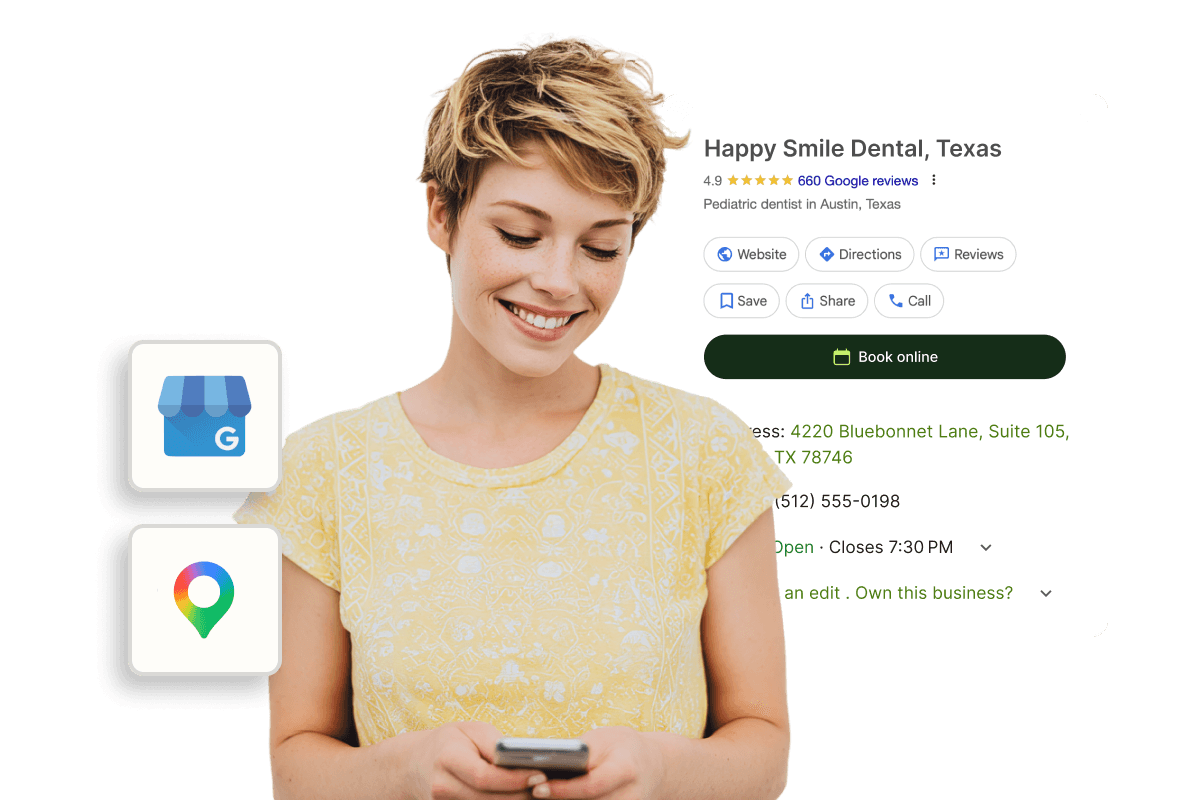
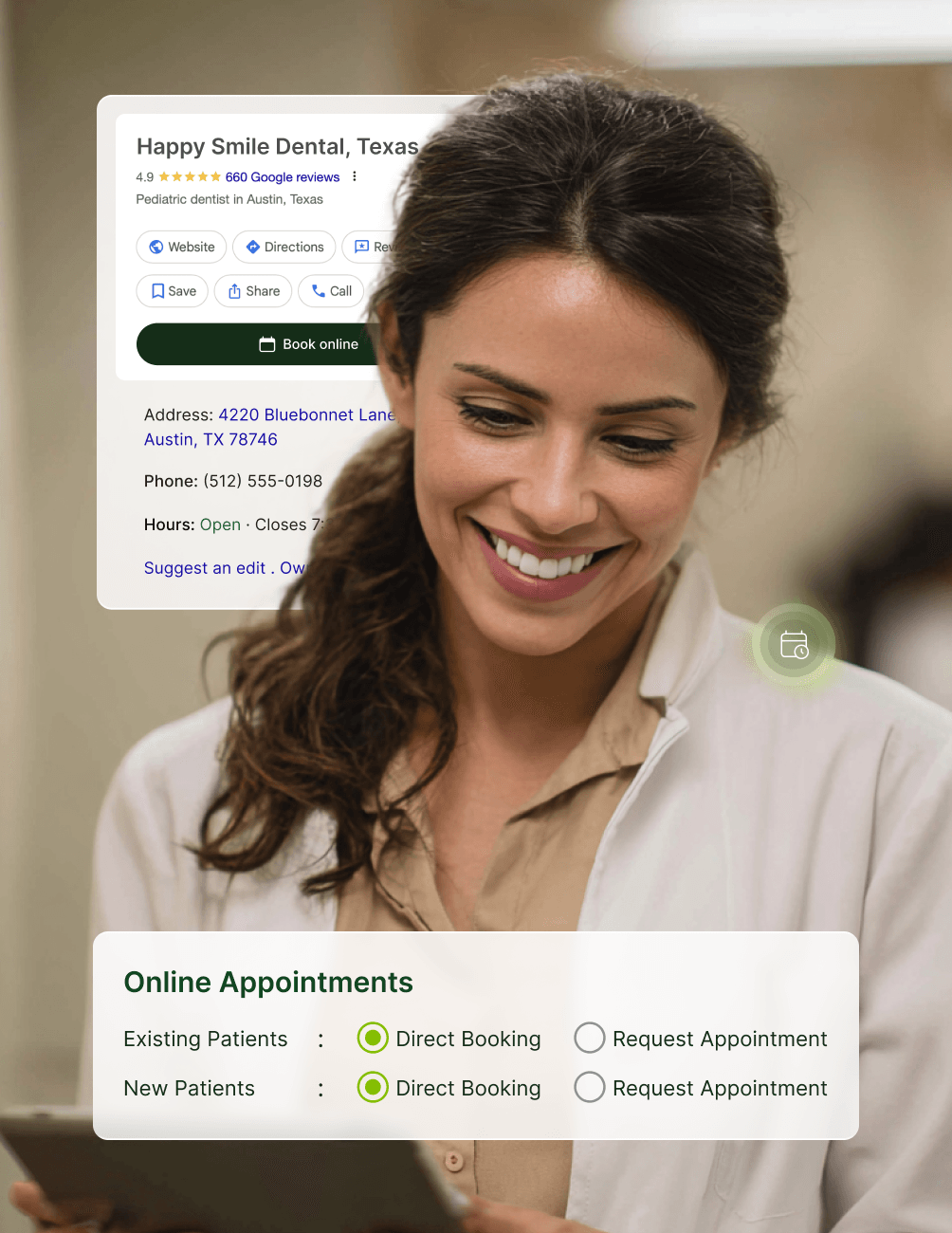
With CareStack's Reserve with Google Integration, you can convert Google searches directly into confirmed appointments. Patients searching for terms like "dentists near me" on Google Search or Google Maps can land on your Google Business Profile and book an appointment instantly, without ever needing to navigate to your website or hunt for a booking portal link.
This integration fast-tracks the patient's journey from discovery to confirmed appointment, directing high-intent traffic from Google straight into your online appointment portal. For practices, it means more bookings with zero added effort. For patients, it's the fastest, most intuitive way to secure a visit with your practice.
Built on Google's official Appointments Redirect framework and fully managed by CareStack, all booking activity happens within CareStack and no patient data is shared with Google. Google bookings flow into CareStack based on your configured workflow, going straight to the schedule with Direct Booking or queued for confirmation with Request for Appointment, using the same scheduling controls you already rely on.
For the ultimate dental software, choose the solution that’s scalable for growing dental start-ups or large DSOs and still affordable for small mobile providers and single-office dental practices. Choose CareStack!
Key Benefits
Why Practices Love CareStack's Reserve With Google Integration
Captures high-intent patients searching keywords like "dentists near me" on Google.
Patients book directly from your Google Business Profile, no extra clicks required.
Bookings flow into your calendar, either directly or as requests, based on your settings
Reduces drop-off between search and scheduled appointment.
Makes it easier for patients to reach your portal, indirectly boosting bookings.
Keeps patient data private, no information is shared with Google.
Works seamlessly alongside CareStack's existing online scheduling controls.
Main Highlights
Google Reserve Integration for Modern Dental Practice Networks

Google-Powered Patient Discovery
- High-Intent CaptureCaptures high-intent patients searching keywords like "dentists near me" on Google Search and Google Maps.
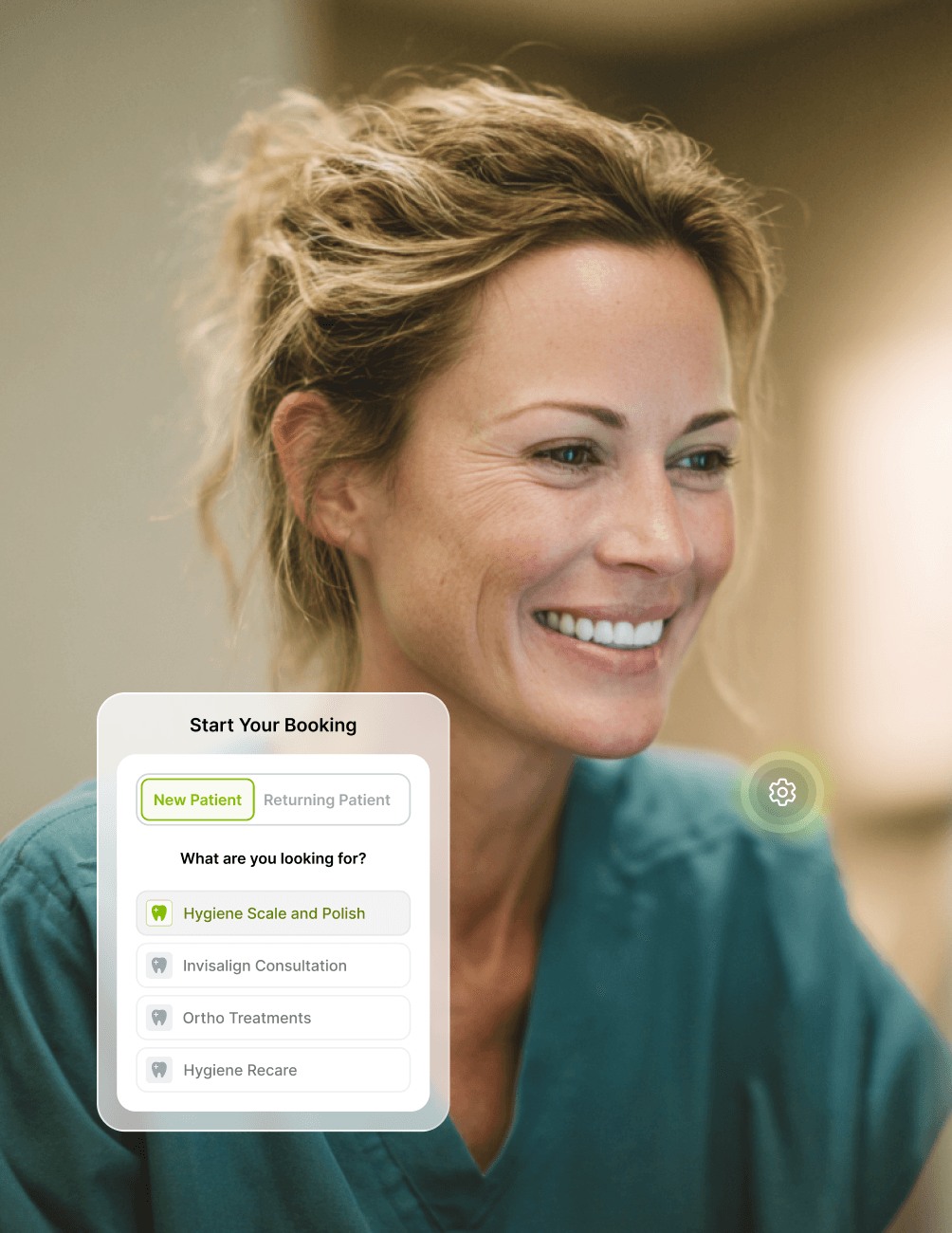
- Direct BookingPatients book directly from your Google Business Profile without visiting your website first.
- Native Google ActionA "Book Online" action appears on your Google Maps and Search listings, ready for patients to tap.
- Frictionless Journey
Fast-tracks the journey from discovery to confirmed appointment with zero added effort.
- Lower Drop-Off
Reduces drop-off between search and scheduled appointment.
Scheduling Permissions & Controls
- Patient-Type RulesHonors the same new patient vs. existing patient settings configured in CareStack.
- Production ControlsGoogle-sourced bookings respect production type rules assigned to your time slots.
- Form ConfigurationForm configuration settings apply to Google bookings and control what info patients must provide.
- Unified Workflow
Works seamlessly alongside CareStack's existing online scheduling filters and controls.
Booking & Request Flexibility
- Direct to DiaryWith Direct Booking enabled, appointments booked via Google appear directly in your practice diary, no manual action needed.
- Staff ConfirmationOptionally require staff confirmation by enabling appointment requests instead of direct bookings.
- Patient EligibilityChoose to allow Google bookings for new patients, existing patients, or both.
- Consistent Workflow
Every appointment flows into CareStack with the same fields and rules as portal bookings.
- Data Privacy
All booking activity stays within CareStack, no patient data is shared with Google.
Notifications & Multi-Location Support
- Team AlertsMenu bar alerts notify your team of new patient appointments for document prep and outreach.
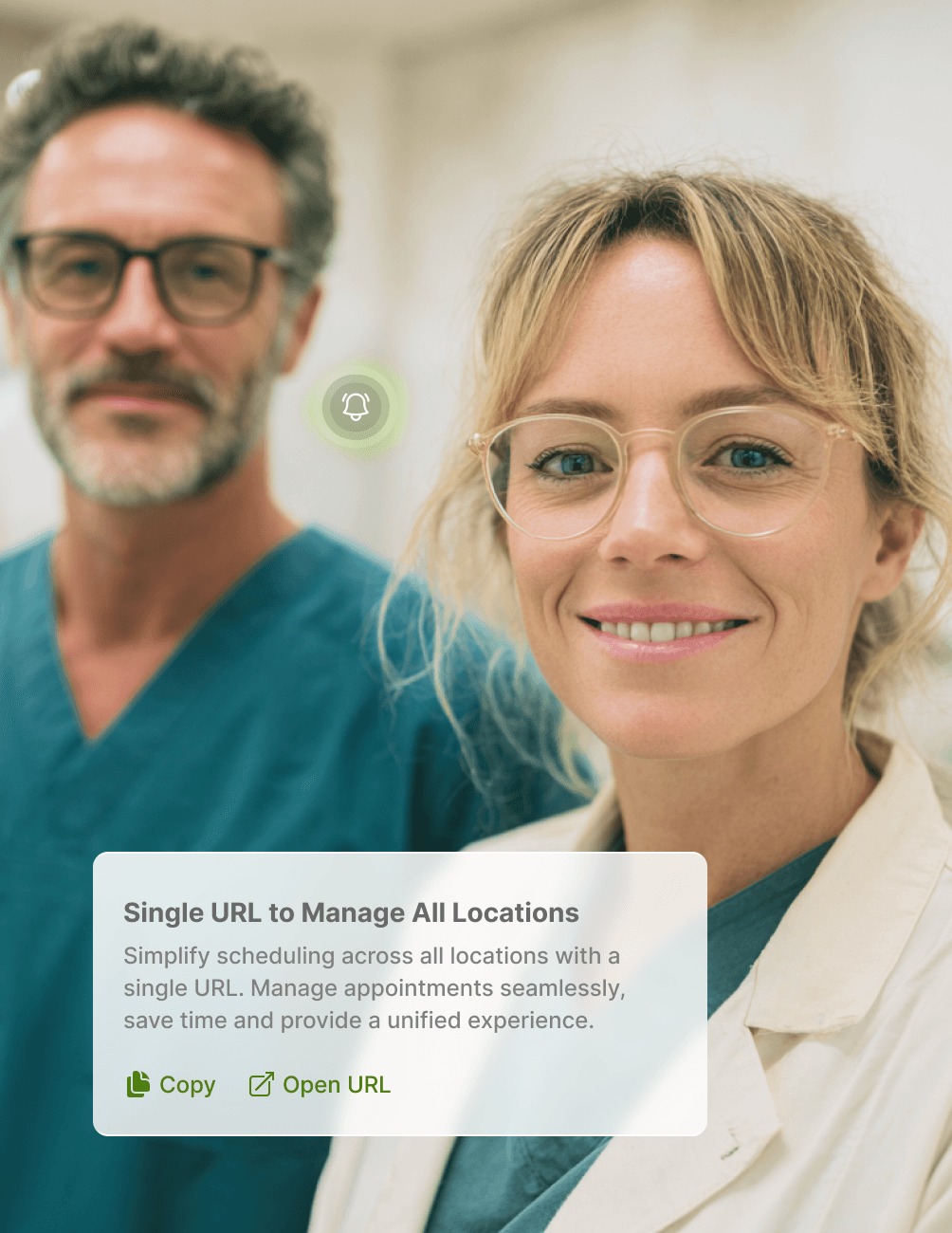
- Per-Location SetupEach practice location can connect to its own Google Business Profile.
- Smart RoutingMulti-location dental networks route each Google listing to the correct location's Schedule, using location-level booking URLs.
- Right Site, Every Time
Patients always book at the right site, even across large practice networks.
FAQ
Why CareStack Is the Best Dental Practice Management Software
It's a CareStack feature built on Google's official Appointments Redirect framework that connects your Google Business Profile to your online appointment portal, allowing patients to book directly from Google Search or Google Maps without visiting your website first.
A patient searches for something like "dentists near me," finds your Google Business Profile, and taps the "Book Appointment" button. They're taken straight to your CareStack appointment portal to complete the booking and appointments are then reflected in your practice schedule.
Yes. All appointments booked through the Google integration respect the same patient type, production type, and form configuration settings you've already set up in CareStack's online scheduling
CareStack indicates online-booked appointments on the Schedule, so your team can easily identify and follow up on appointments that originated from your Google Business Profile.
Yes. Reserve with Google works with CareStack's existing booking and request settings, so you can decide whether Google-sourced appointments are auto-confirmed or require staff approval.
Yes. Each location should have its own Google Business Profile, which CareStack will connect to the correct Schedule so patients book at the right site.
No. All booking activity happens within CareStack, and no patient data is shared with Google. The integration simply redirects patients from Google to your CareStack booking page.
The booking link typically goes live around 2 weeks after submitting the required business and booking details, depending on Google's validation process and the accuracy of your Google Business Profile.
You'll need a verified Google Business Profile with your business name, full address, and primary phone number matching exactly, along with your Google Maps/GBP URL and your CareStack online appointment booking URL. Once these details are shared with CareStack support, the enablement process begins.
support@carestack.com

Trusted by 3000+ Dental Practices
CareStack’s cloud dental software provides efficient practice management, world-class support, and modern tools and technology.
















Why the Smartest Dentists are Switching to CareStack
CareStack's software is cost-effective and efficient, helping organizations of all sizes streamline operations and reduce costs while also helping to provide outstanding care.
CEO, Plum Dental Group